AI Automation Tools: How to Choose in 2026

AI Automation Tools:
What to Pick for Each Business Job
AI automation tools are software that combines workflows with machine intelligence: instead of just moving data between apps, they interpret requests, draft replies, extract data from documents, and decide what happens next. Here is how the market breaks down by job — and how to choose without buying shelfware.
Four categories that cover most needs
Match the tool category to the job, not the other way round.
Workflow platforms
Connect your site, CRM, payments, and email into multi-step flows with AI decision points. This is the backbone category: our business automation toolkit ships ready-made flows for orders, invoicing, and notifications.
Conversational assistants
Chat assistants that answer customers, qualify leads, and hand complex cases to a human. Gartner projects 80% of routine service questions resolved without an agent by 2029 — see our chatbot solutions for business.
Document intelligence
Extracting totals, names, and line items from invoices, contracts, and forms. A parser like DocParser AI turns inbox PDFs into structured rows your systems can use — no re-typing.
Sales and lead engines
Scoring, enrichment, and first-touch follow-ups. Tools like our B2B lead generator keep the pipeline moving while your team talks to the leads that are already warm.
How to choose without buying shelfware
Five questions that separate a working stack from an expensive experiment.
1. Does it reach your systems?
A tool that cannot read your store, CRM, or calendar automates nothing. Check native connectors first; custom APIs are solvable but should be priced in from day one.
2. Who maintains it?
Flows break when apps update. Decide upfront whether your team owns the fixes or a partner does — unowned automation quietly stops running and nobody notices until a customer does.
3. Where do exceptions go?
Good stacks route edge cases to a human with full context. If the vendor cannot show you the exception path, assume silent failures.
4. What does payback look like?
Zapier's automation report counts 4–25 saved hours per employee per week depending on the role. Baseline your hours before buying, and re-measure after a month — the maths should be boring and obvious.
5. Does pricing scale with volume?
Per-task pricing that looks cheap at 100 runs a month can sting at 10,000. Model a busy quarter, not the demo.
Shortcut: start from the process
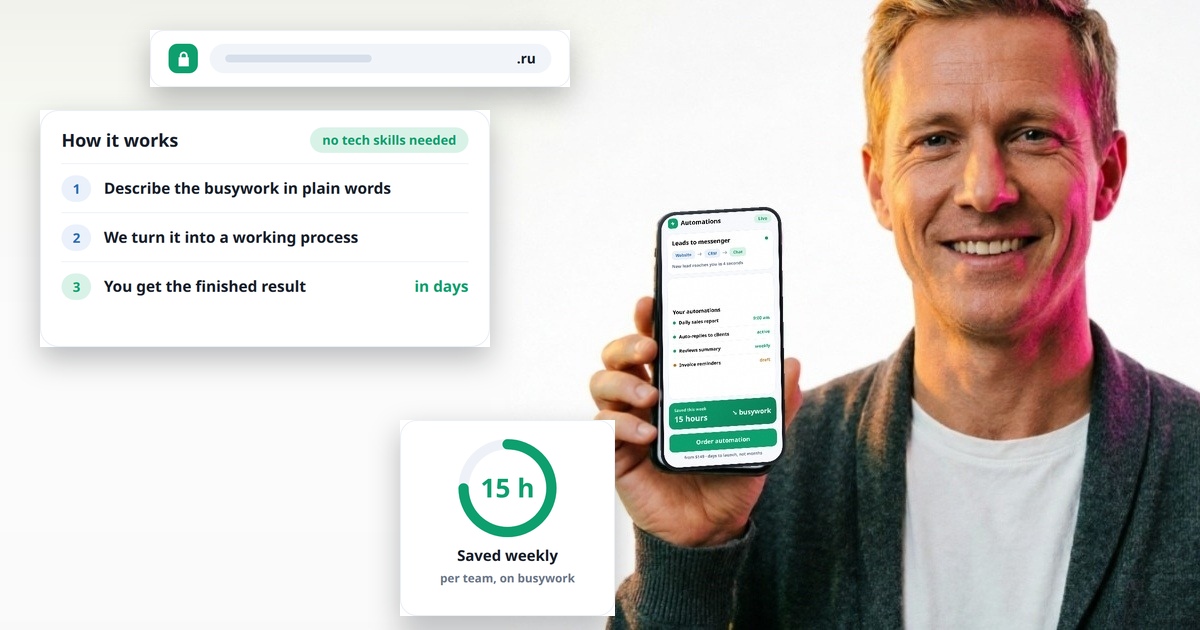
If you know the hours you want back but not the tooling, start with a process audit instead — our AI automation services map the flow, pick the stack, and build it for you.
When a tool is enough — and when it is not
The honest boundary between self-serve and custom work.
A single off-the-shelf tool is enough when the process lives inside one or two apps and follows clear rules: form submitted, row added, email sent. Buy the tool, connect it in an afternoon, done.
You need integration work when the flow crosses several systems, touches money, or requires judgment: refunds that depend on order history, quotes assembled from a price list, documents that arrive in ten formats. That is where pre-built connectors run out and where most of the payback hides — Nucleus Research puts the return on well-integrated CRM automation at $8.71 per dollar spent. Our team has shipped 1430+ projects since 2009, automation included, so the build phase is measured in weeks, not quarters.
Not sure which stack fits your case?
Describe the process you want off your plate — we will recommend a stack, show the payback math, and quote the build. Starter workflows from $500, no lock-in.
Related Articles




Related services





AI automation tools, answered
Honest answers about how we work, what it costs, and what you can expect

Comments (0)
No comments yet. Be the first!