Case / Company blog

An article after which the reader heads to a service instead of closing the tab

A blog usually lives apart from sales: a person finishes a useful article and leaves. There are no links to services, the questions stay unanswered, and an inquiry is three menu clicks away.

Here the article keeps the conversation going: under the text sit products and services on its topic and, where there is material, related articles, case studies and answers to common questions. The site builds the table of contents, the reading time and the search engine markup on its own.

Up to 4 blocksunder an article lead further: products and services under every one, related articles and case studies when the topic has them
8 checksfilter out comment bots without a captcha — a real reader never notices them
1 dateset in the future — and the article goes live on its own at that time
Who it is for

For companies that write articles to sell

Studios, stores, service businesses — anyone whose blog has to bring clients, not just collect views.

Owner

The article leads to a service: the reader sees it can be ordered and what it costs without leaving the page.

Marketer

Categories, tags, blog search, a feed for subscribers and the sitemap — both readers and search engines find the articles.

Author

Writes the text — the table of contents, the reading time, the markup and the links to services appear on their own. Publishing can be scheduled.

Article

The reader sees at once what the text is about and how long it takes

Above the text: the path to the article, the publish and update dates, the reading time and the category. The site builds the table of contents from the article subheadings on its own: click an item and the page scrolls to that section.
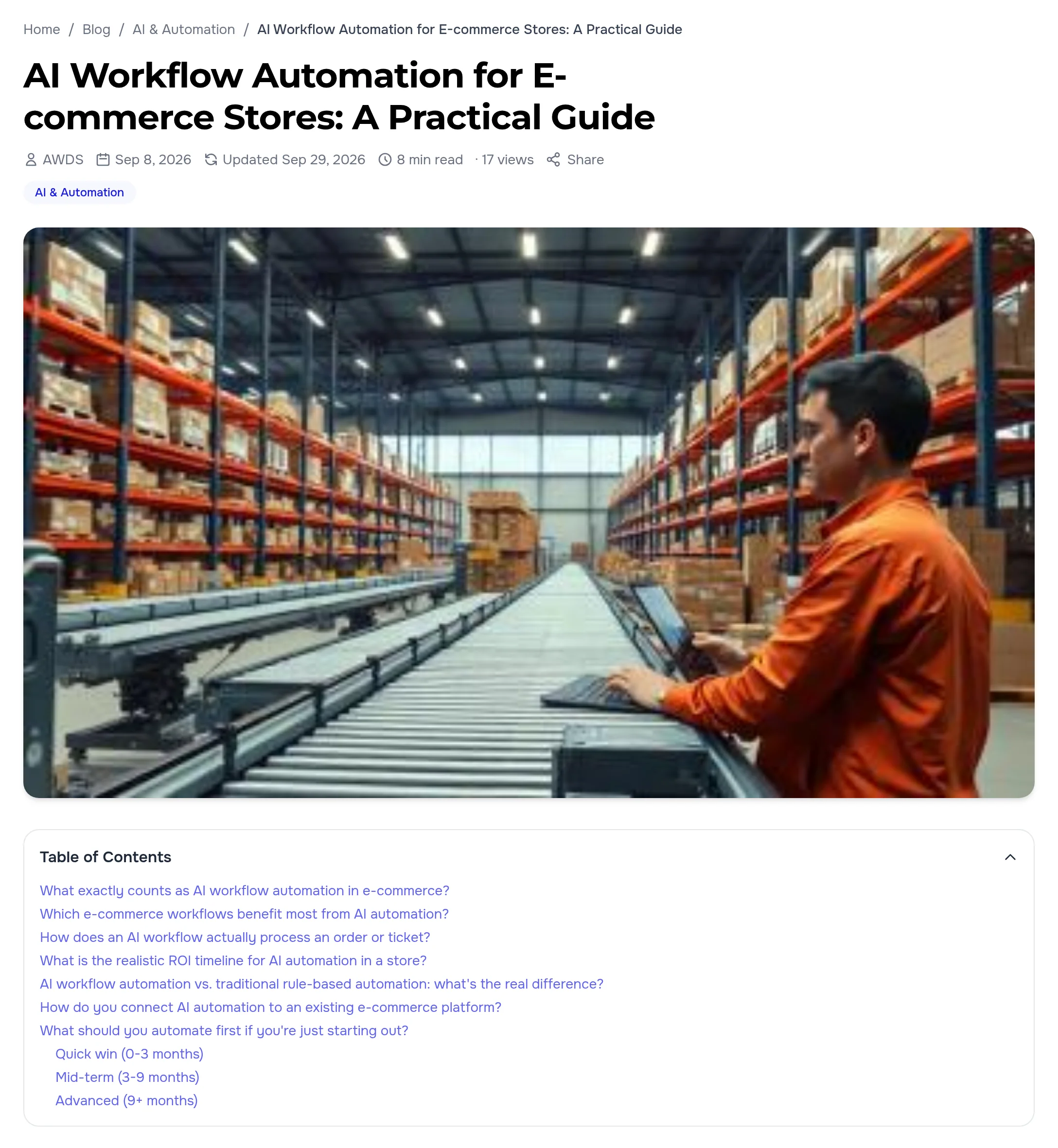
Top of an article: path, title, publish and update dates, reading time, cover and a table of contents from the subheadings
From article to order

Under the text — what can be ordered on the article topic

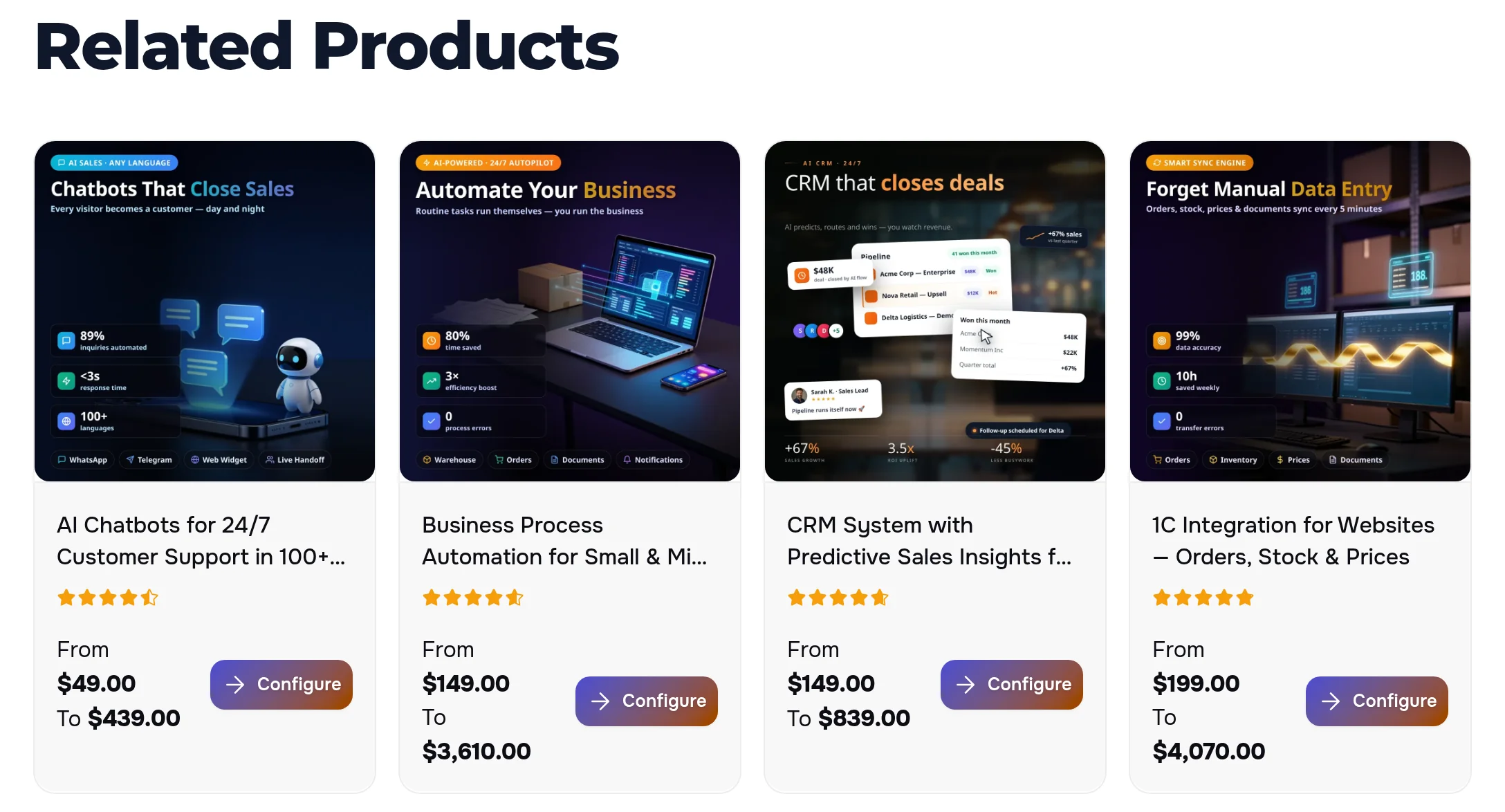
Service cards with a “from — to” price and a Configure button sit right under the article. A reader the text has convinced moves to an order in one click instead of hunting for the service in the menu.

The Related Products block under an article: four services on the topic with prices and a Configure button
Services and cases

Next — service pages, related articles and real projects

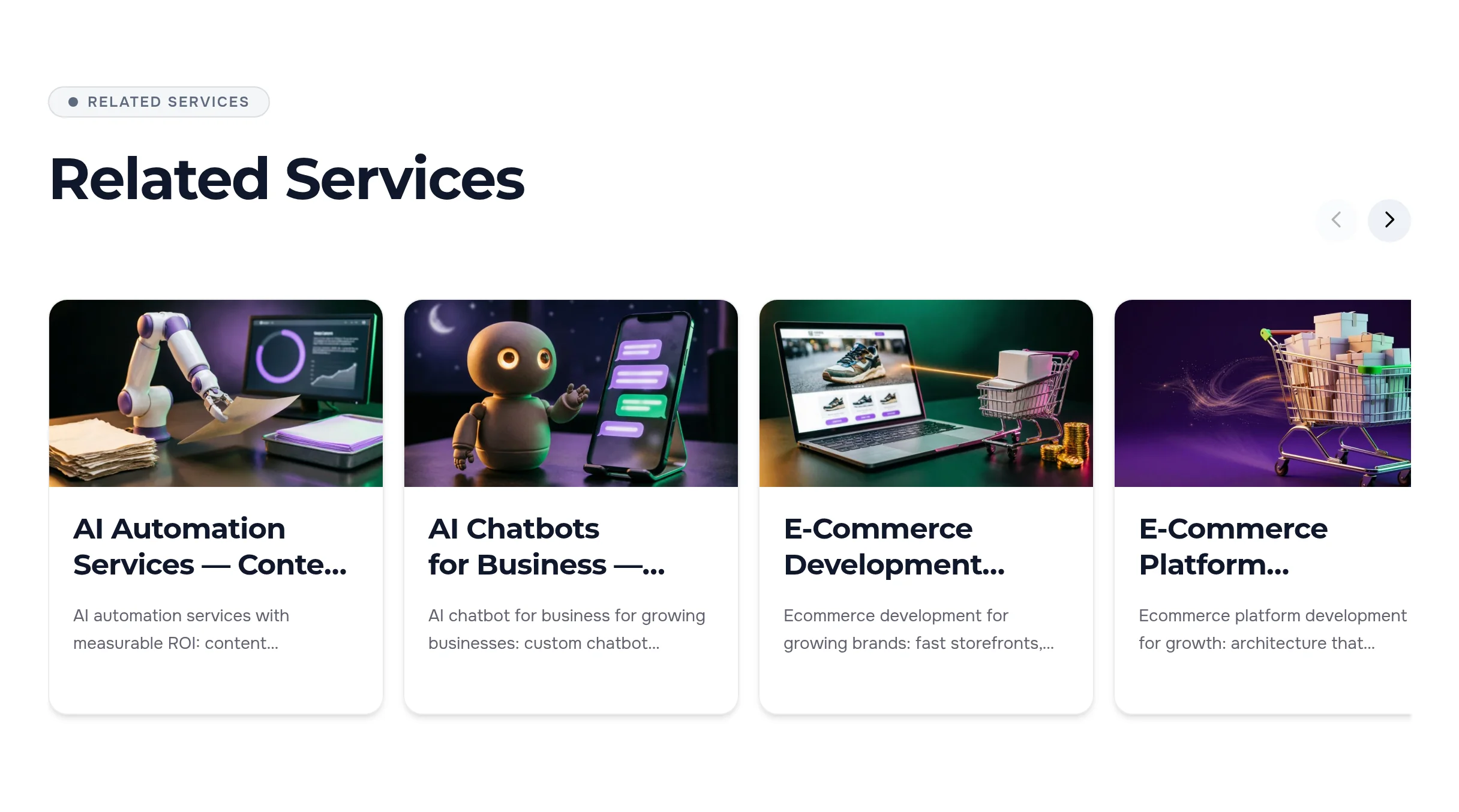
Further down come service pages on the same topic, other articles about it and case studies. The site picks them by the article topic on its own and refreshes the list as new material appears. Edit the list by hand and it stays yours; nothing on the topic — the block is not filled just for volume.

The Related Services block under an article: service pages on the article topic
Questions and answers

Answers to the questions a reader would ask a manager

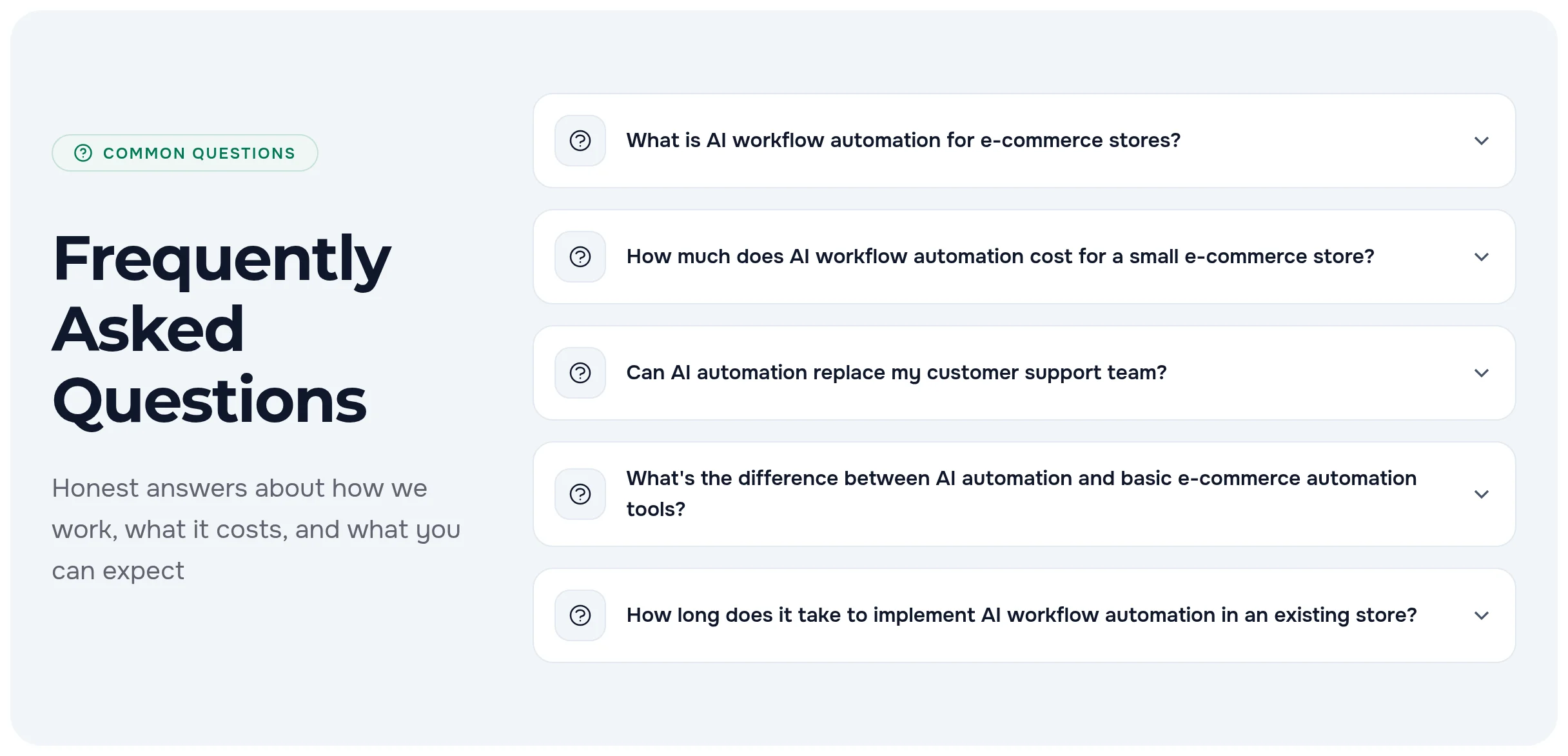
An article can have its own questions and answers block: an answer opens on click without stretching the page. The questions are marked up for search engines together with the article and the path to it — the page is clear both to a person and to search.

The article Frequently Asked Questions block: five questions on the topic, an answer opens on click
Blog feed

Articles are easy to find: categories, tags, search

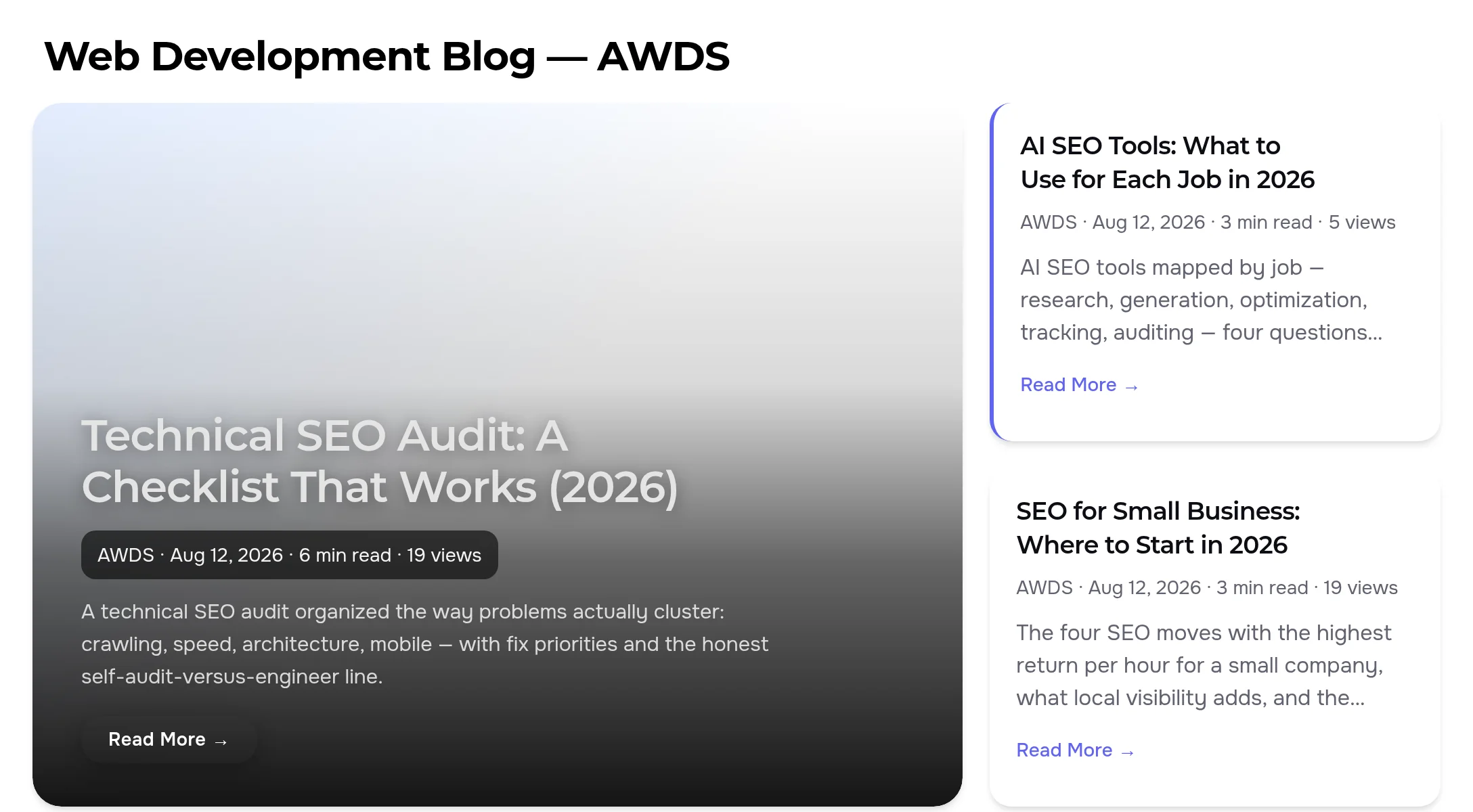
Each category and tag has its own page, and the blog has its own article search. The latest articles appear on the site home page by themselves, and new ones go into the subscriber feed and the sitemap.

A blog category page: the lead article as a large card, next to it recent articles with date, reading time and a short summary
Comments

Comments from people, not bots

Every comment goes through eight checks without a captcha — among them a hidden field, a too-fast submission, disposable and non-existent email addresses, one comment per address per article and an hourly limit. By default it reaches the site only after approval in the admin panel.

The comment form under an article: name, email and text
Dark theme

Just as neat in the dark theme

The article, the table of contents and every block under it take the site theme colors — in the dark theme the text reads as clearly as in the light one.

Top of an article in the dark site theme: title, cover and table of contents
On a phone

On a phone the article reads without zooming

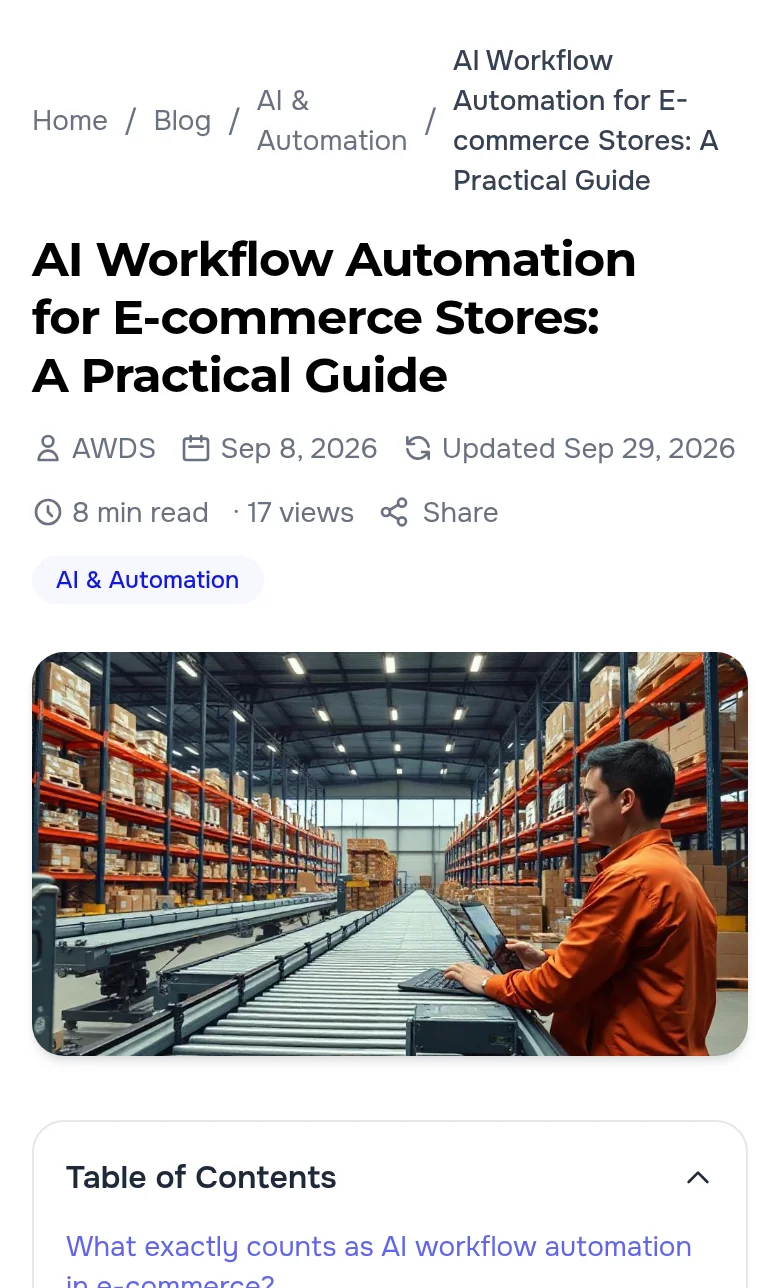
On a narrow screen the path, the dates and the reading time wrap onto lines, the cover and the table of contents take the full width, and the page never scrolls sideways.

  • Table of contents — open from the start and collapses with one tap if it gets in the way
  • Products and services — products in two columns, related services swipe sideways
  • Comment — a one-column form with full-width fields
An article on a phone: path, title, dates, reading time and cover
Publishing and search

Scheduled publishing and a page search engines understand

  • Scheduled release — set a future date and time — the article appears on the site by itself, nobody sees it earlier
  • Take it down — an article can be moved back to draft — it will not come back on its old date by itself
  • Search engine markup — the article with its author, dates and cover, the path to it and the questions are marked up with no manual work
  • Feed and sitemap — new articles go into the subscriber feed and the sitemap
  • Each storefront in its own language — the English and the Russian version of the site have their own articles, categories and tags
Checked on the live site

We went through the blog as a reader and as a bot

  • In the English and the Russian version, in the light and the dark theme, we opened the feed and an article: the table of contents, the reading time, products, services, case studies and questions are all in place.
  • We sent a comment one second after opening the form — the site asked us not to rush. We filled the hidden field the way a bot does — the site said “thank you” but saved nothing.
  • The subscriber feed, the sitemap and the markup of the article, the path and the questions are in place; the latest articles sit on the home page of both site versions.

A blog that works for sales

We will launch a blog on your site: articles with a table of contents and answered questions, links to services and case studies, categories, tags and scheduled publishing. Need the articles themselves? See our content strategy service.

Another case: how the site links services, articles and case studies by itself →

Sign in to your account

Quick sign-in

No new password needed. We only receive your name and email.

No account yet? Create an Account

Get Started

Free consultation · Response in 2 hours