Visitors never get lost — they always see where they are and how to get back
Most visitors do not arrive on the home page: they land straight on a product or service page from a search result or an ad. If the page does not show which section it belongs to, and the menu disappears as they scroll, they miss the neighbouring offers and close the tab.
Here navigation works on every page by itself: a path through the sections, a header that shows up when it is needed, and a button back to the top.
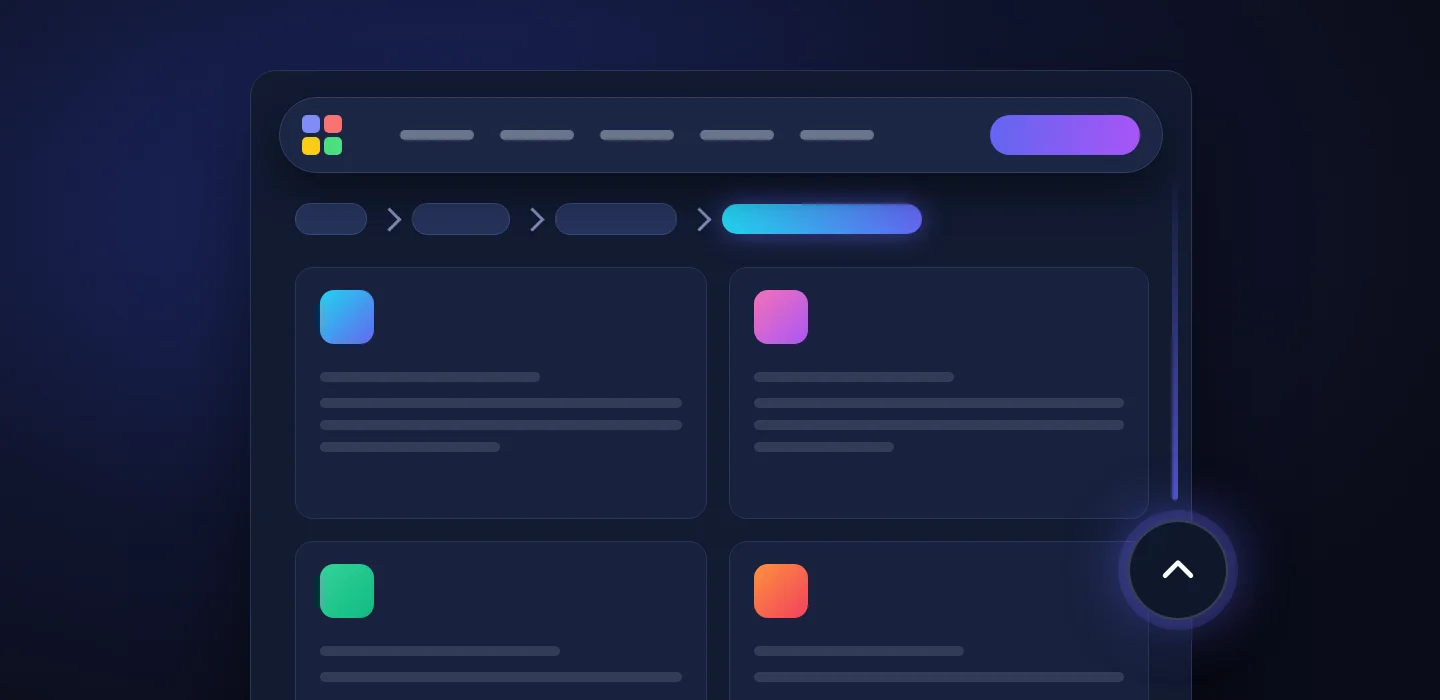
For sites whose catalogue has more than one section
Online stores and companies with a service catalogue — wherever a visitor lands on a deep page and needs to see that there is more nearby.
Business owner
Someone who came for one product sees its section and moves on to neighbouring offers instead of leaving.
Marketing and SEO
Every product page carries its section path both in the visible line and in the search-engine markup — the same one.
Visitors on a phone
No long scrolling back on a long page: the header returns as soon as you move up, and the top is one tap away.
A product page shows where it belongs
Above every product sits the path: Home / Shop / section / subsection. Usually a site only knows the section when the visitor came from the catalogue; here the path is built from the product’s own categories, so it is there for someone who opened the page from a search result too. Every step links to its section.

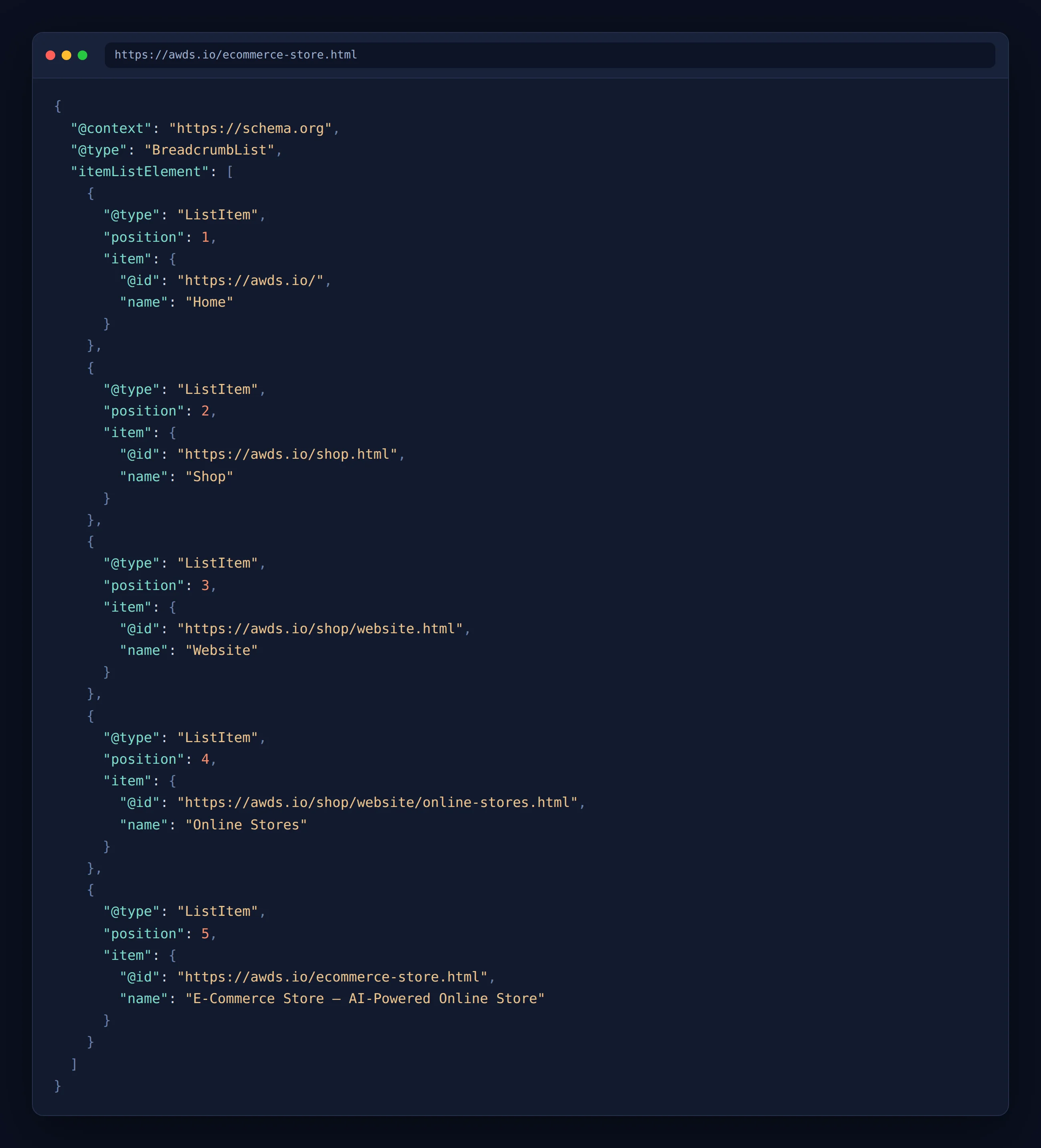
The same path — in the page markup
Together with the visible line the page provides section-list markup, which search engines use to understand how the site is organised and may show as a path in search results. The line and the markup are built from one list, so they never disagree.
- The same on every product. the markup holds the same names in the same order as the line above the product — checked on all 136 products of both site versions
- In the language of its version. an English product names English sections and links to English addresses, a Russian one to Russian addresses
- No manual work. a new product gets its path straight away — from the categories it was placed in
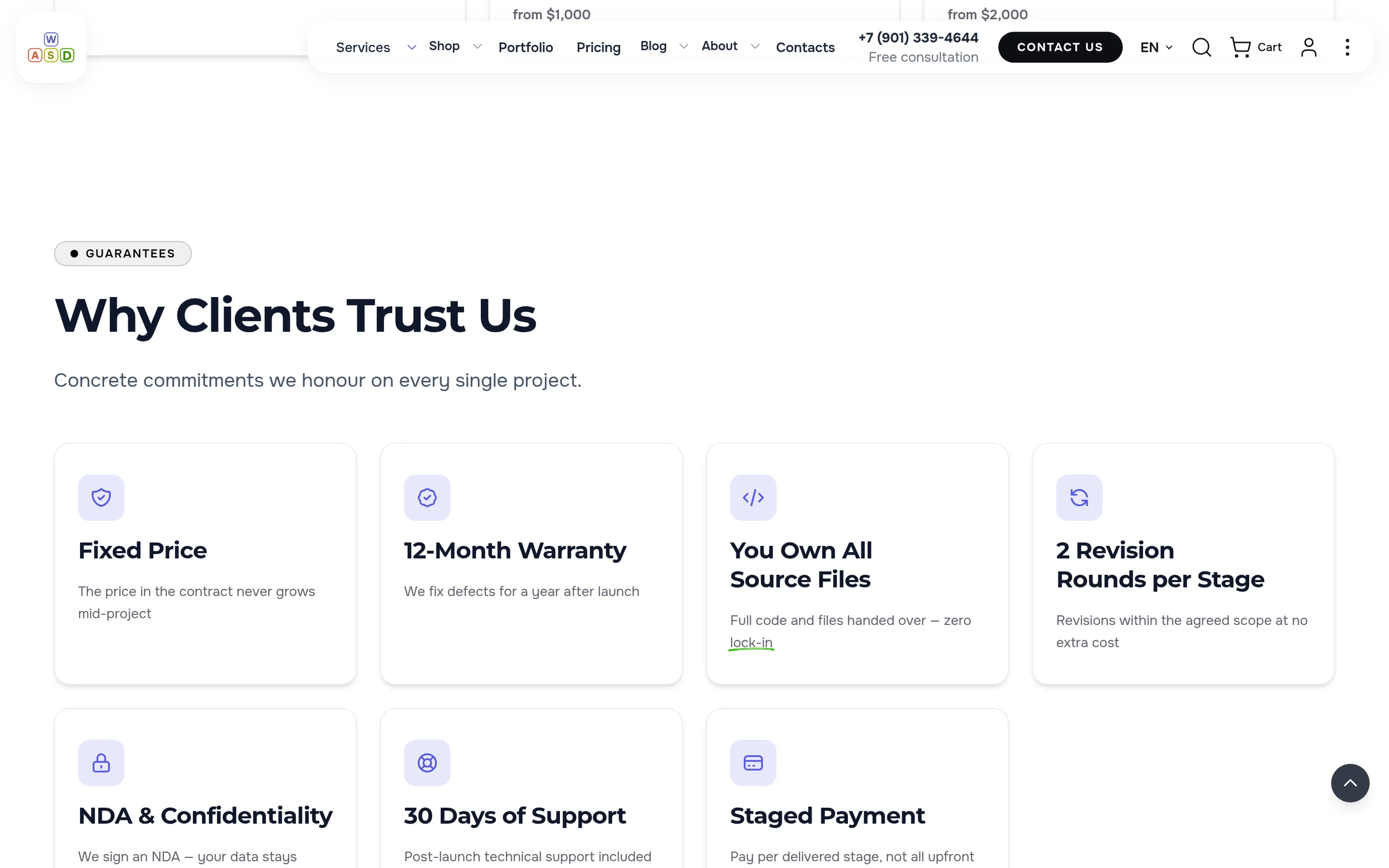
The menu at hand — without getting in the way of reading
When a visitor scrolls down, the header slides away and leaves the screen to the content. Move the page up a little and it comes back: menu, search, cart and the contact button are right there again.
To the top of a long page — in one tap
The button appears once the visitor has scrolled and smoothly brings them back to the top. On a product page it sits above the purchase bar, on a phone above the bottom menu, covering nothing.
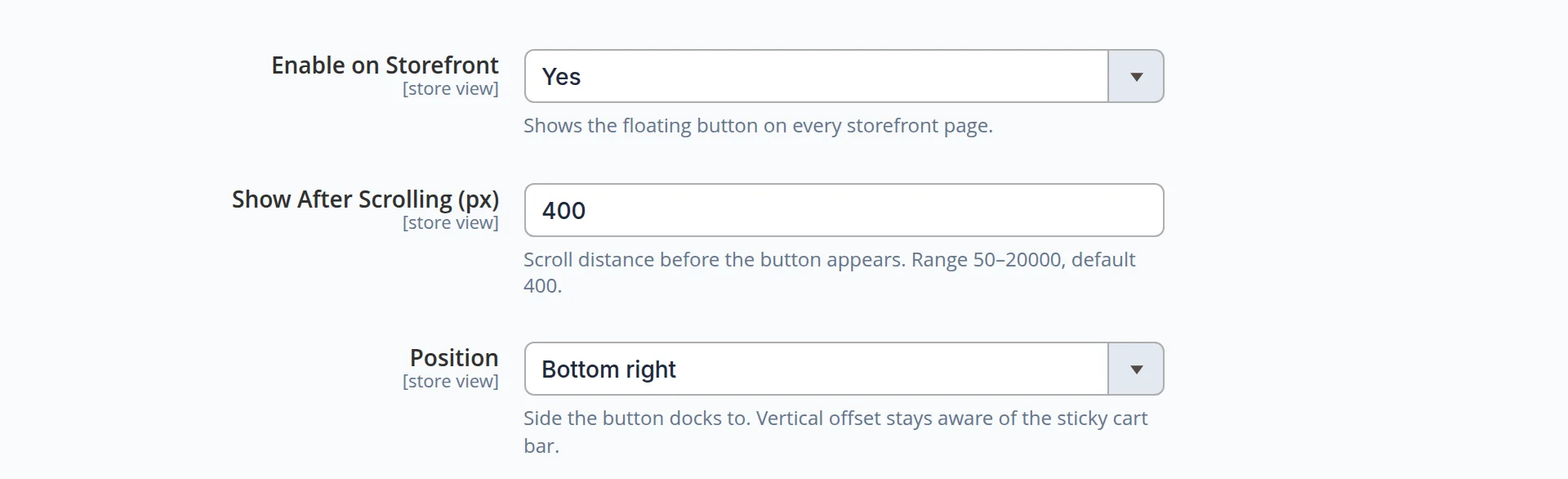
- When to appear. after 400 px of scrolling by default; the threshold is set in the admin
- Where to sit. bottom right or bottom left — your choice
- Per site version. the settings can differ between the English and the Russian storefront
Navigation lives inside your site design
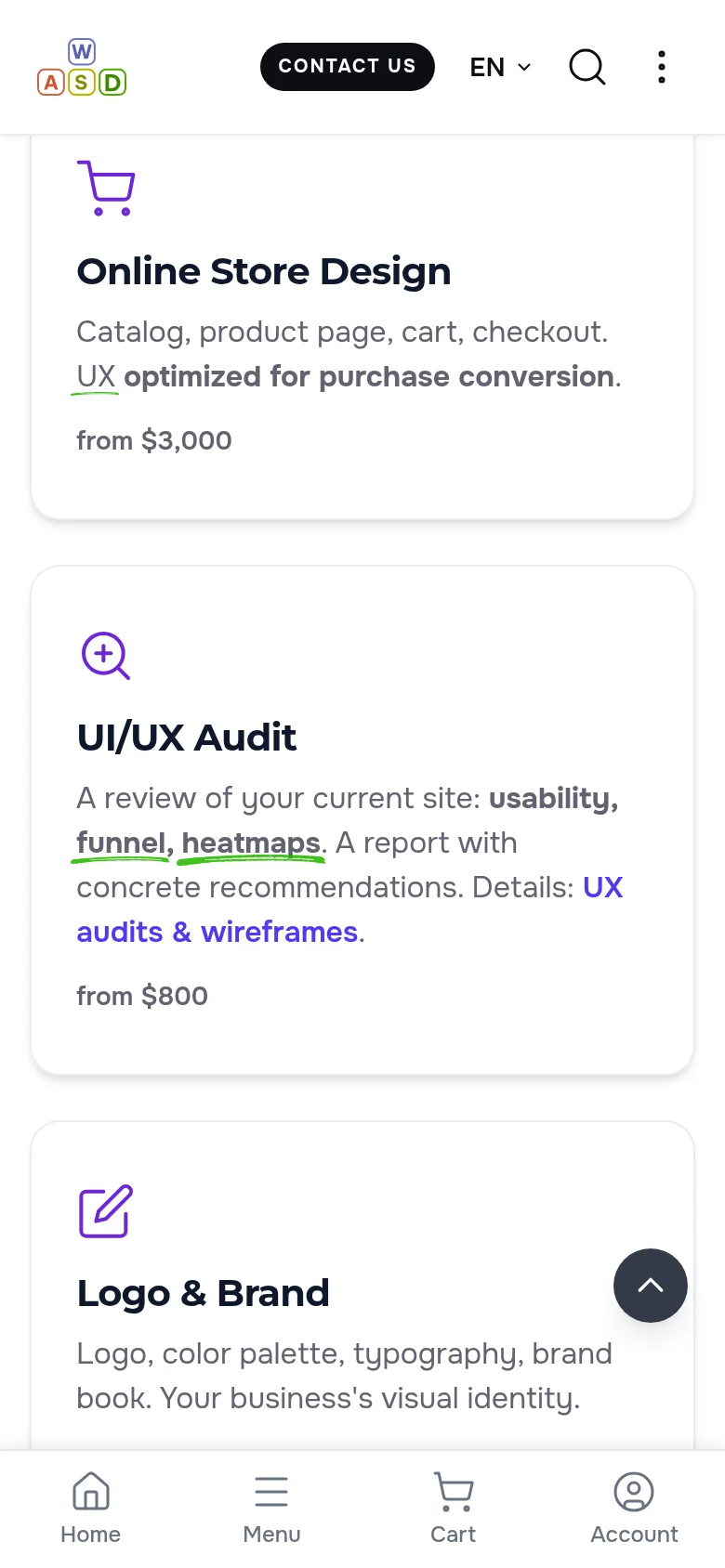
The section path and the header take the theme colours: dark in the dark theme; on a phone the header is compact and the back-to-top button sits above the bottom menu.
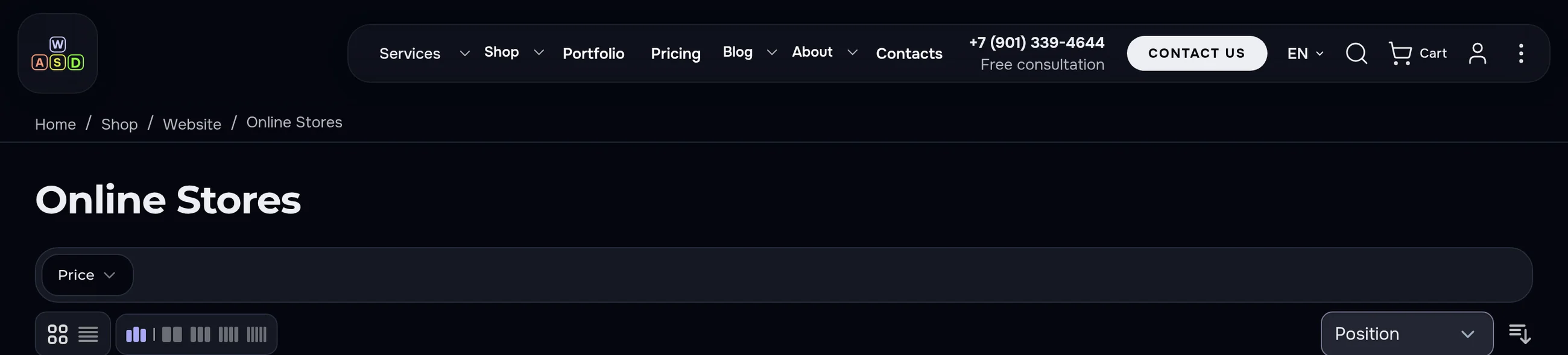
- Theme colours. the section path and the header are light in the light theme and dark in the dark one — no separate setting
- A compact header on a phone. logo, contact button, language, search and menu — in one row
- Above the bottom menu. on a phone the back-to-top button sits above the Home · Menu · Cart · Account bar and does not cover it
The numbers come from this site, not from a slide
- We opened all 136 visible product pages in both site versions from a direct link: every one shows the path from the catalogue, 17 with three levels of sections and the rest with two; every step is a link.
- We compared the search-engine markup with the visible line on the same 272 pages: names and order matched everywhere.
- We scrolled a long page on a desktop and on a phone, in the light and the dark theme: the header slides away going down and returns going up, and the page shows no errors.
Let visitors always know where to go next
We will set up navigation on your site: a section path on every page, a header that does not get in the way, and a quick return to the top — in every language and in both themes. Building a site from scratch? See our web design service.
Another case: related content — every page leads to the next →
