Partner Portal: your contractor network runs itself
Tenders, bids, order delegation, ratings and every notification — in one portal. Partners compete for your orders; you just pick the best one.
Below is the full journey through the eyes of a partner and a business owner: from first touch to the "project completed" email. Every screen is a working system, not a mockup.
10
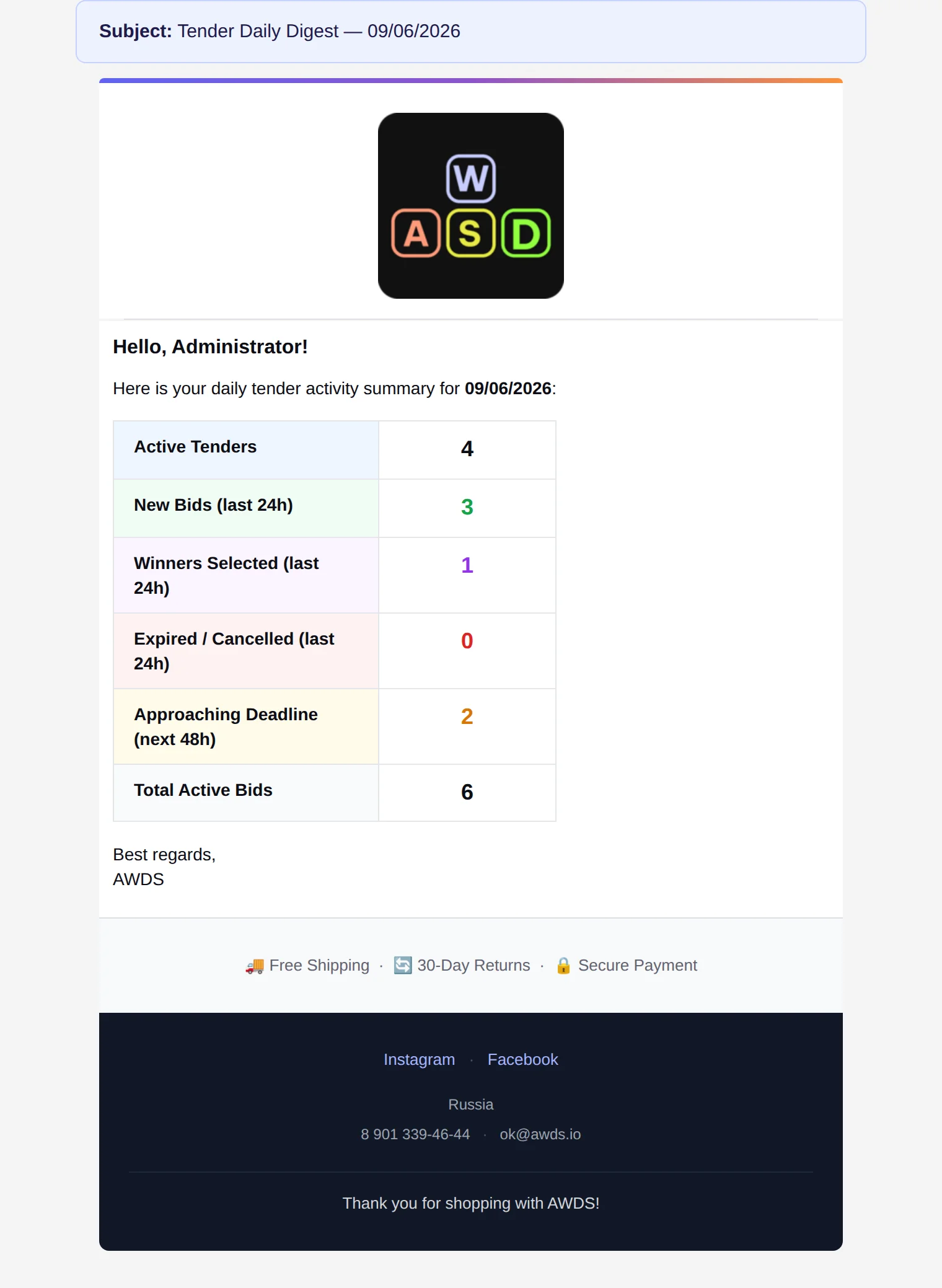
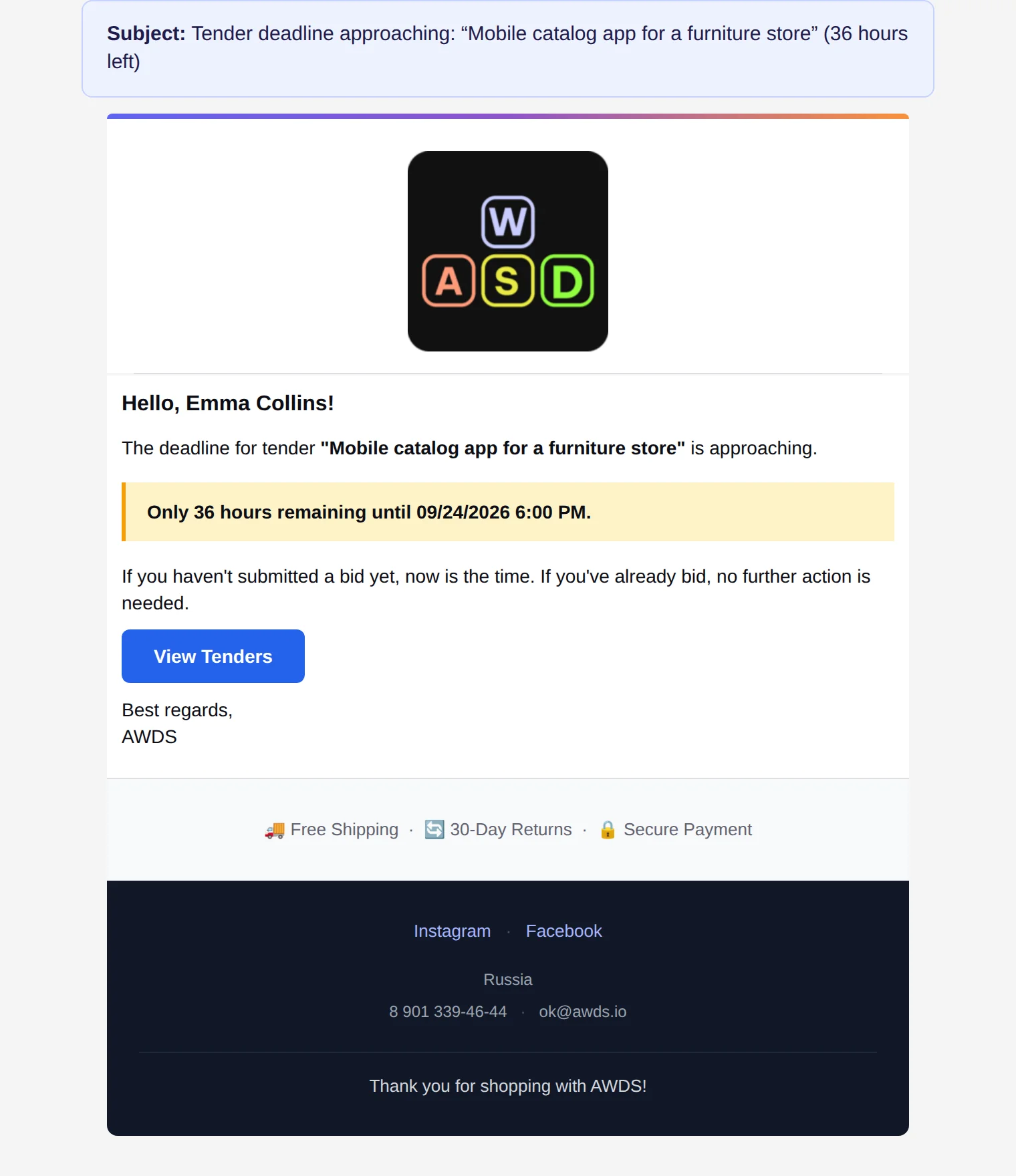
automatic emails covering every deal step
7
rating factors with configurable weights
2
languages and currencies out of the box
0
lines of code needed to change the rules
If contractors fulfil your orders — this is for you
Manufacturers with dealer networks, agencies with subcontractors, franchises, service marketplaces. Wherever an order is handed to an executor, the portal replaces chats, spreadsheets and manual chasing.
Without the portal
Orders are handed out in messengers, statuses are chased by phone, the "best" contractor is picked from memory. Nobody owns a missed deadline.
With the portal
Every order is a tender or a direct assignment. Bids are compared on one screen, partners move statuses themselves, the rating updates automatically.
What you get
A transparent history of every deal, competition for your orders, emails at every step — and a growing network without a growing headcount.
Partners sign up on their own
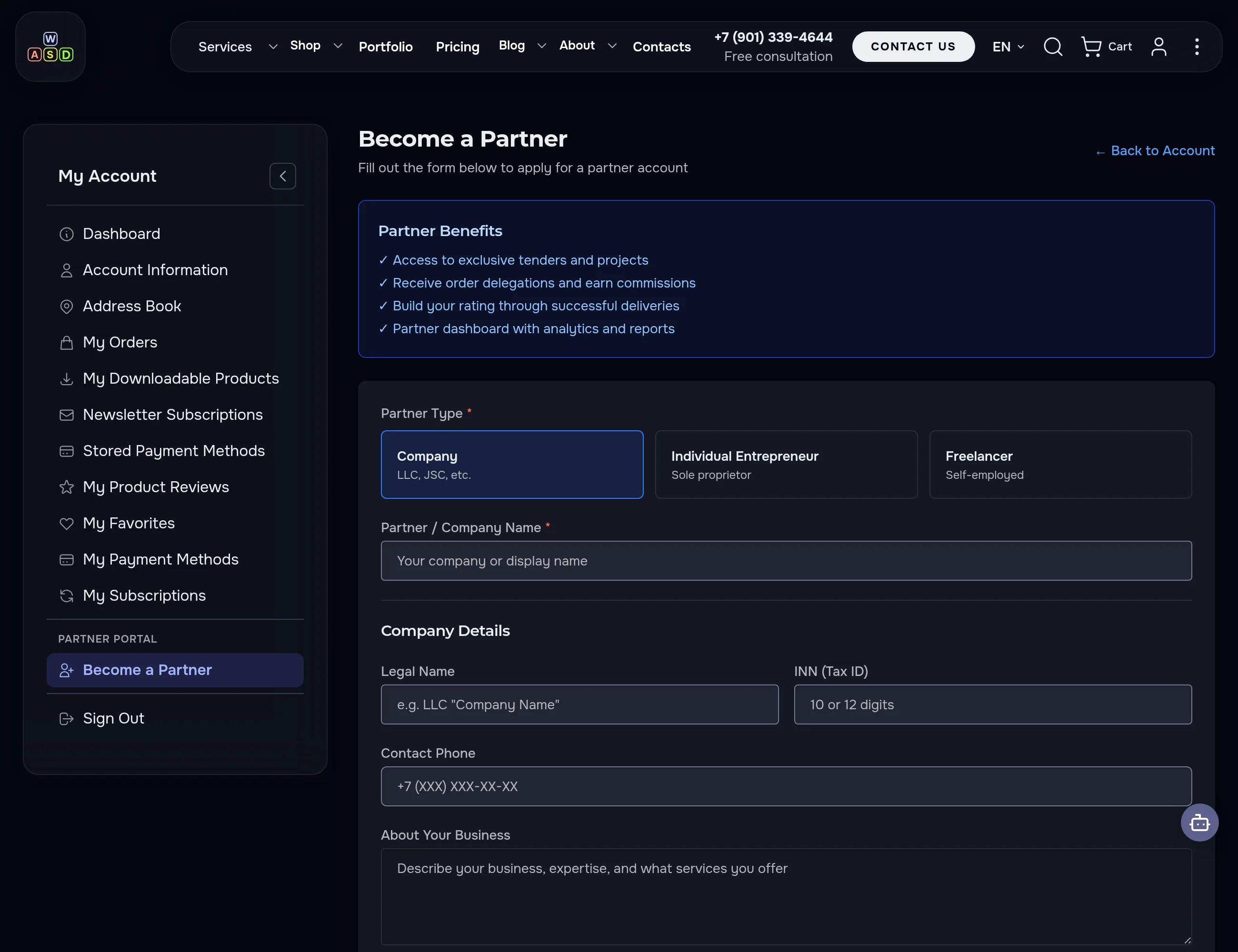
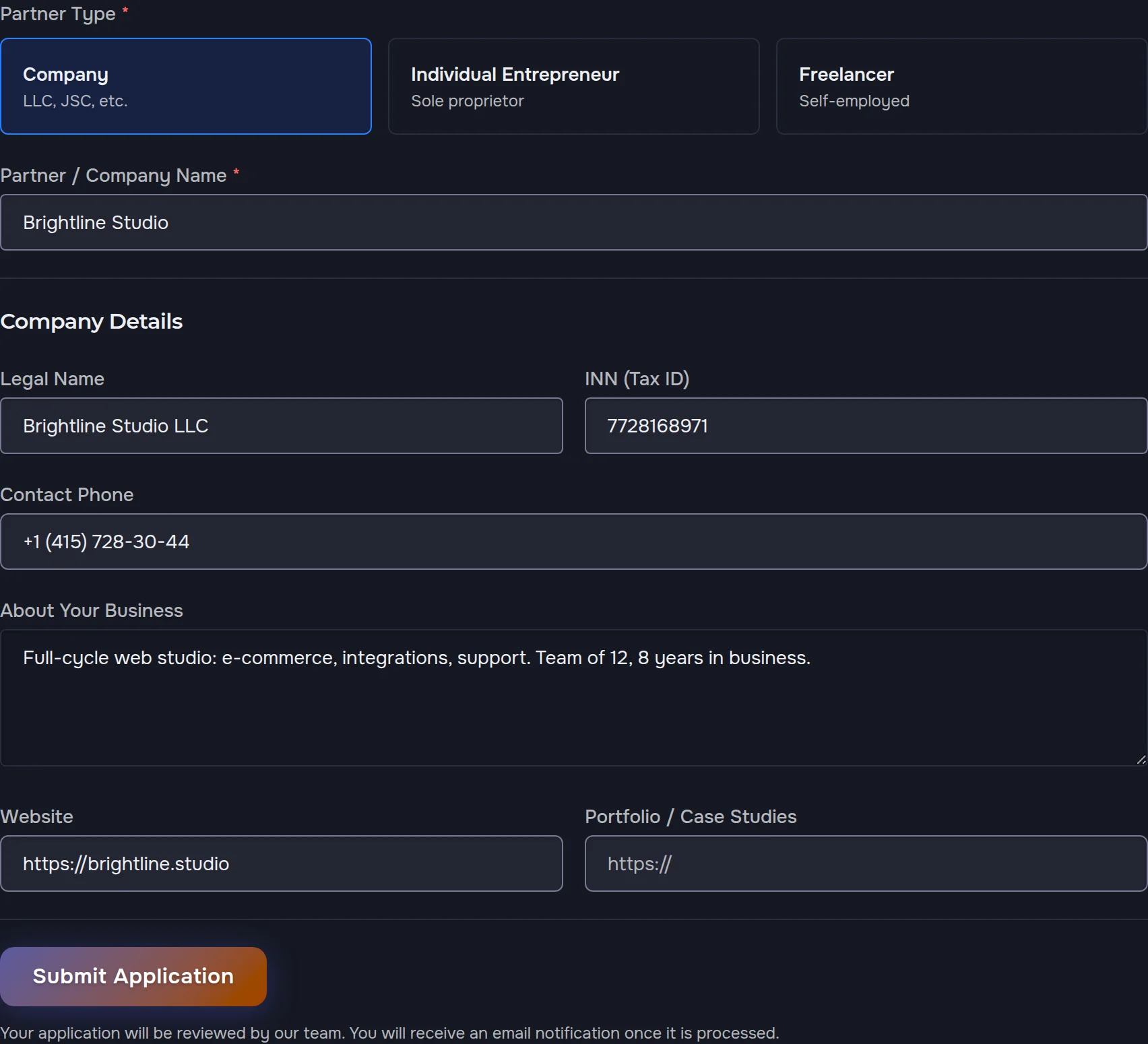
A public program page sells the benefits; the application form distinguishes a company, sole proprietor and freelancer — companies get a Tax ID check. No more "please send your details" emails.

Guardrails are built in
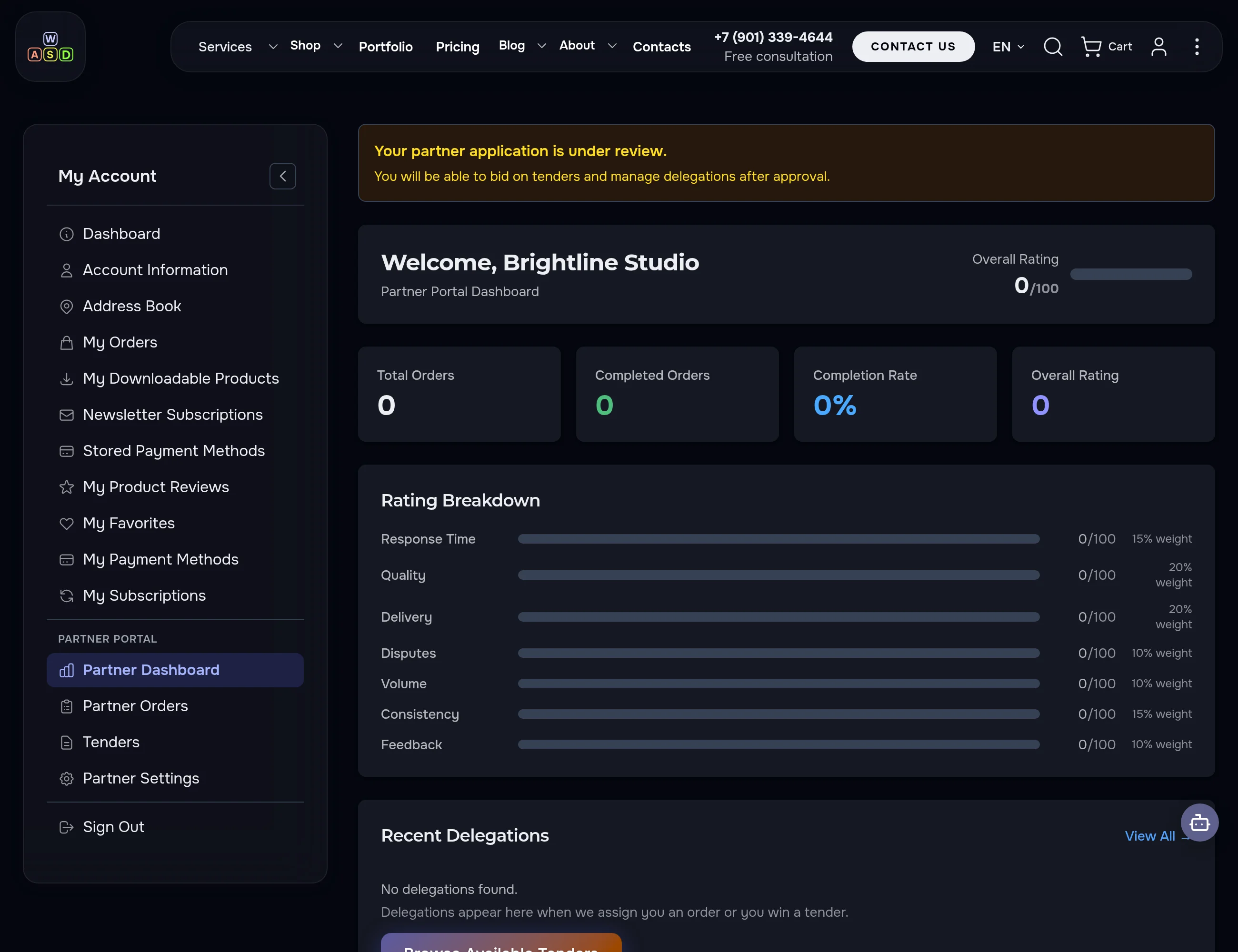
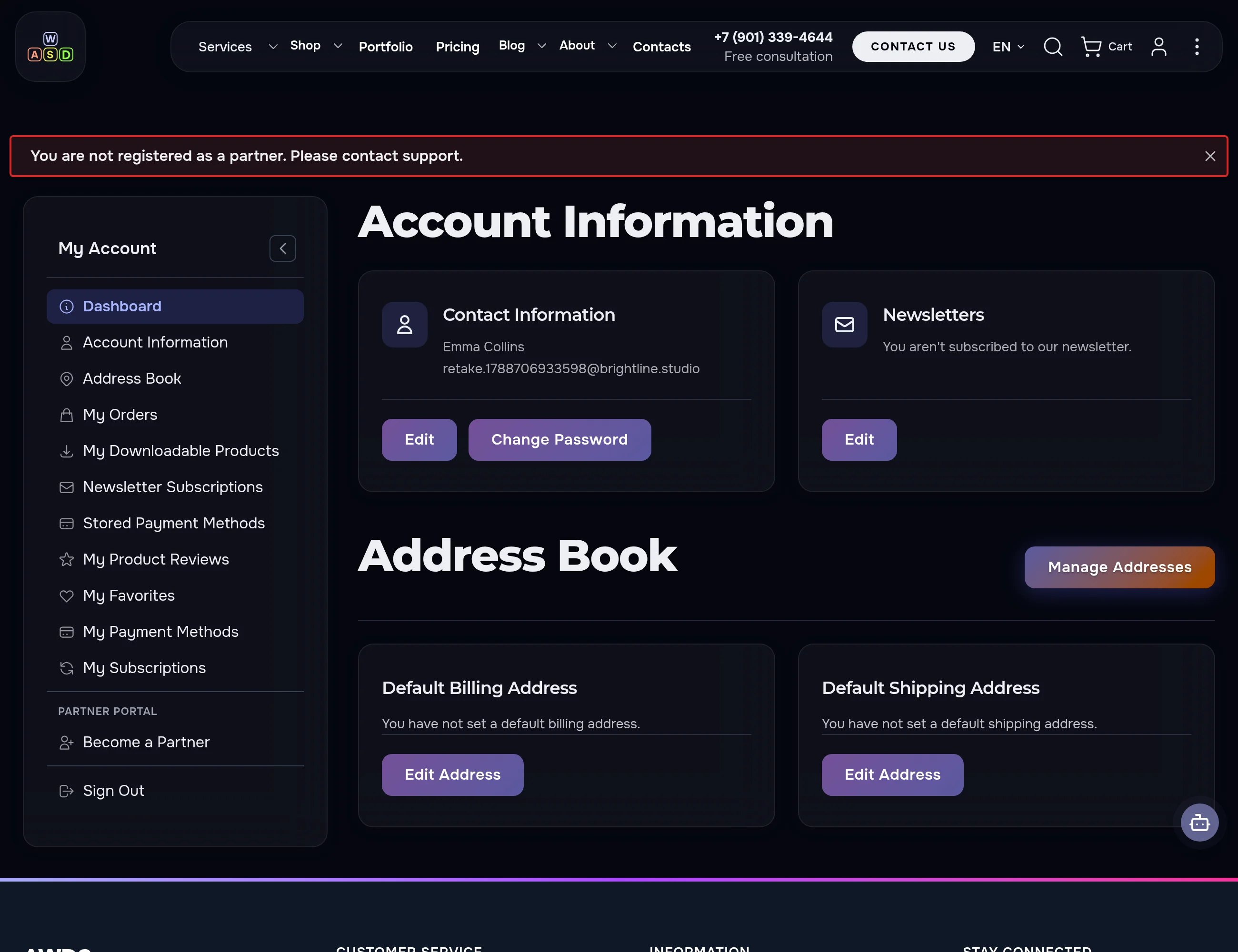
Until the application is approved, the partner cannot place bids or change data — the system politely stops every attempt. No "accidentally took an order".
You approve in two clicks
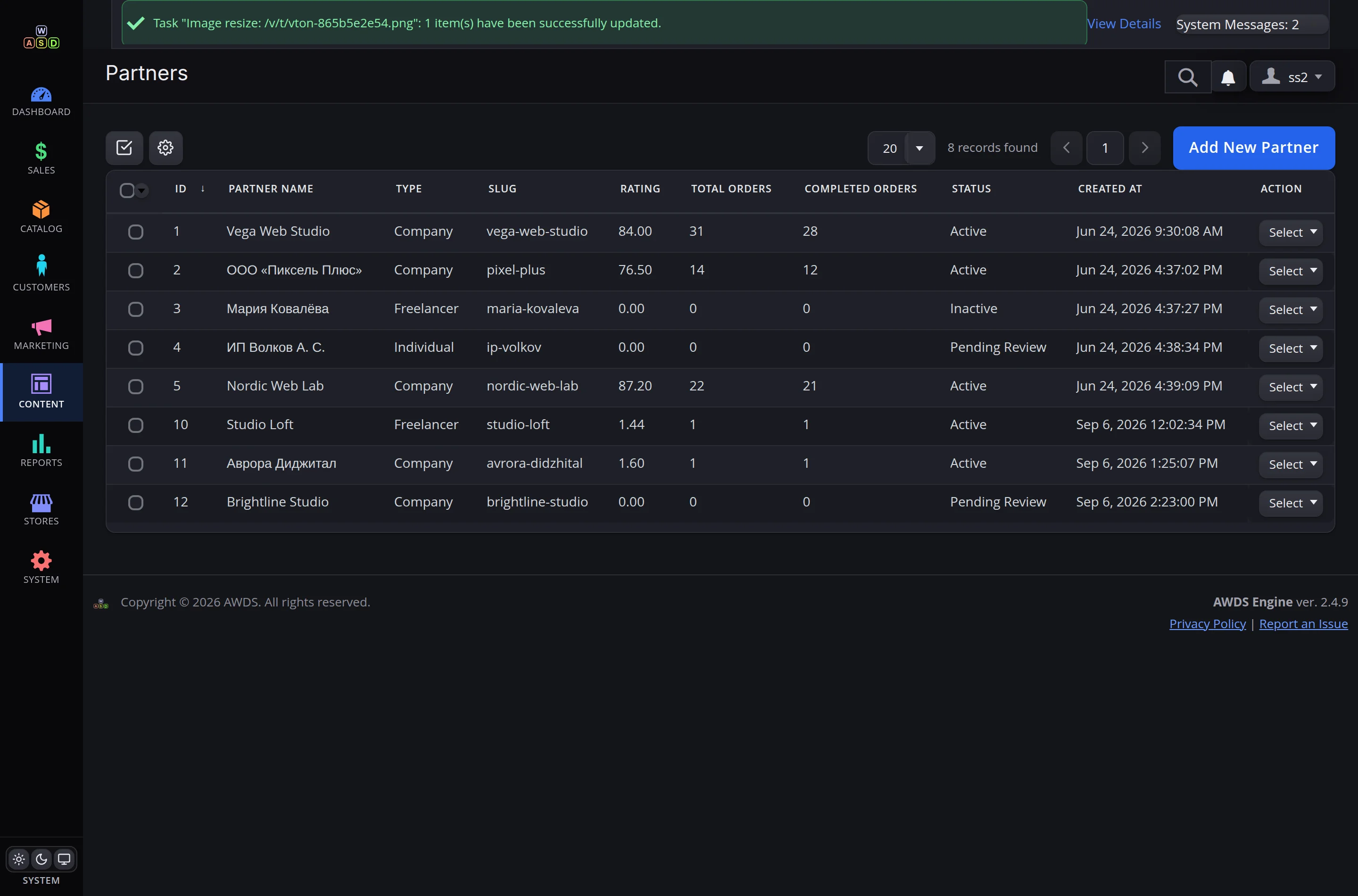
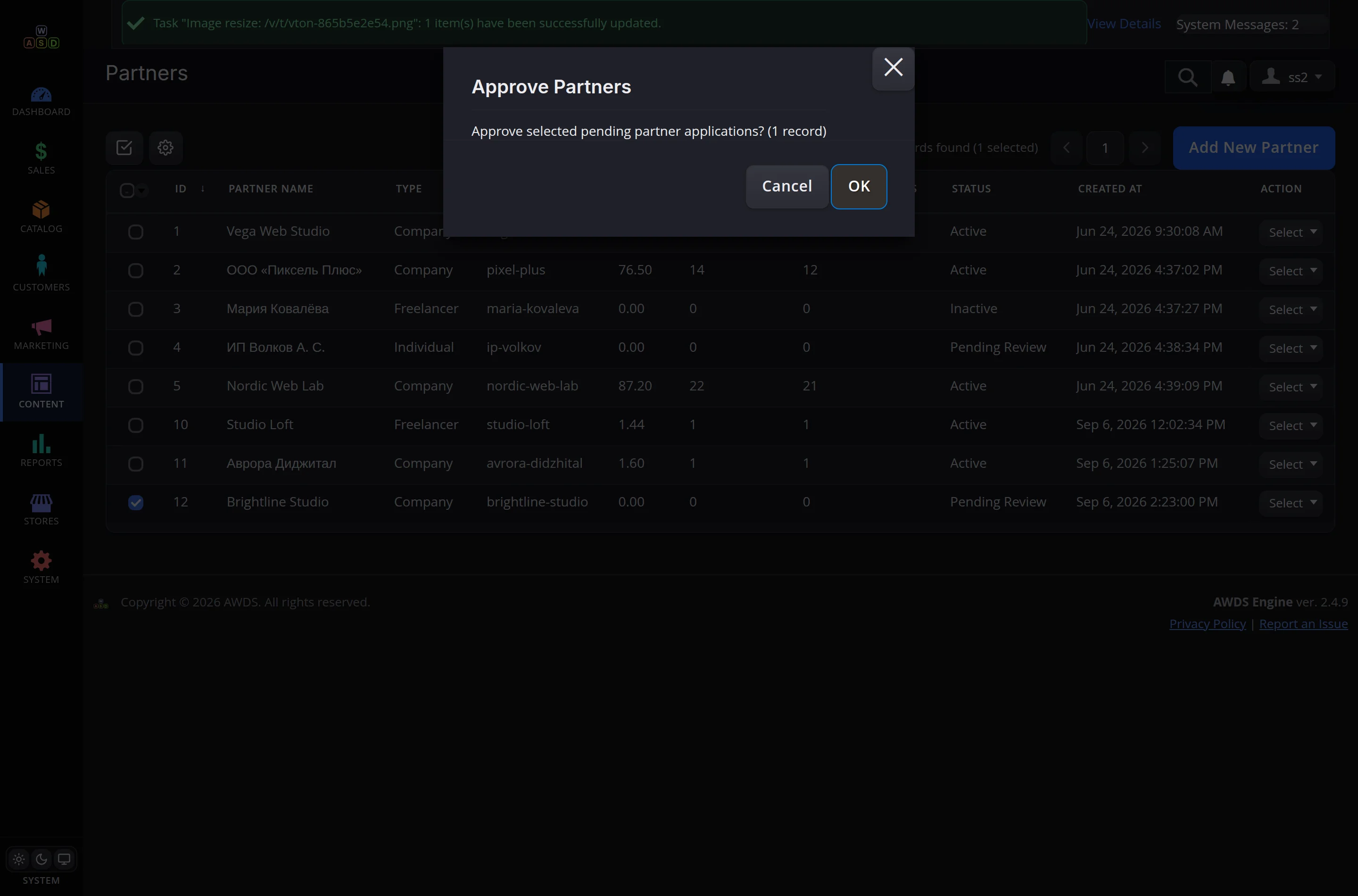
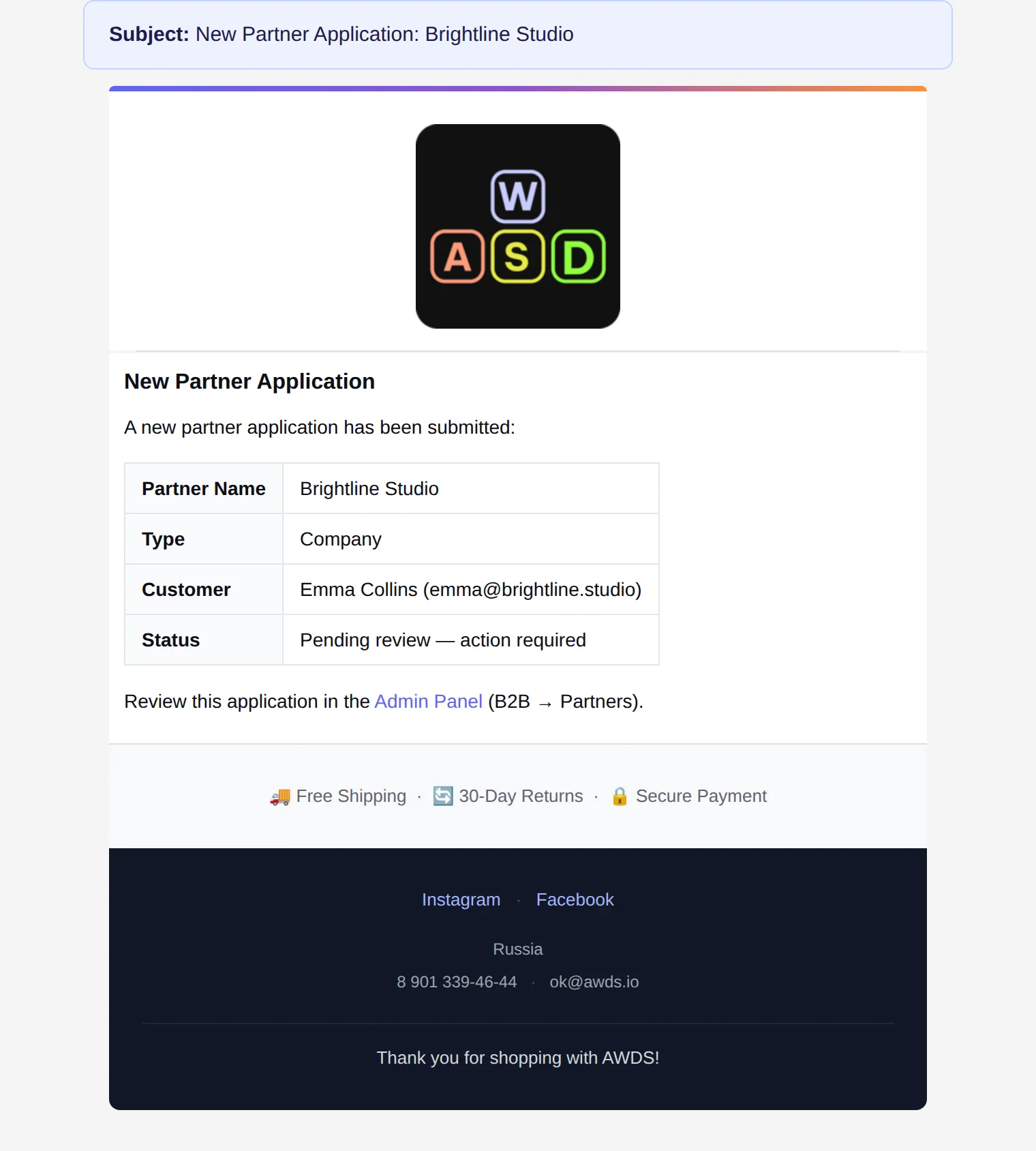
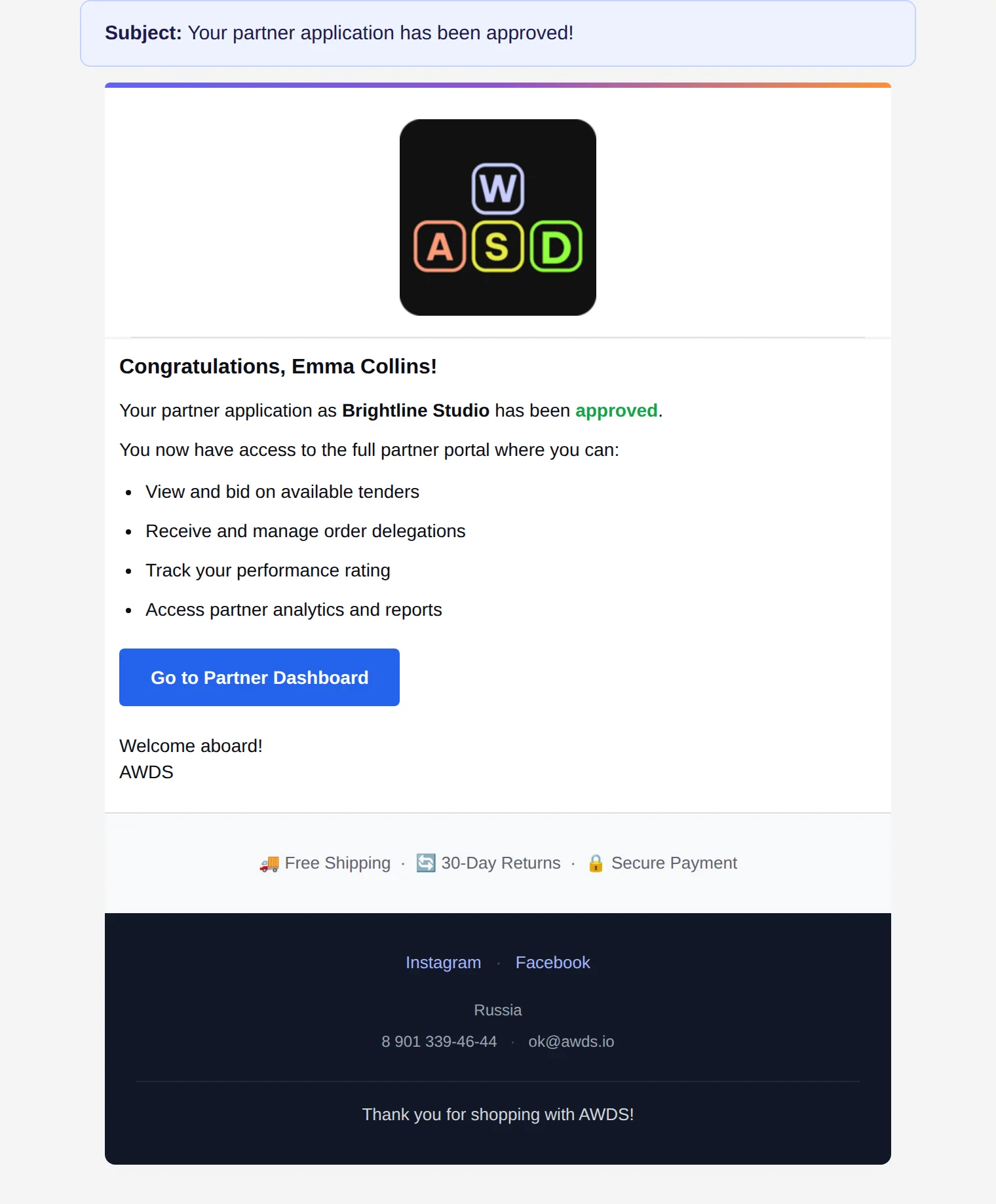
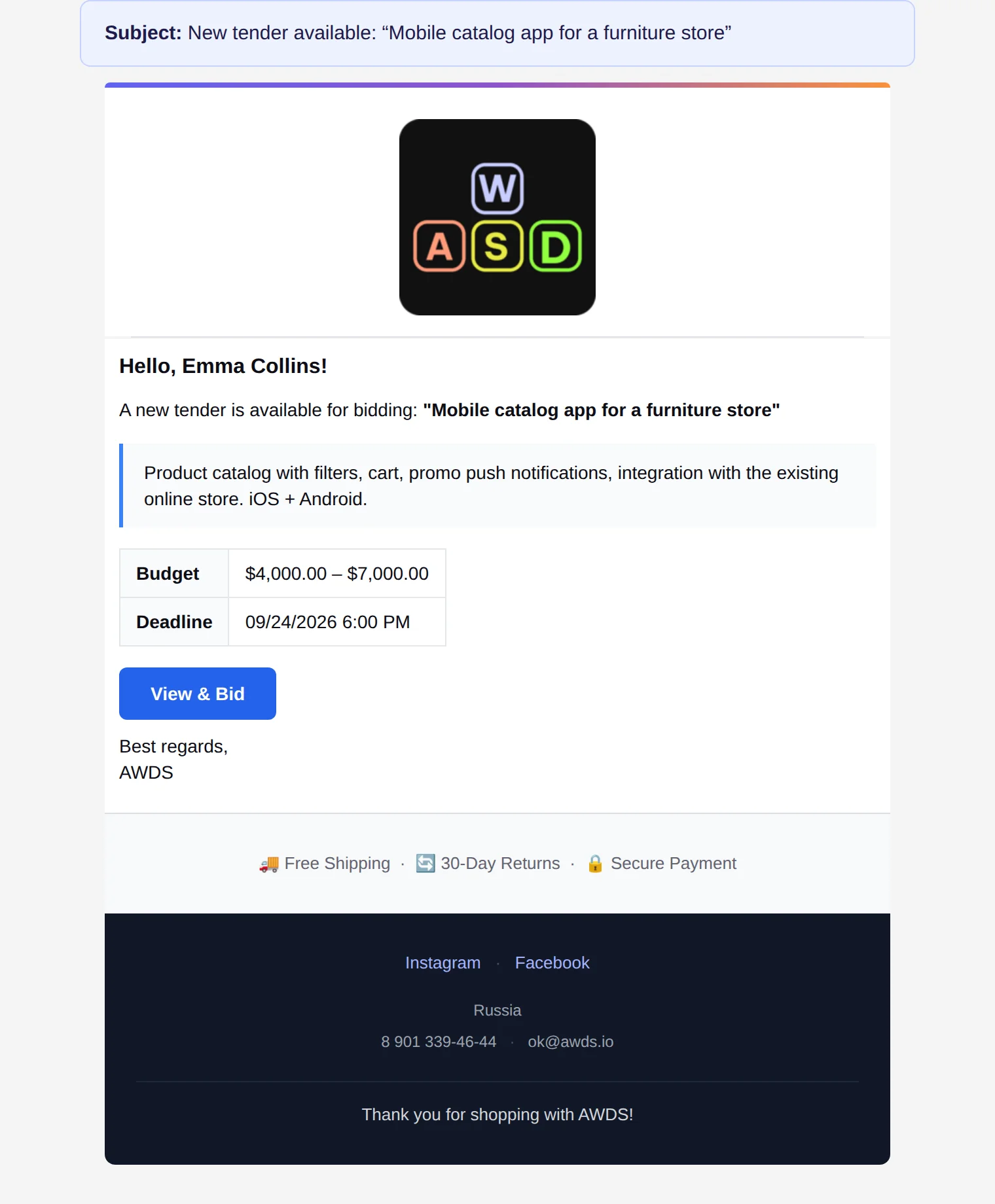
Applications land in the admin panel: partner card, type, details. Approve or decline with a mass action — the partner gets an email instantly.
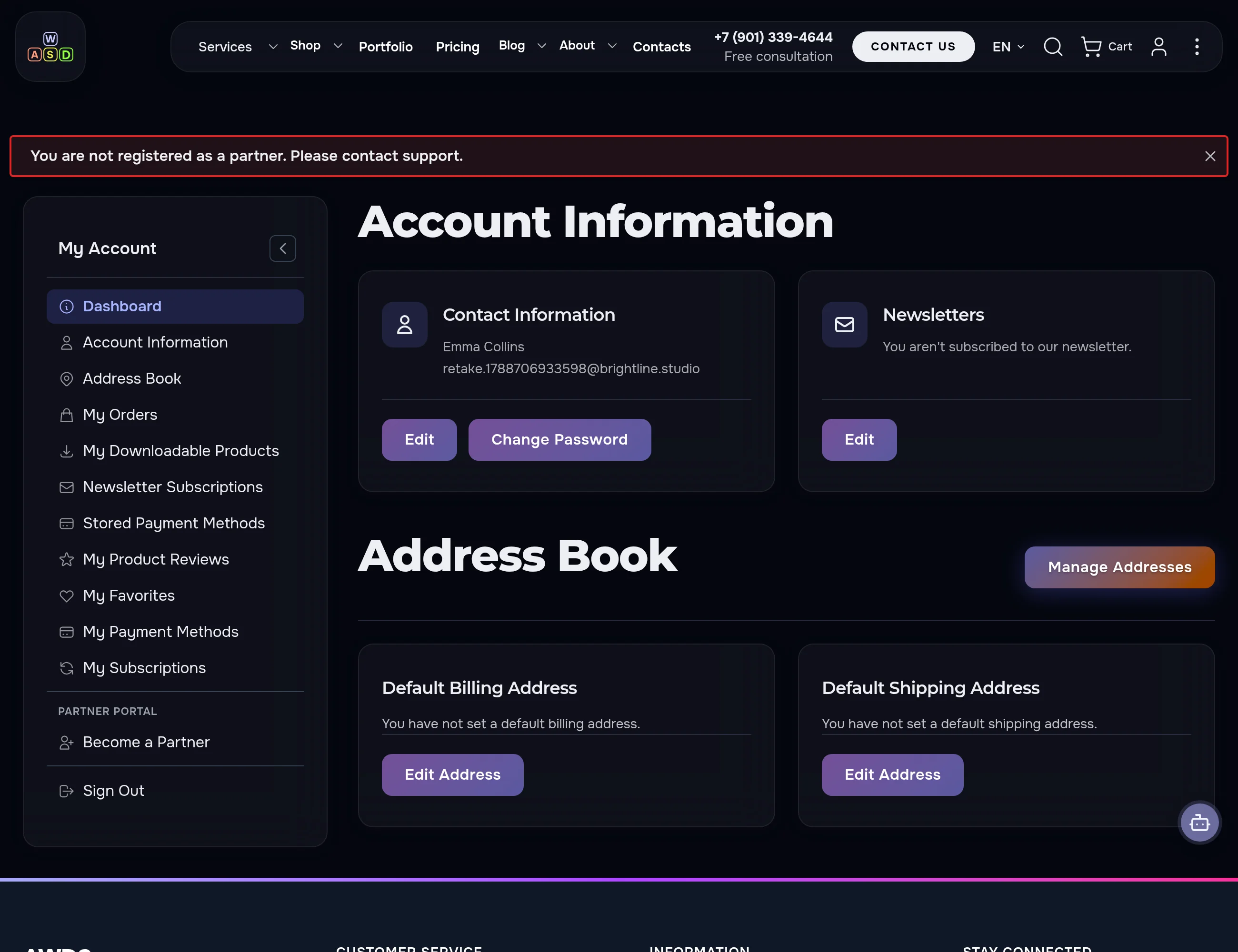
One screen — the whole picture
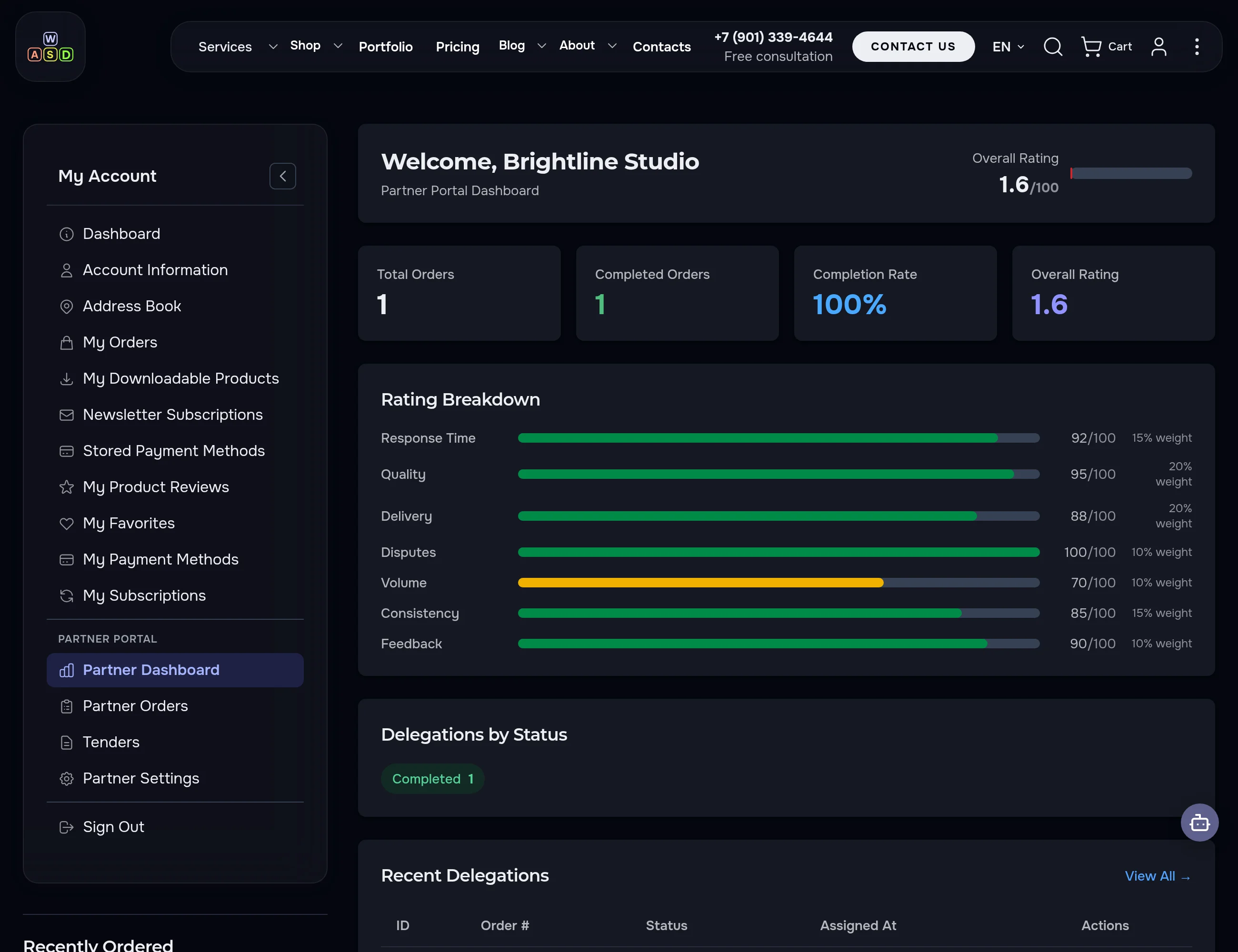
A 0–100 rating broken down into seven factors, order counters, delegations by status and quick links. The partner always knows where they stand and what's next.
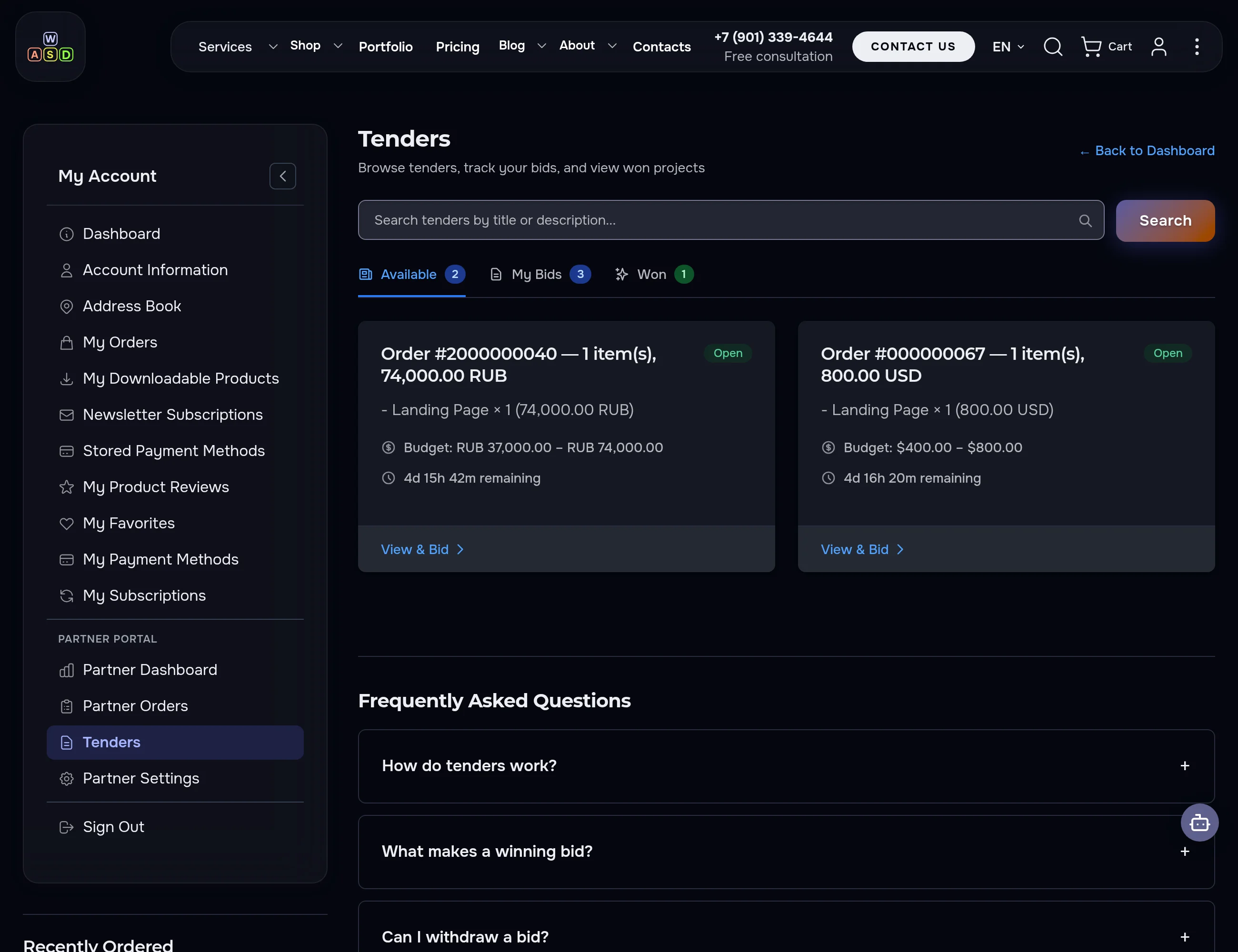
Partners compete for your orders
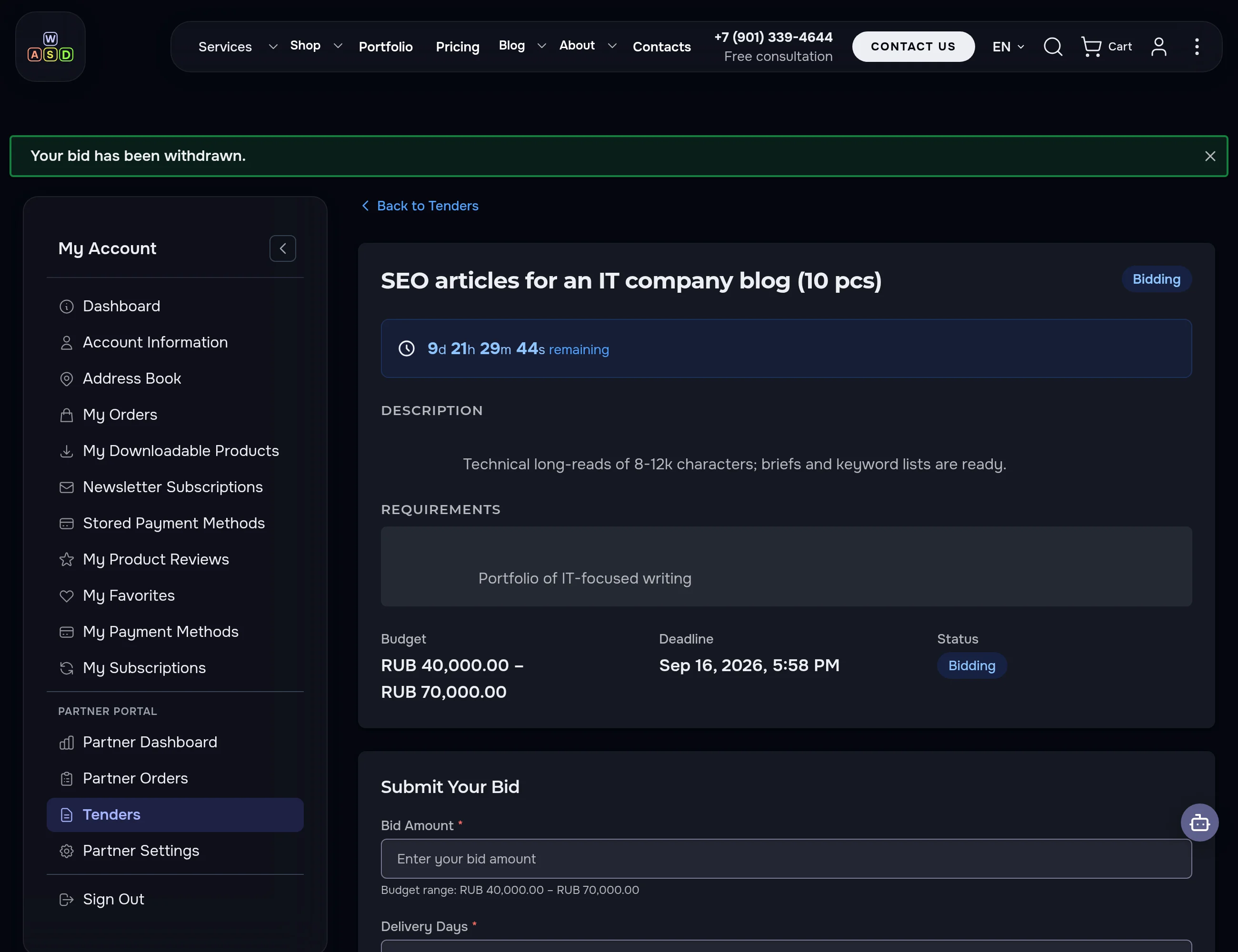
Available / My Bids / Won tabs, search, budgets in the tender currency and a live deadline countdown. Tenders with a rating threshold are visible only to partners who qualify — that's configurable too.
This portal plugs into your website — your brand, your rules
We will walk through your case in a free 30-minute call — no commitment.
Discuss your projectCreate a tender — compare bids — choose
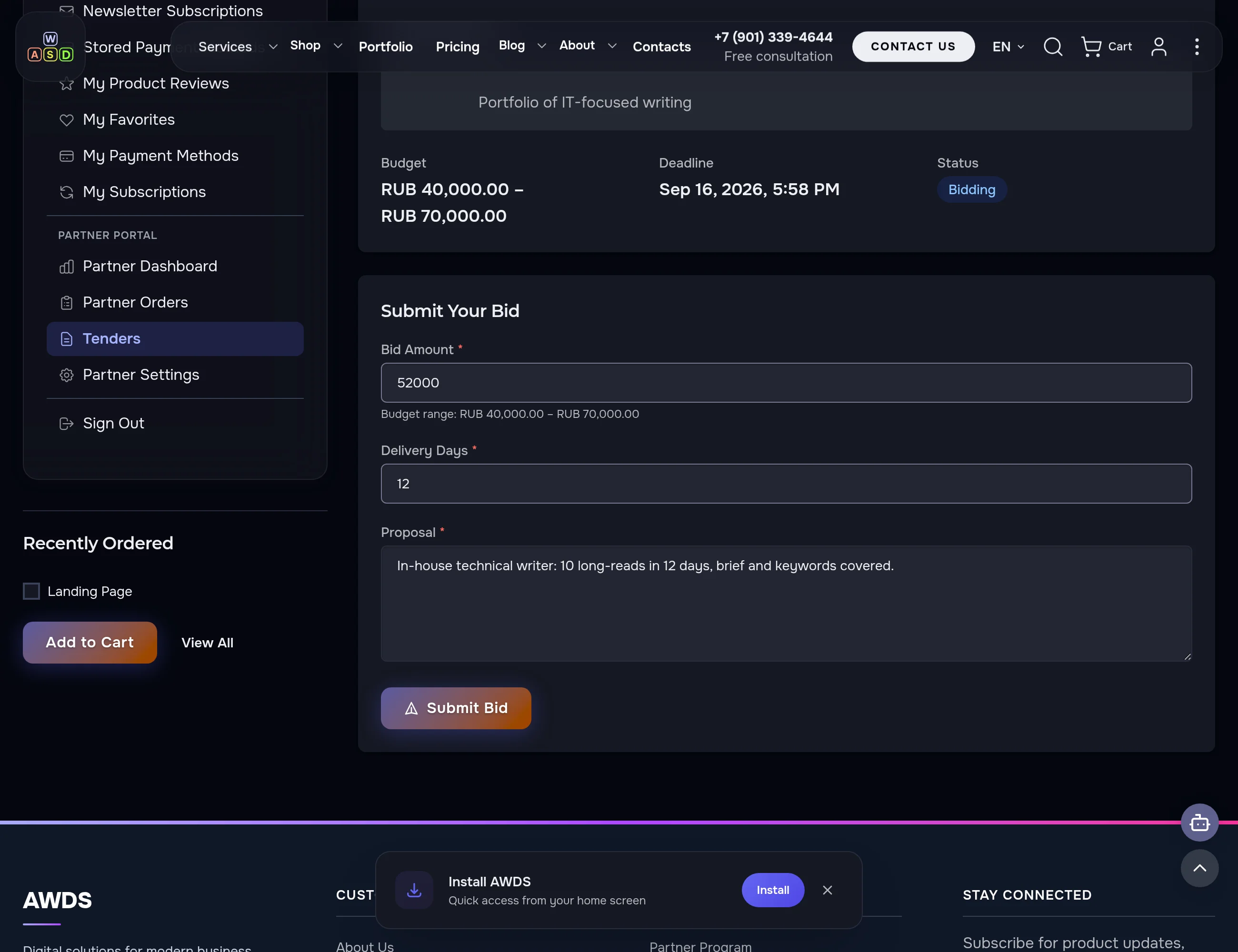
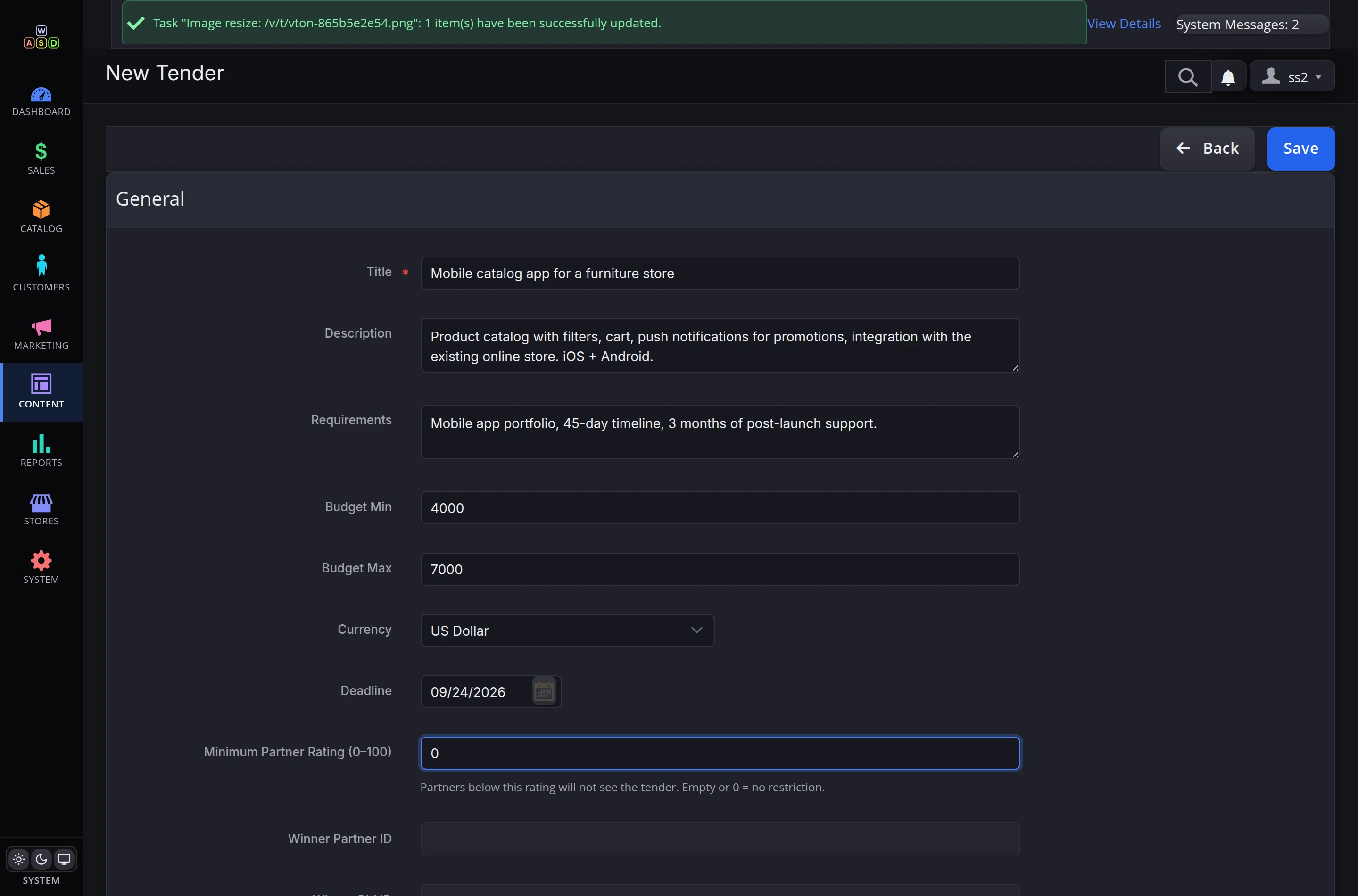
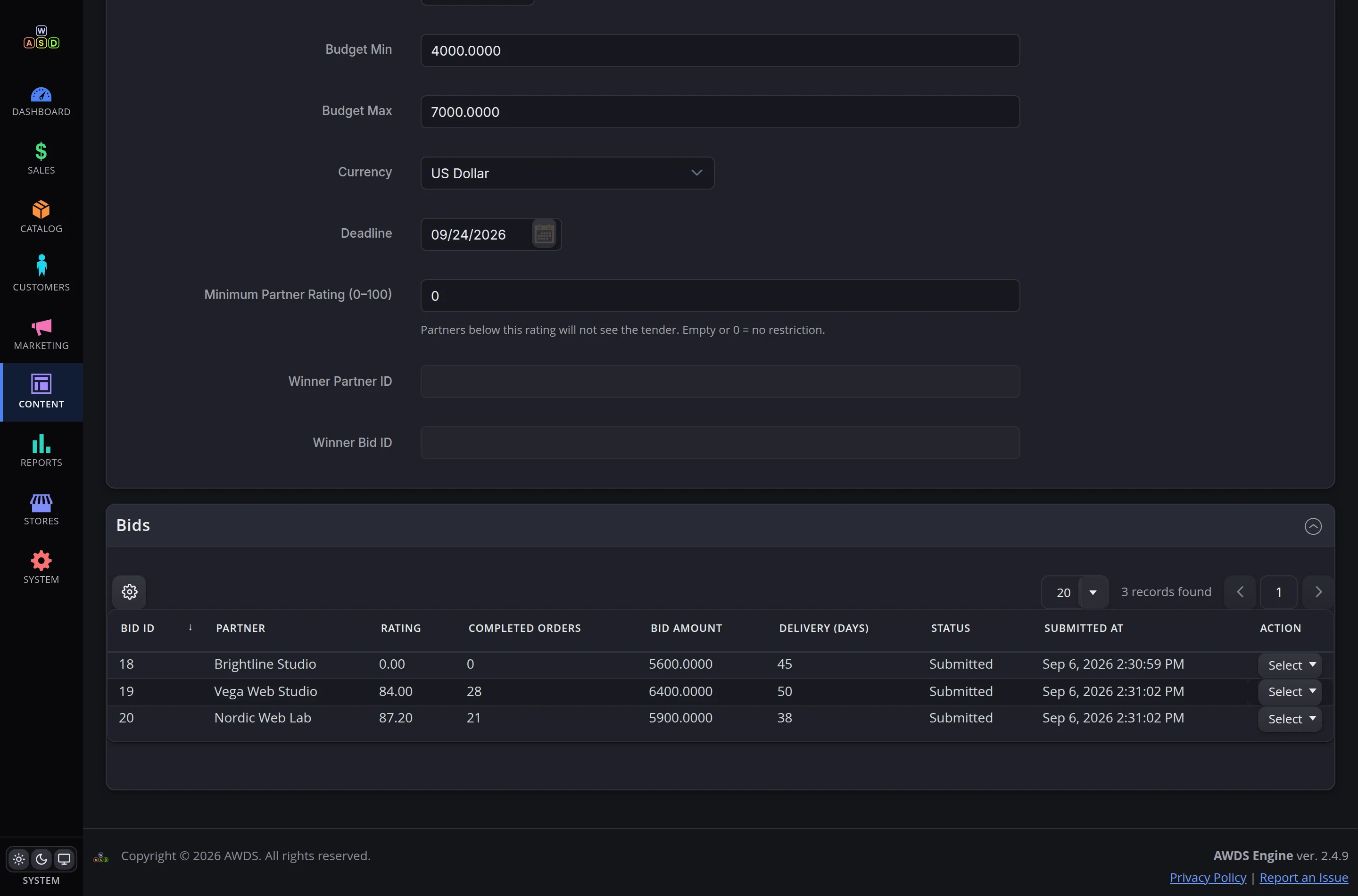
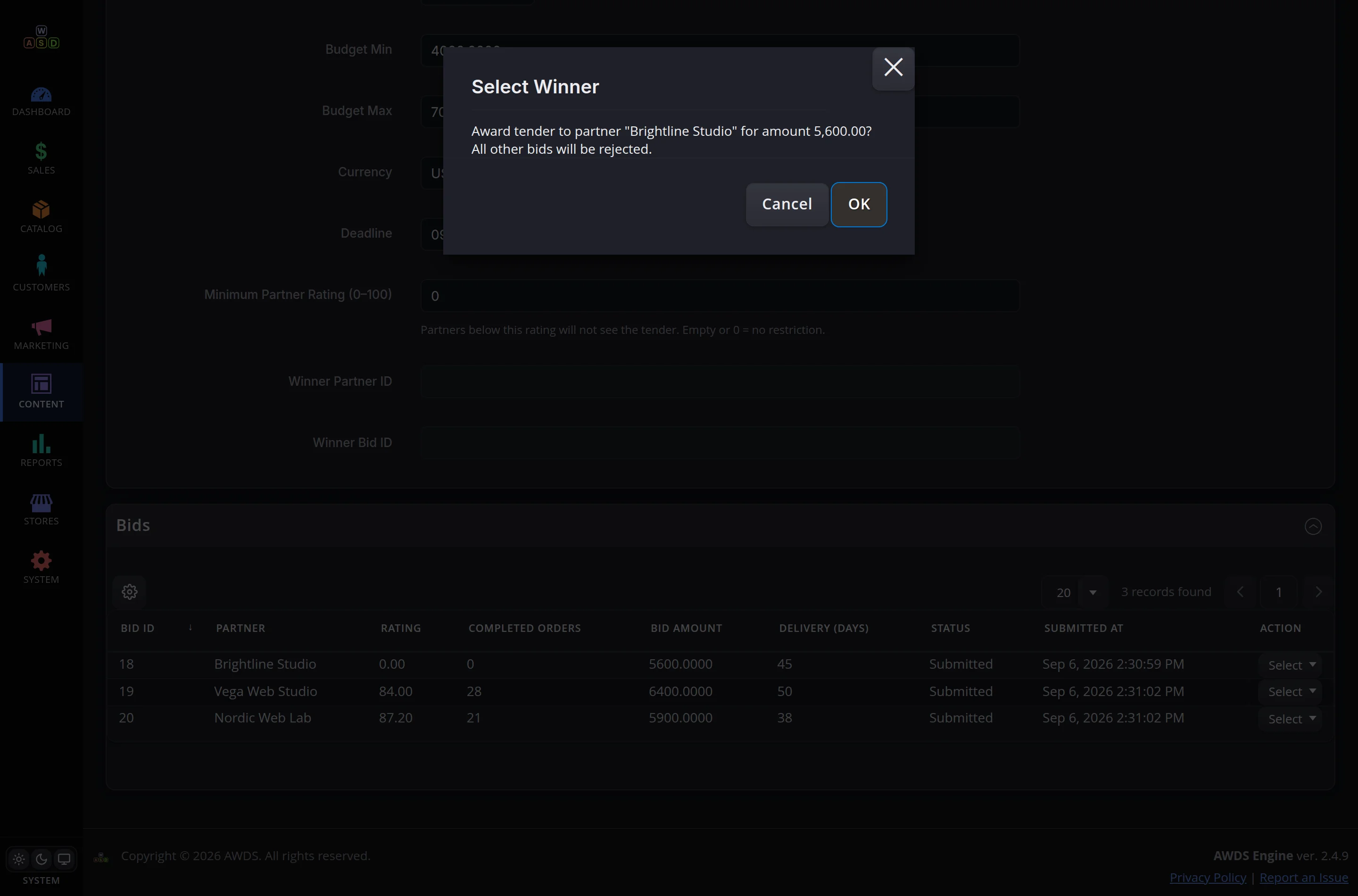
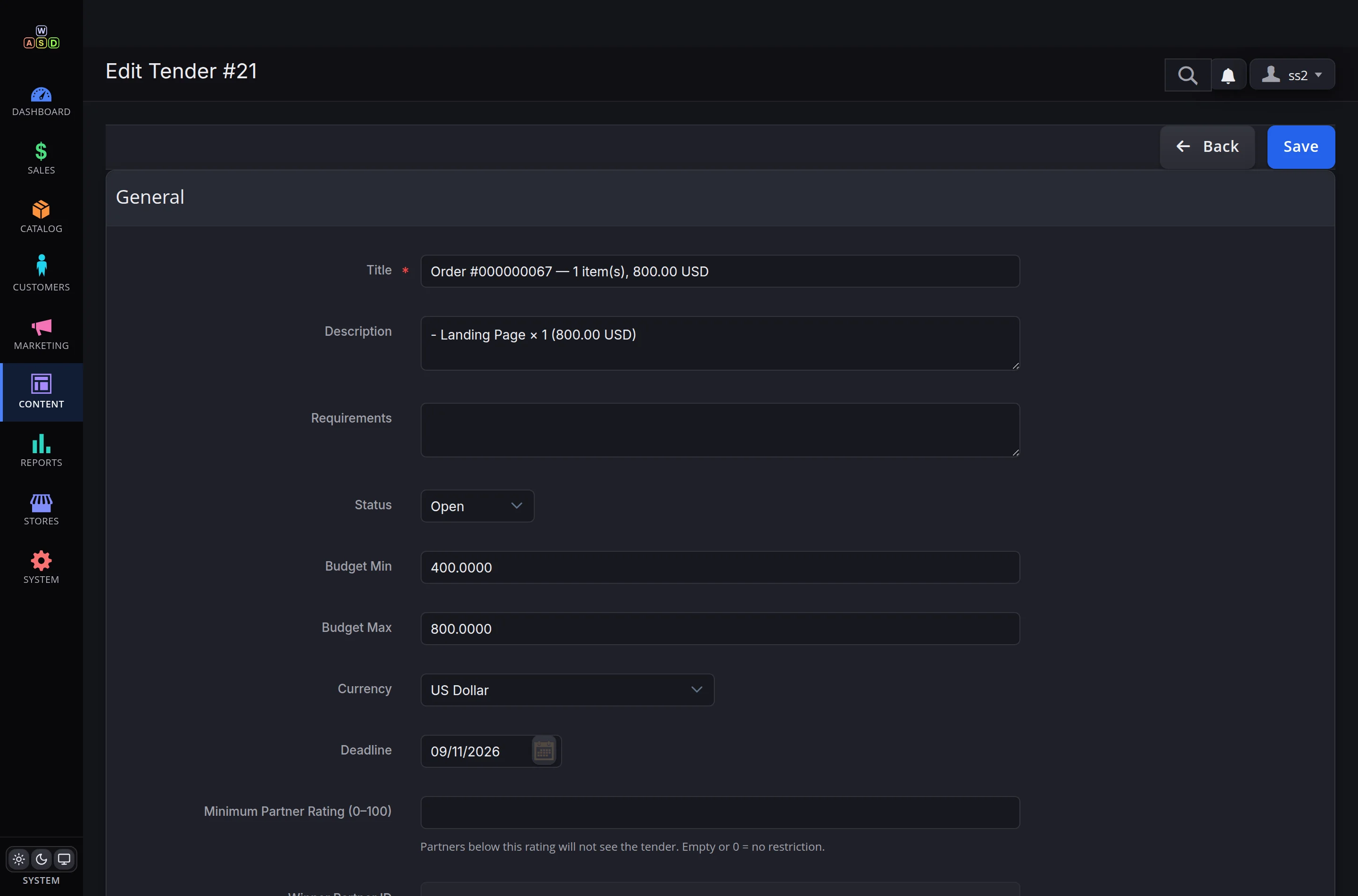
The tender form: budget, currency, deadline, minimum partner rating. Publishing invites the partners. All bids sit in one table; the winner is picked with a single button and the rest are closed automatically.
Statuses are moved by the partner themselves
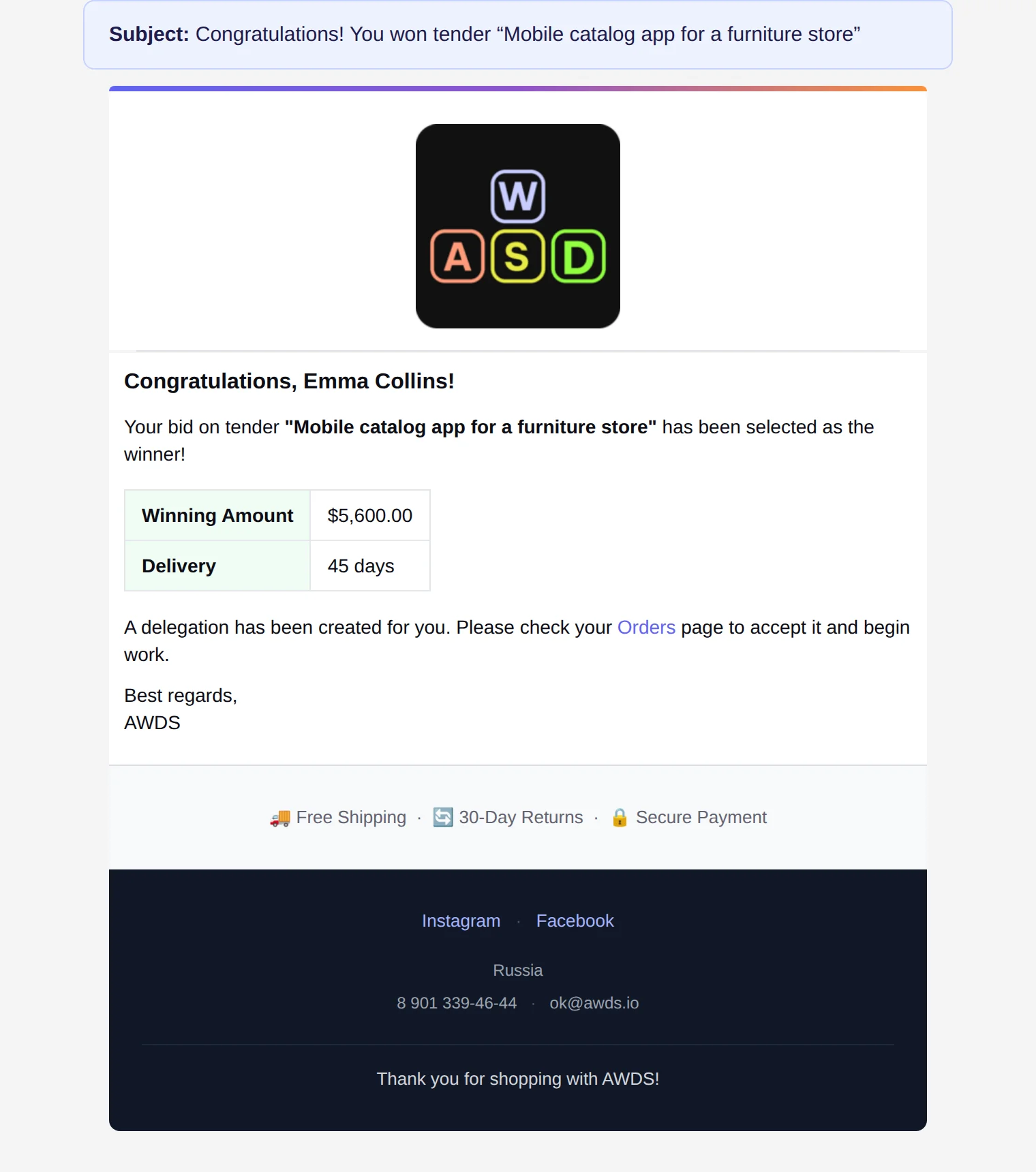
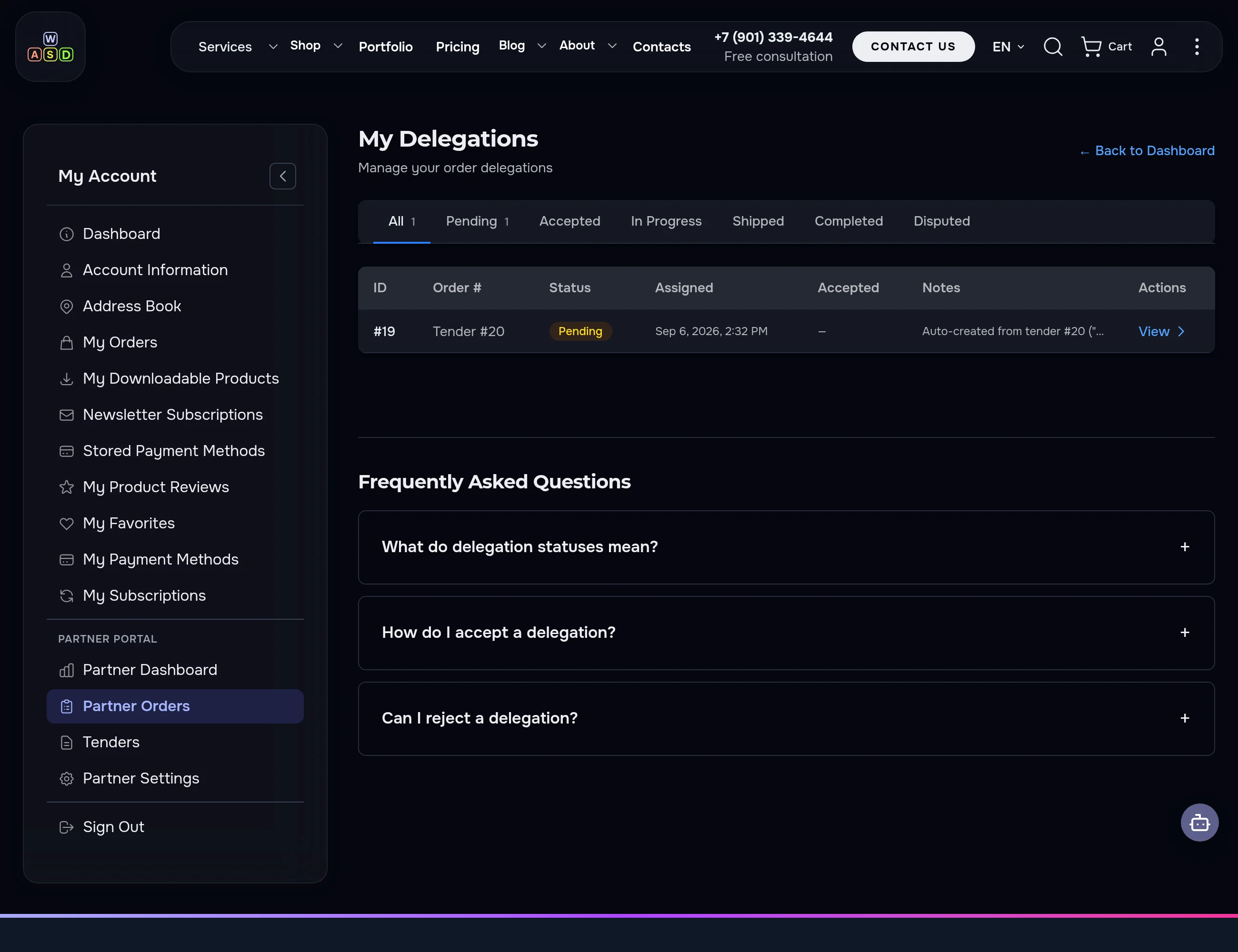
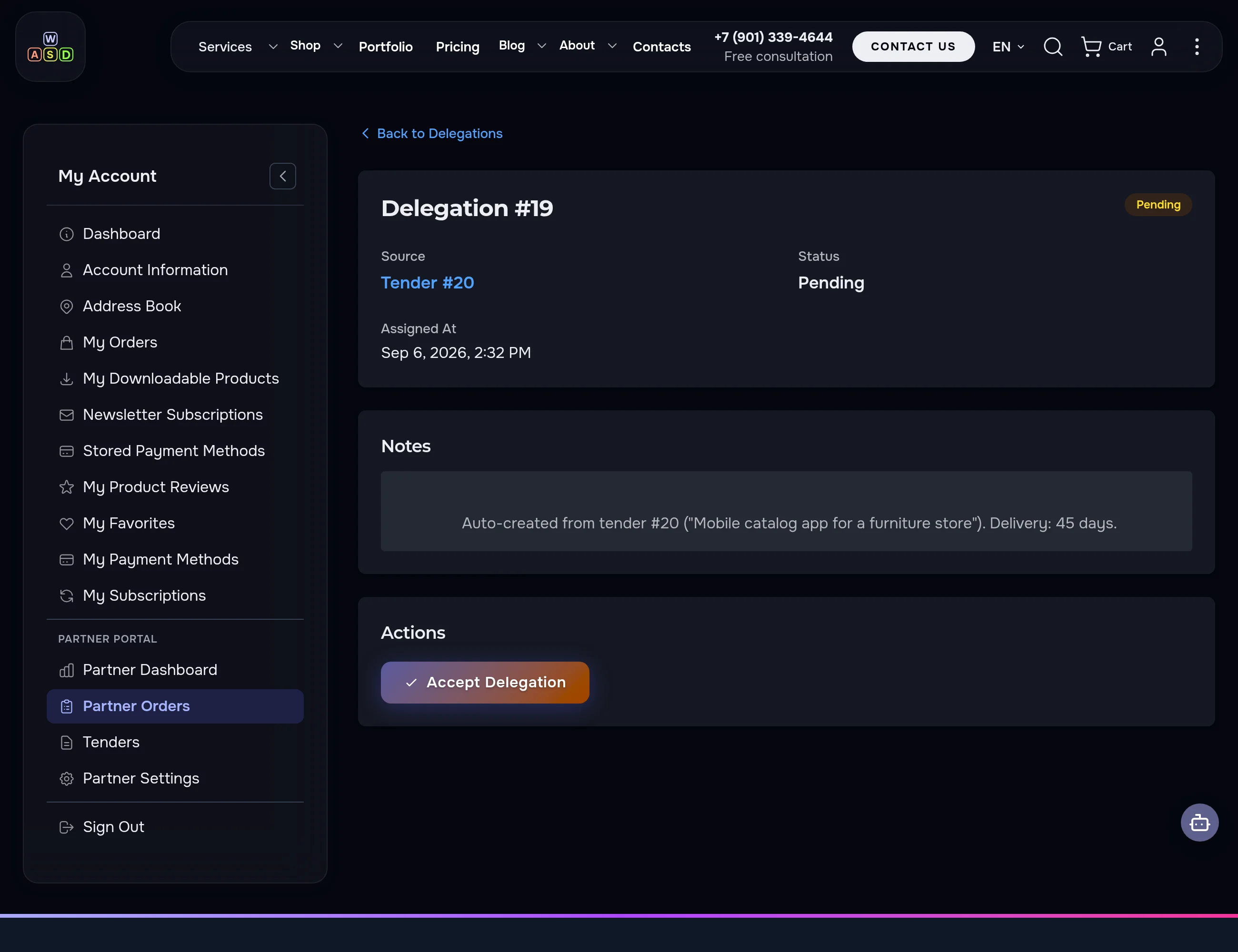
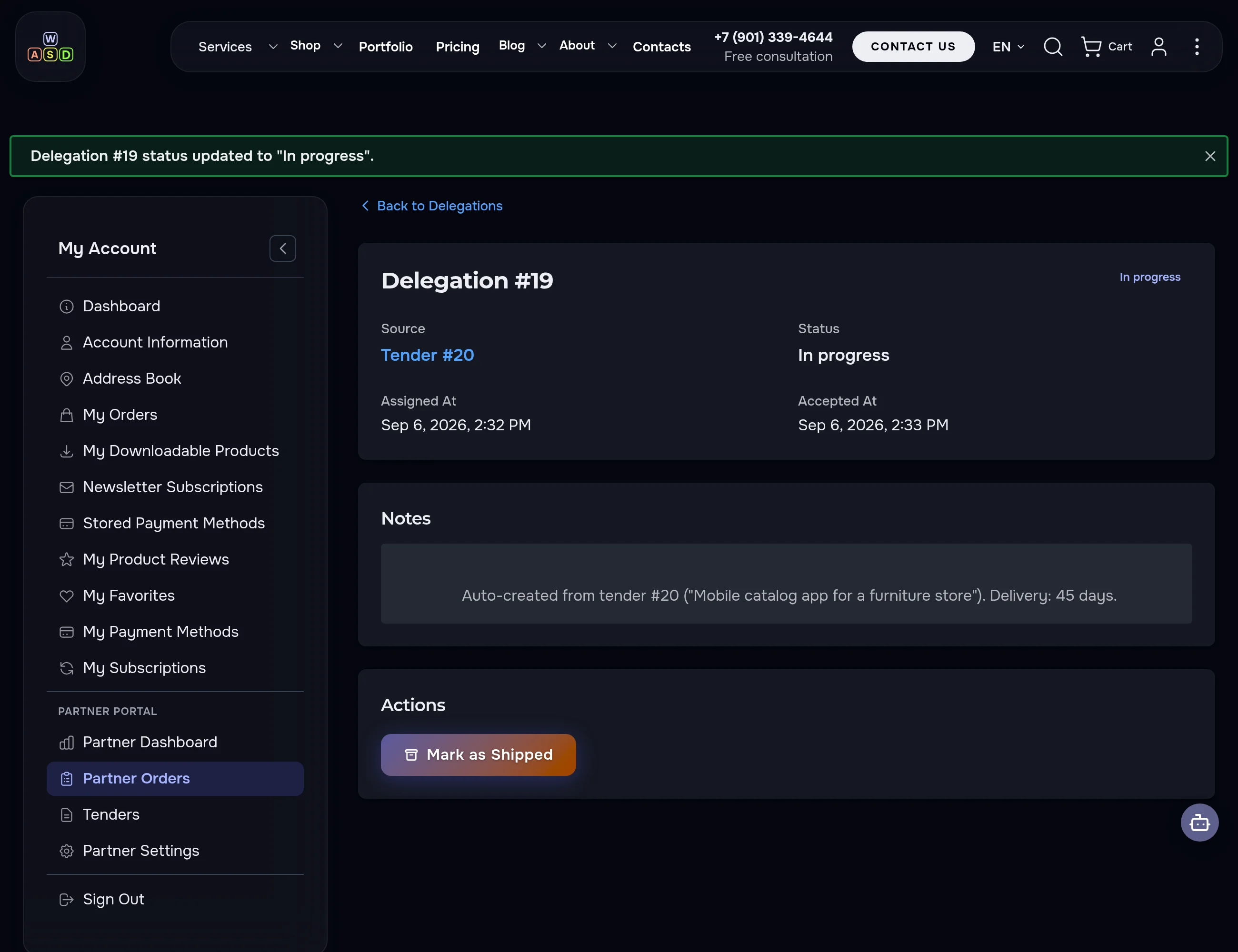
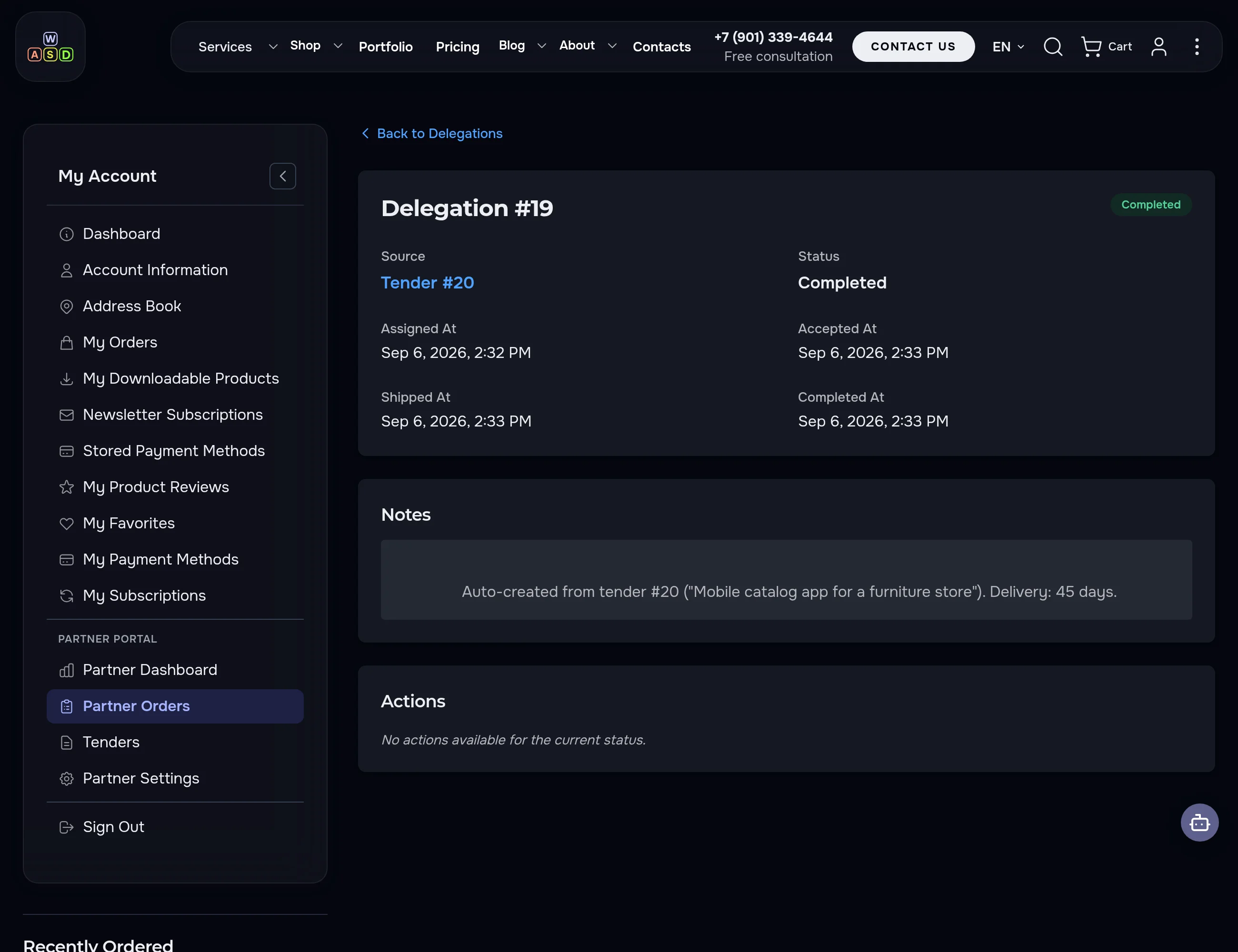
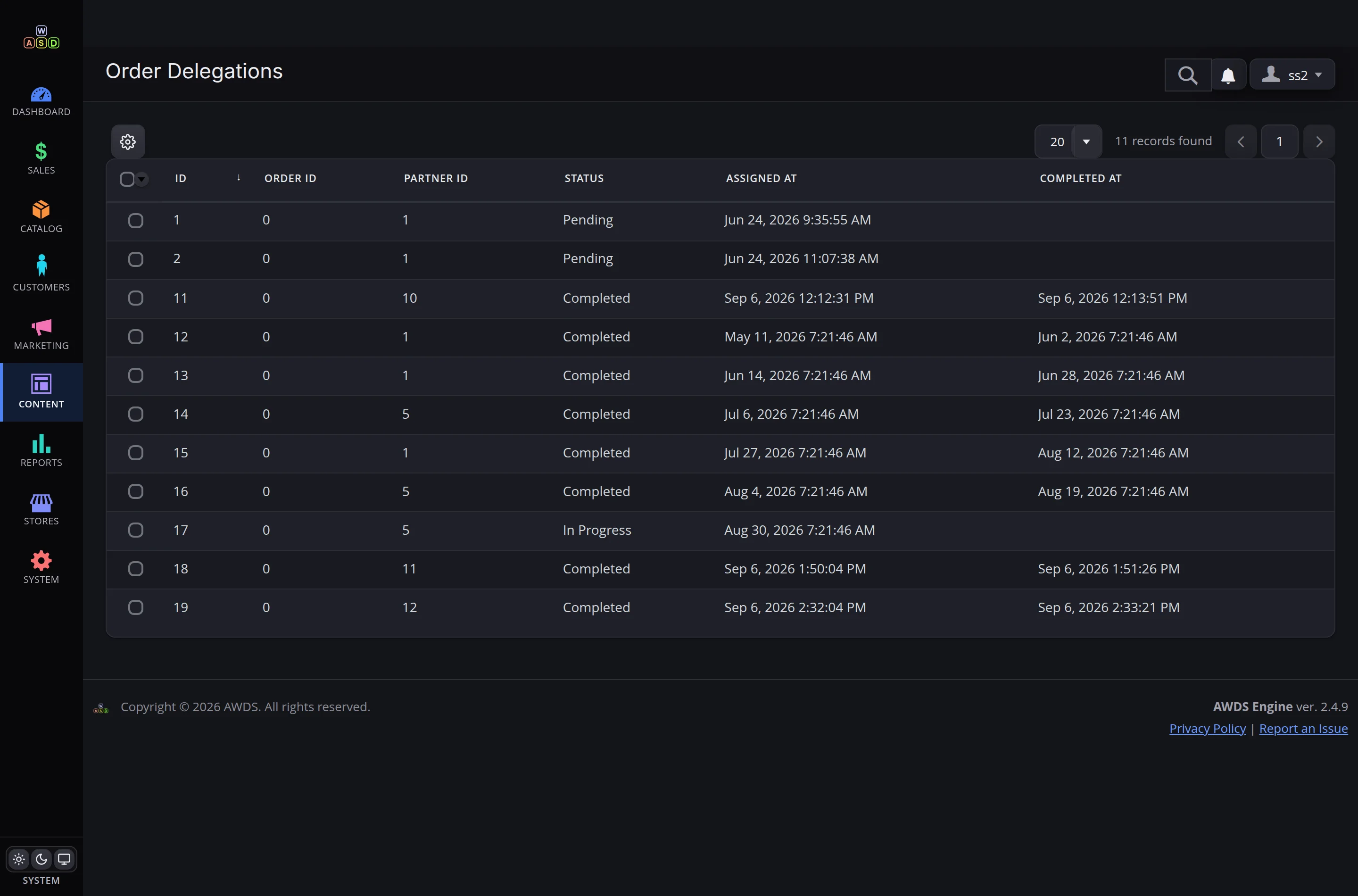
A won tender automatically becomes a delegation. From there the partner drives it with buttons: Accept → In Progress → Shipped → Completed. You watch the status in real time — not a single "how's it going?" call.
The final email closes the loop
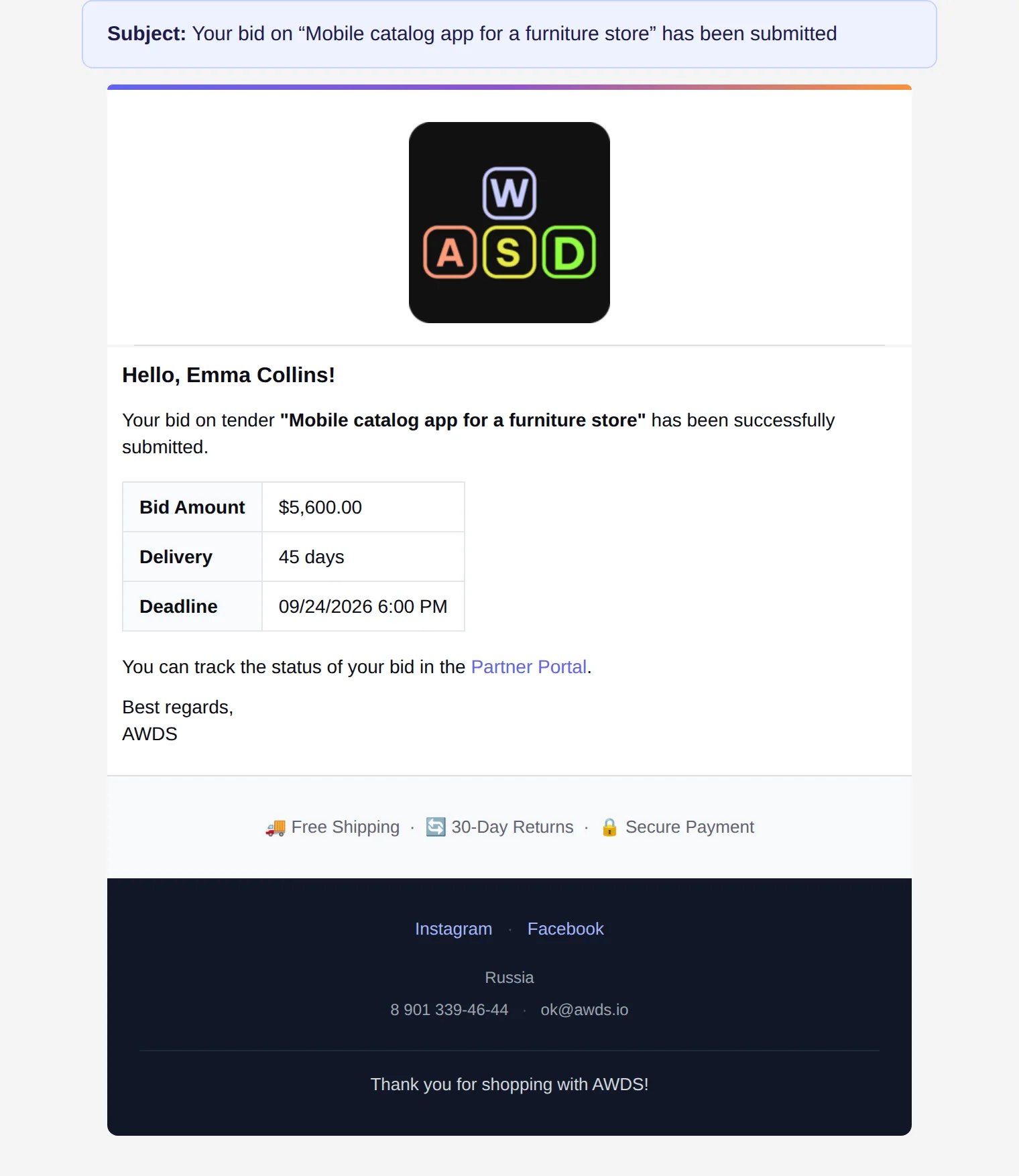
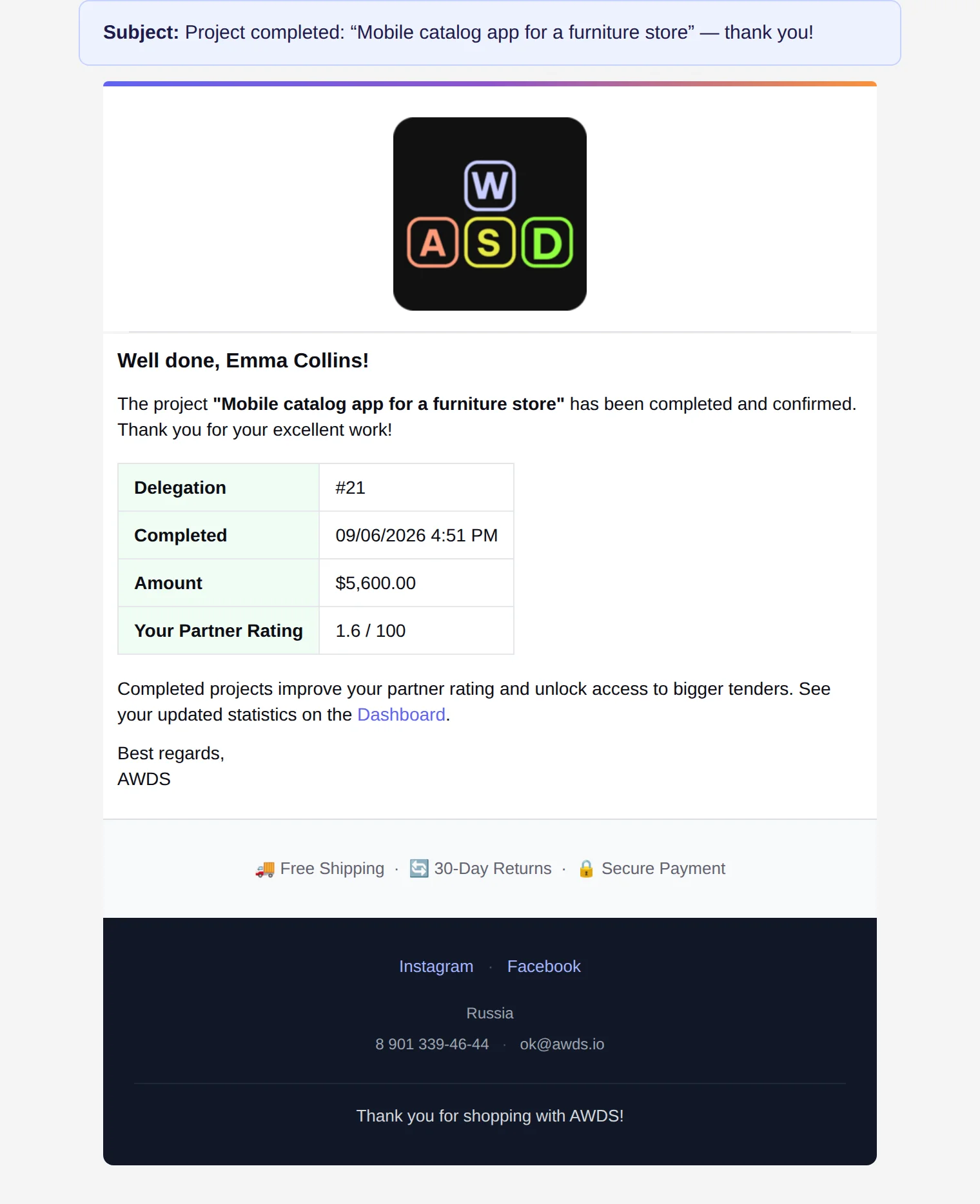
The moment the partner clicks "Completed", they receive a "Project completed" email with the amount and their updated rating — and you get one more deal delivered with zero manual shepherding.
The best get more. Gaming it — won't work
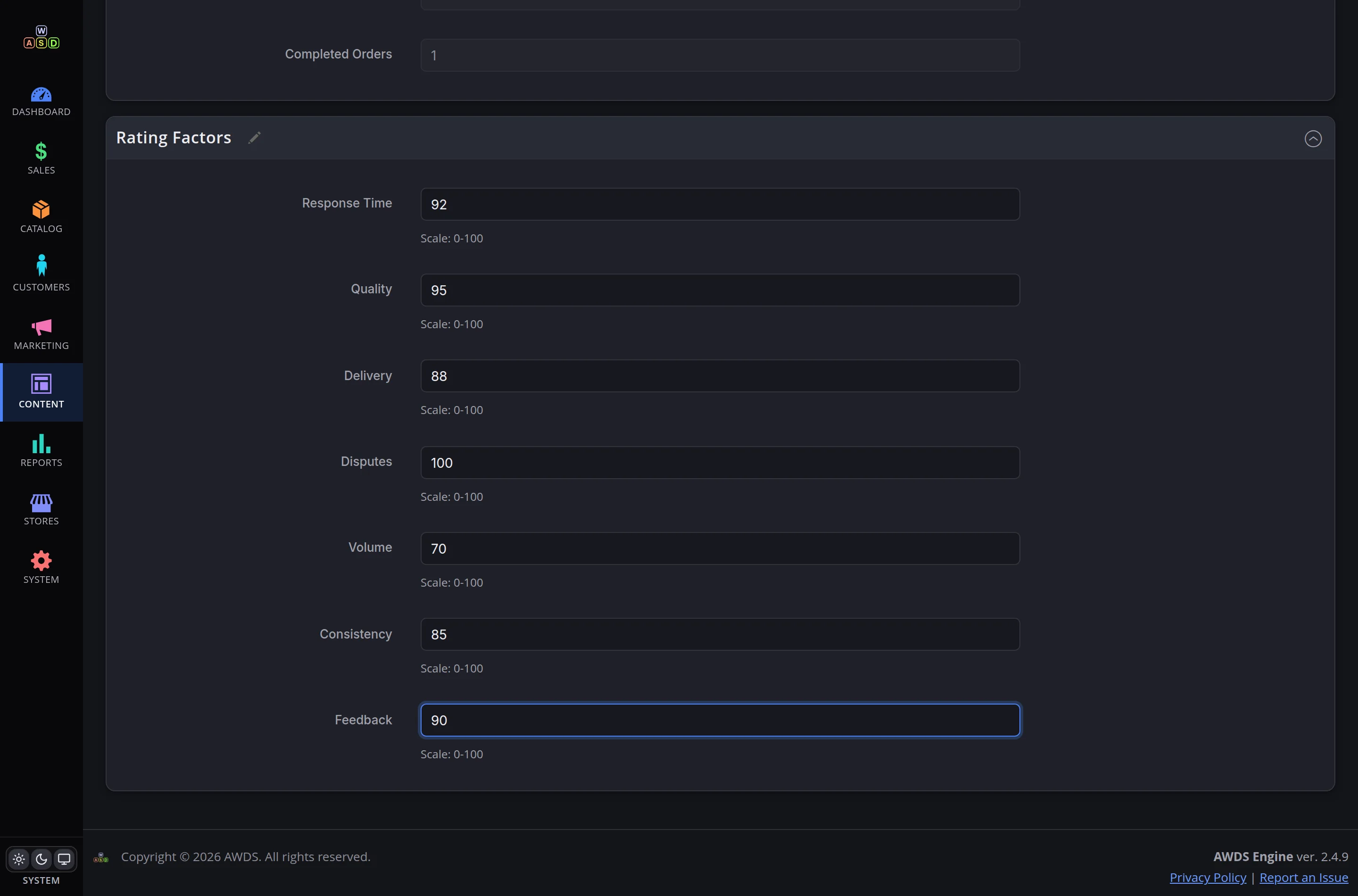
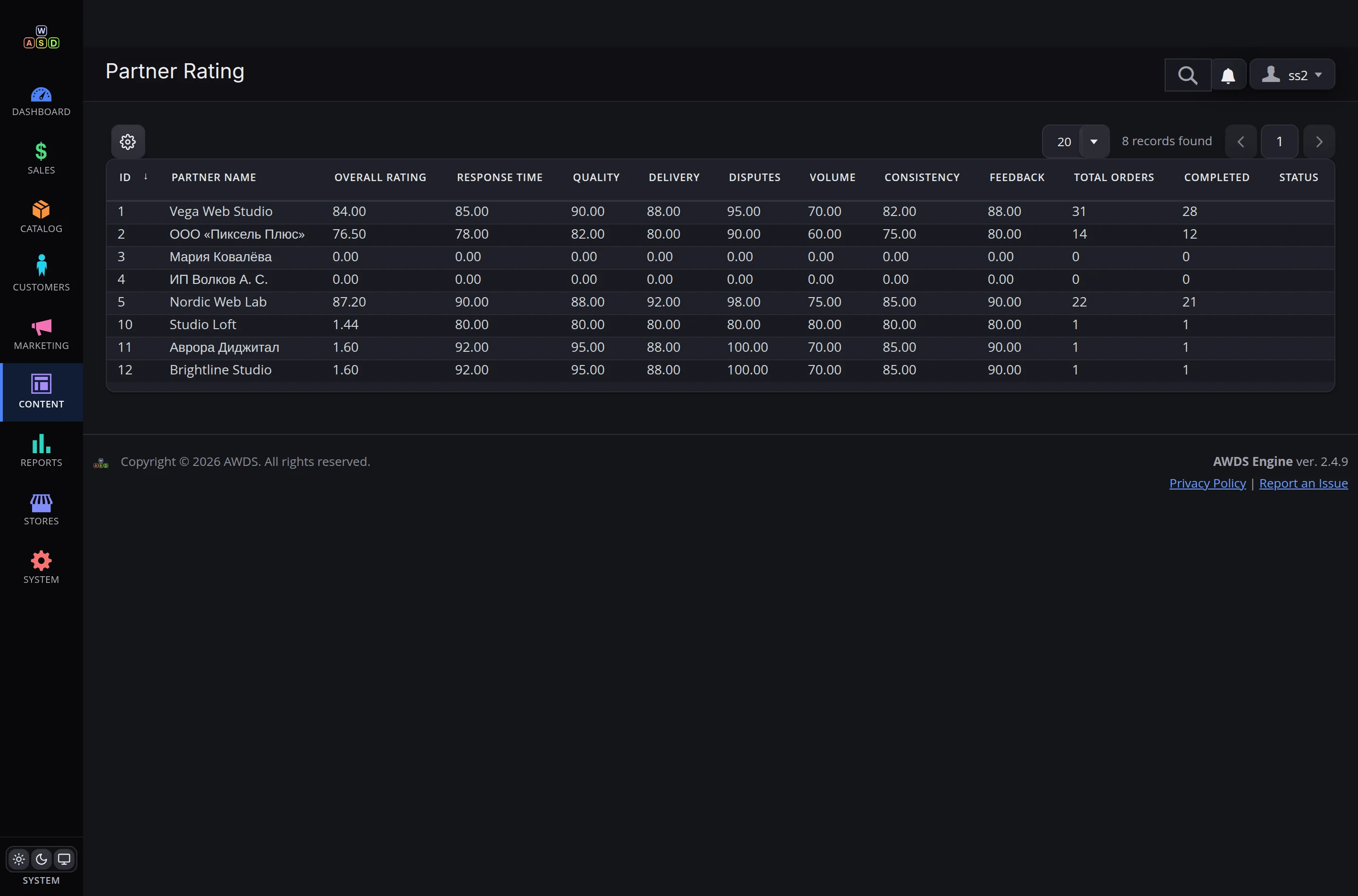
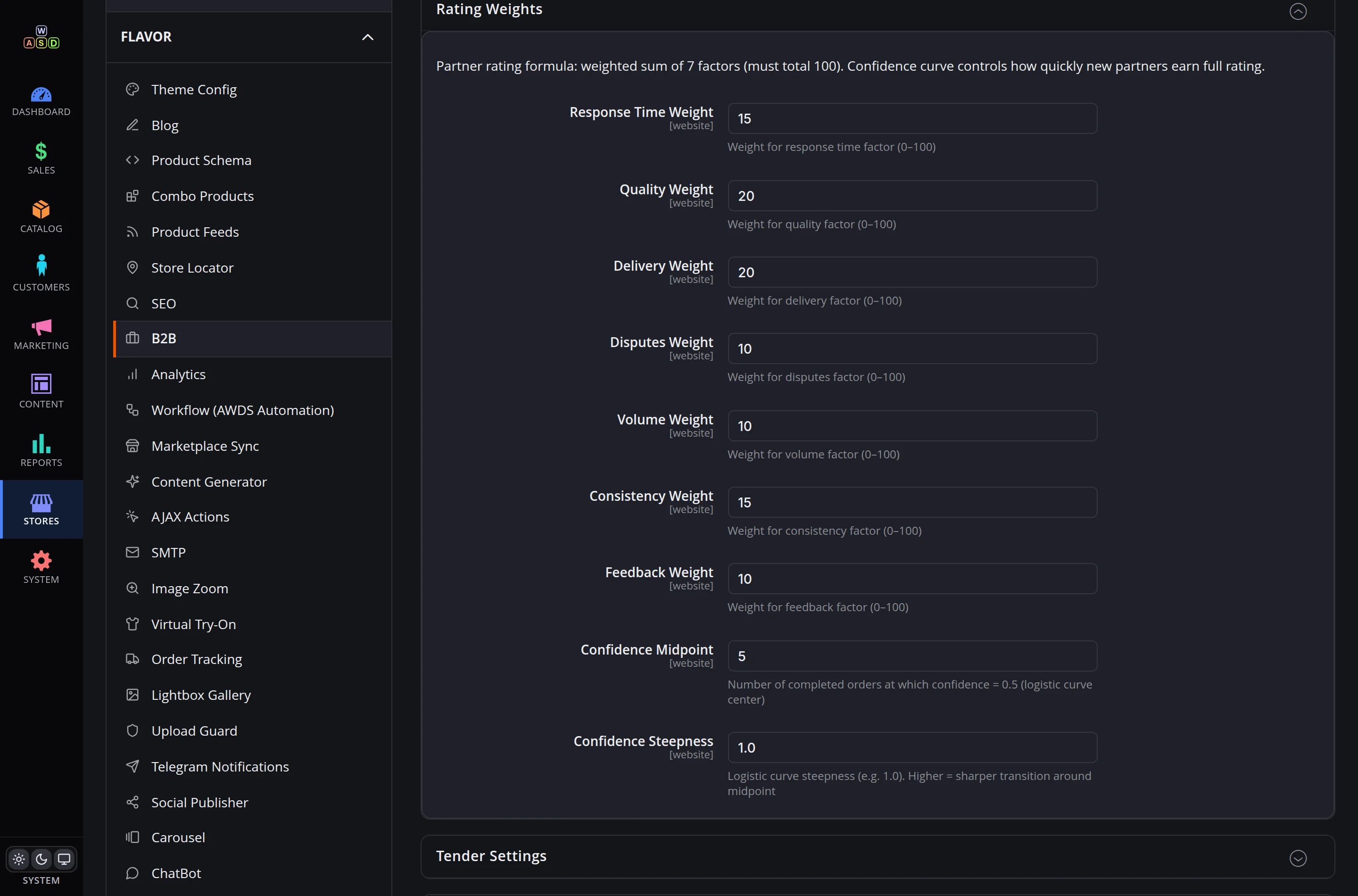
Seven factors — response time, quality, delivery, disputes, volume, consistency, feedback — with configurable weights. The rating recalculates automatically after every completed project and is protected by a trust factor: a newcomer with one order will not overtake a veteran with thirty.
A store order becomes a tender by itself
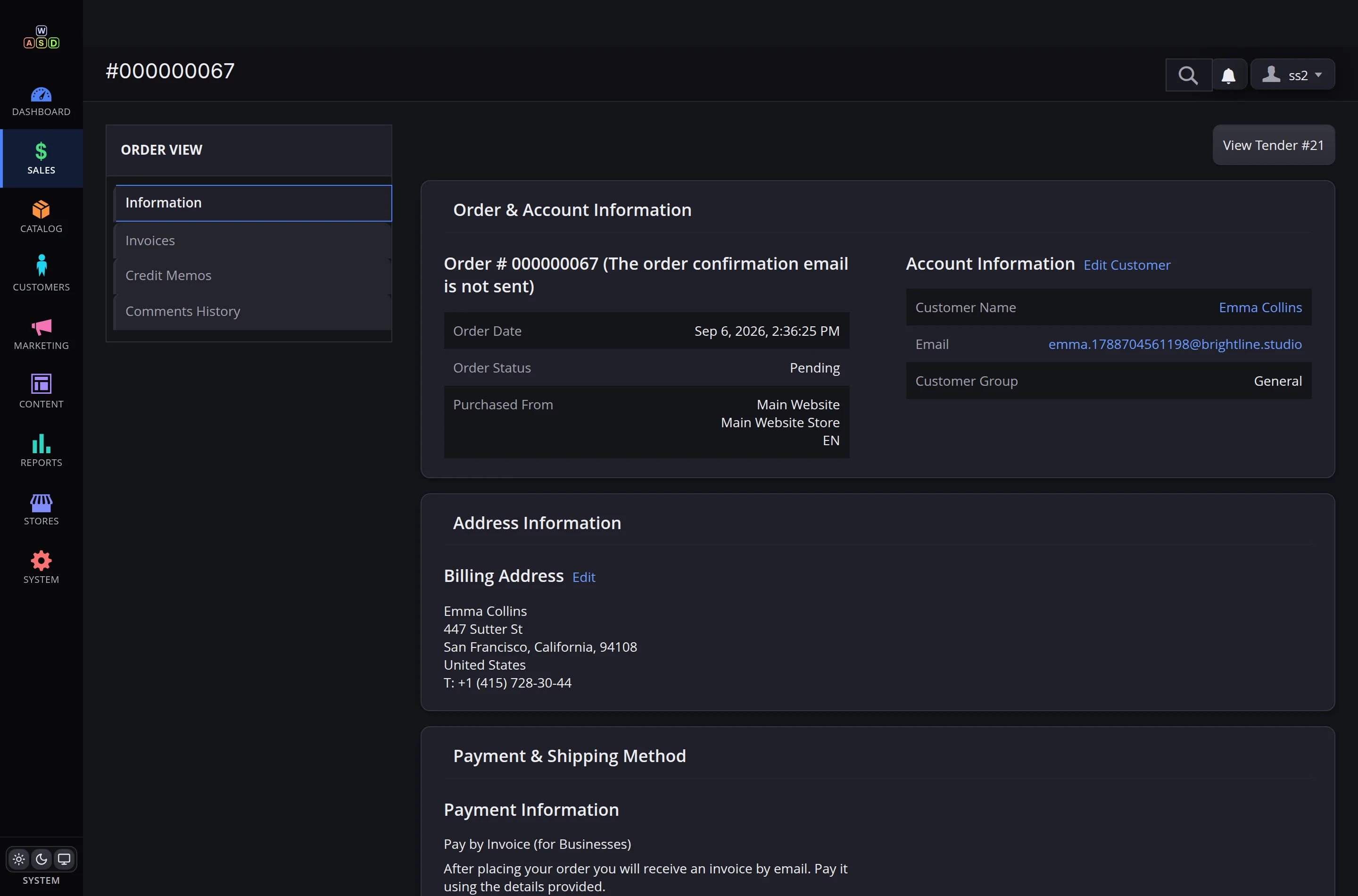
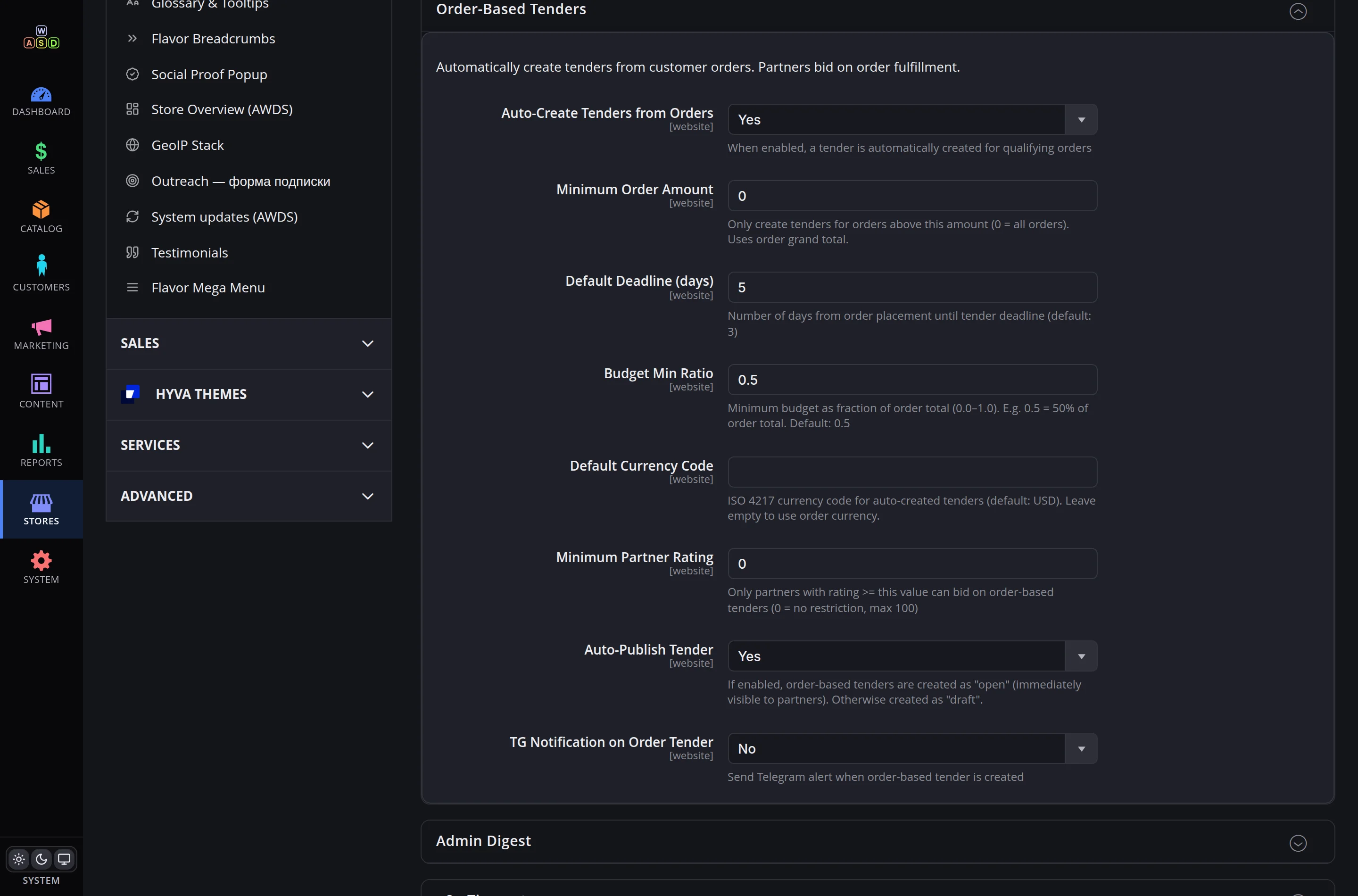
When an order above your threshold comes in, the portal creates a tender with a budget derived from the order total, publishes it and invites partners. The rules — threshold, deadline, auto-publish — are toggles in settings.
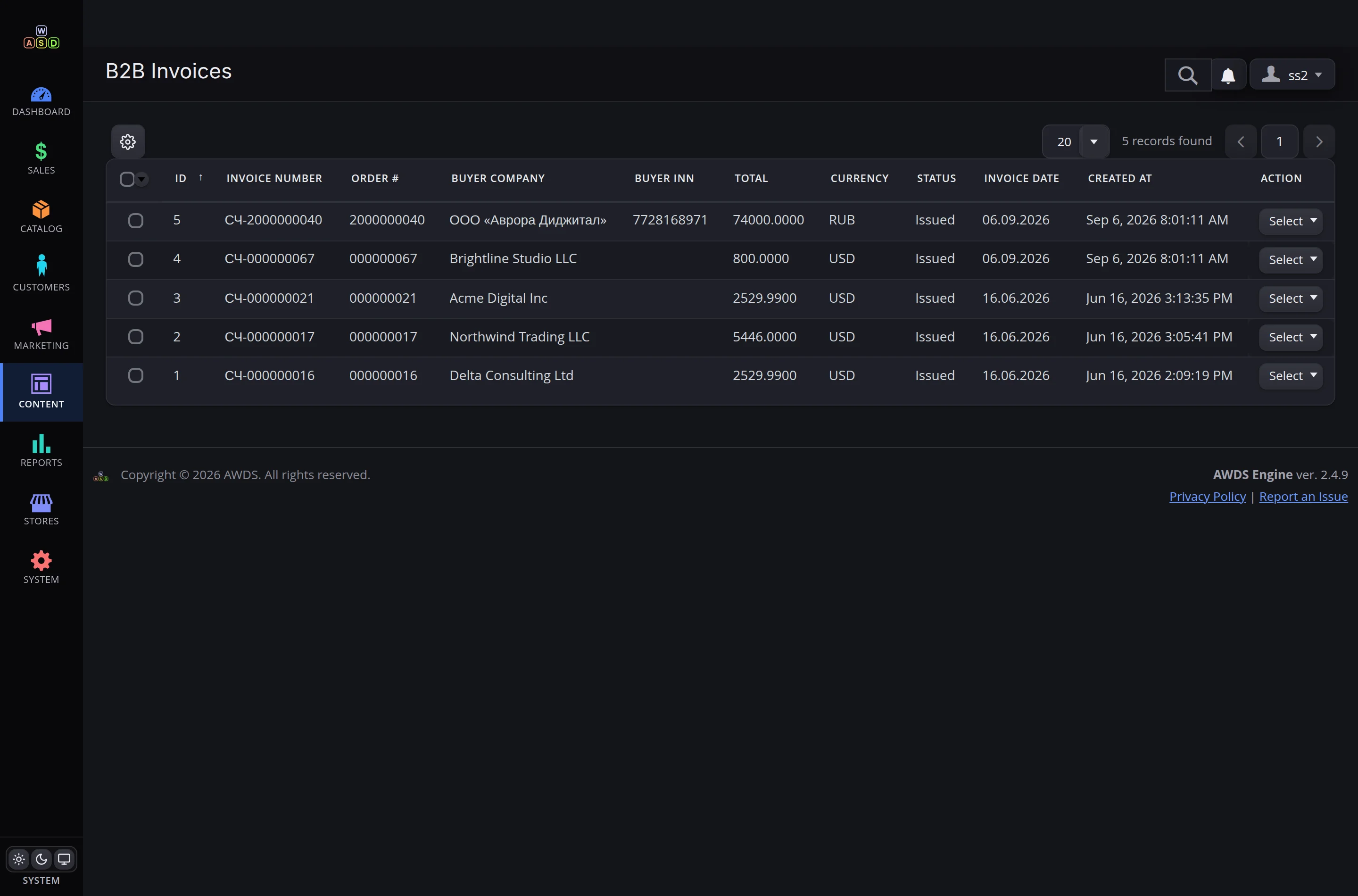
Payment invoices — automatic, official, in PDF
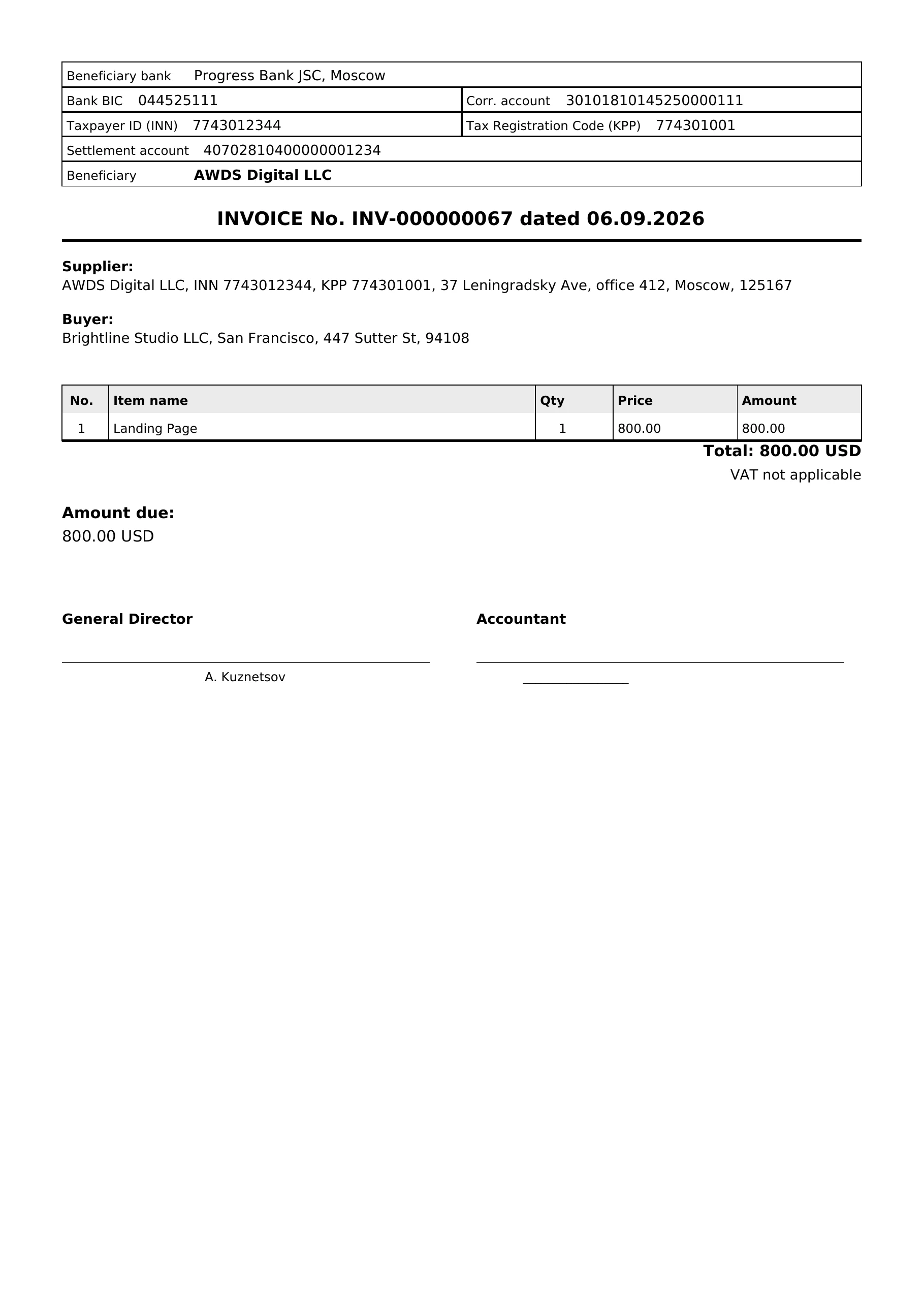
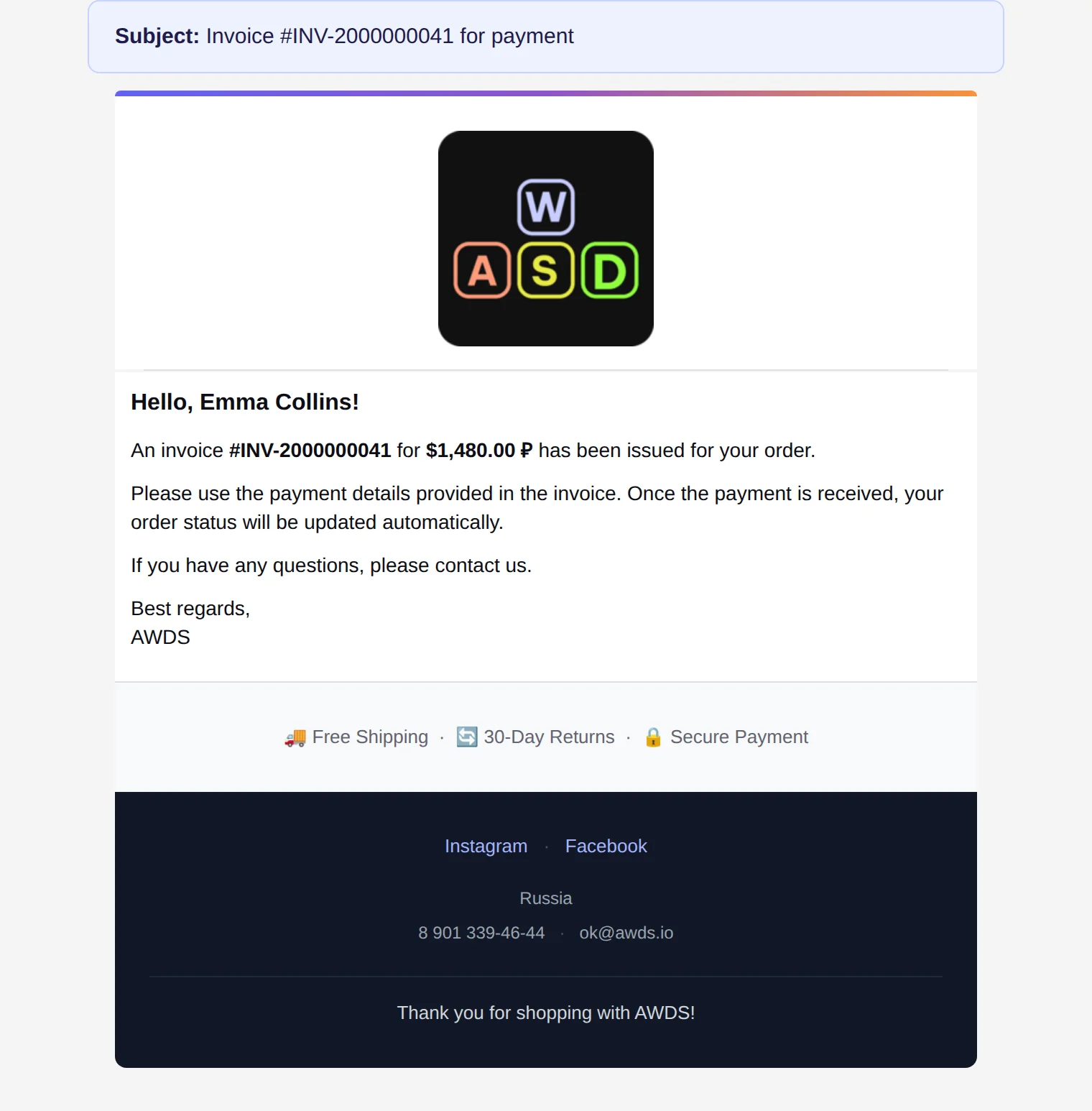
A business client chooses "pay by invoice" at checkout — the portal generates an official PDF invoice with your company details and emails it. Accounting is happy, no manager required.
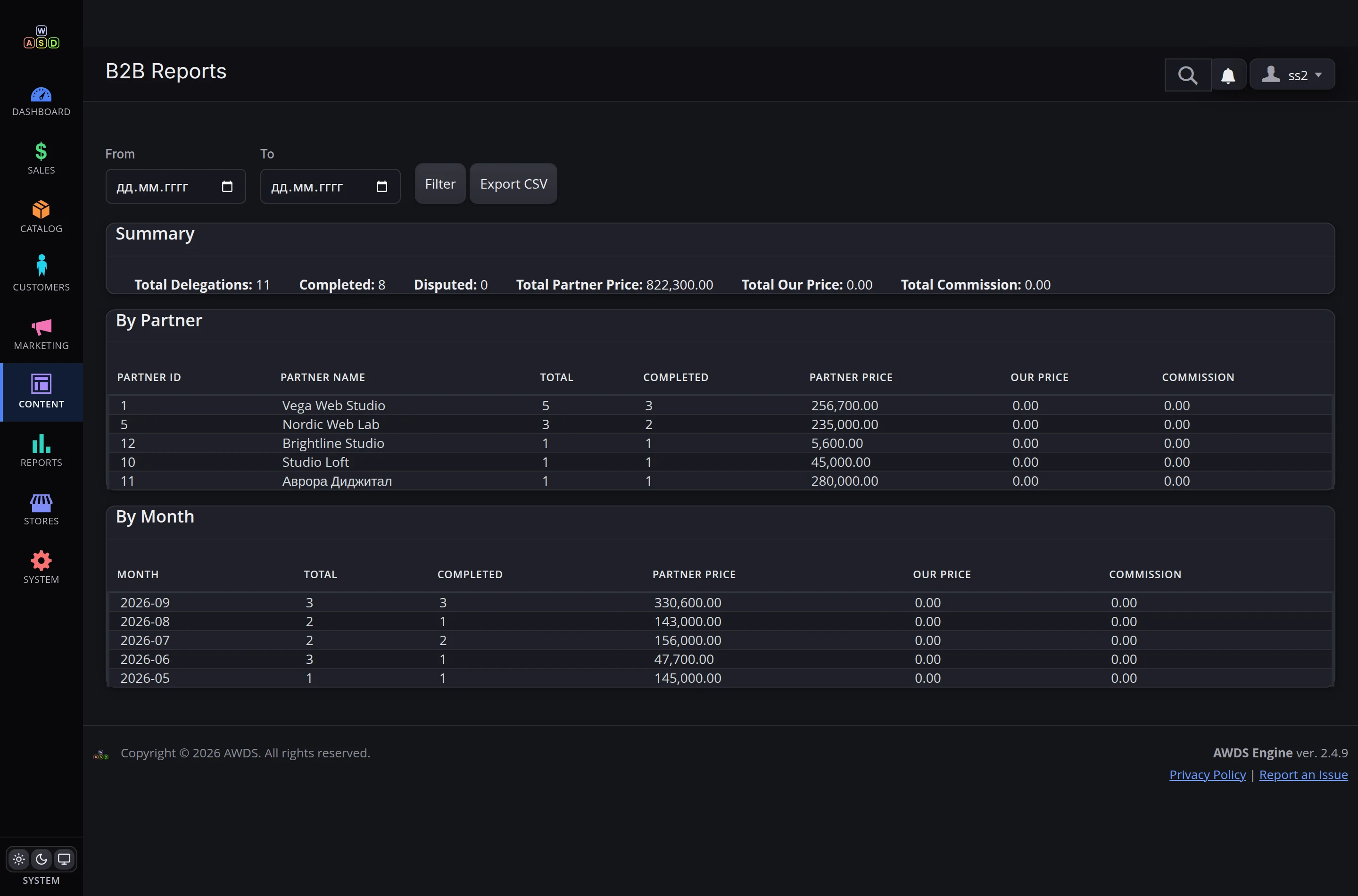
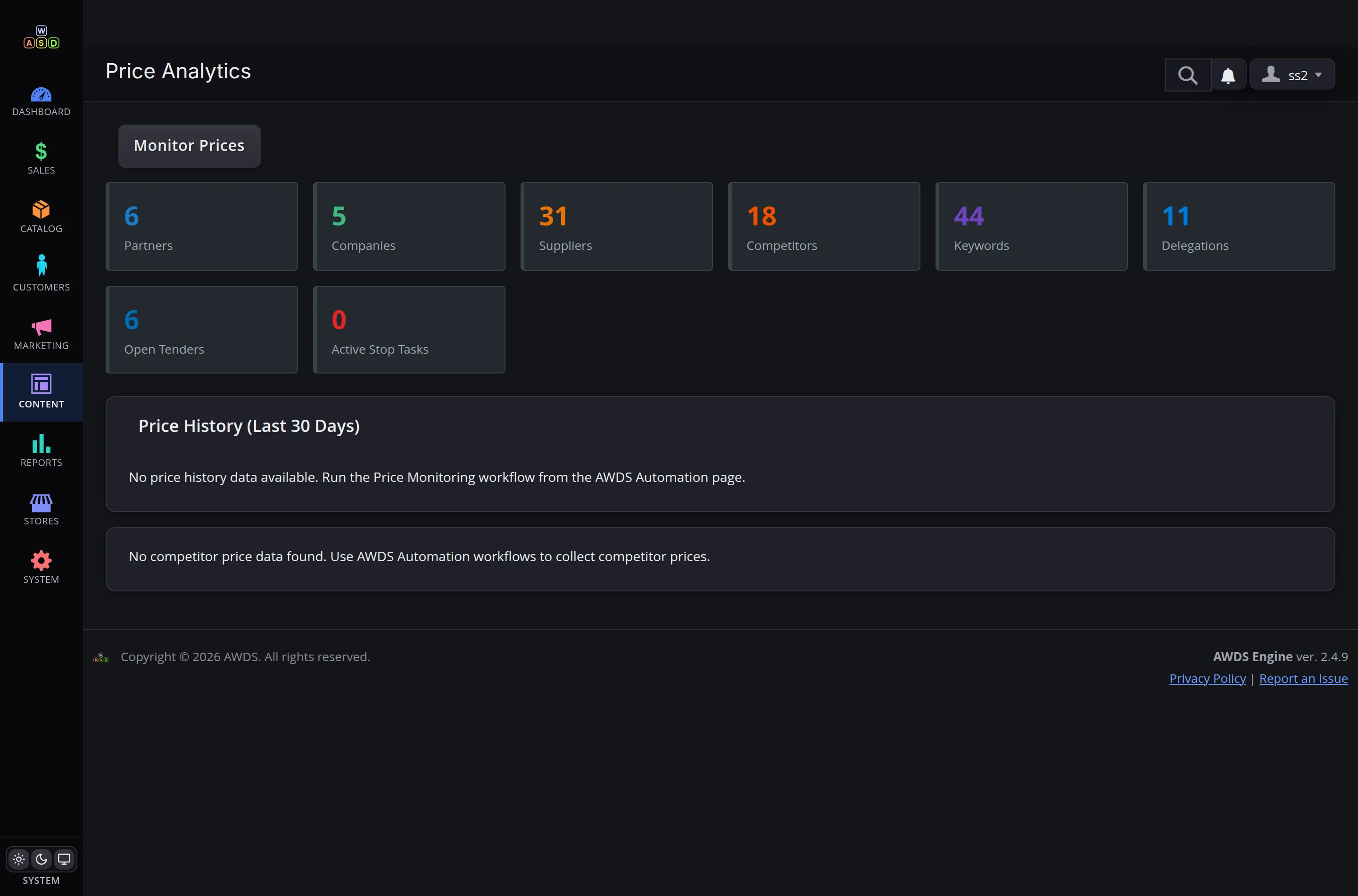
Network numbers without Excel
Delegation summary, breakdowns by partner and by month, CSV export. You can see who carries the network — and who rides it.
You change the rules, not a developer
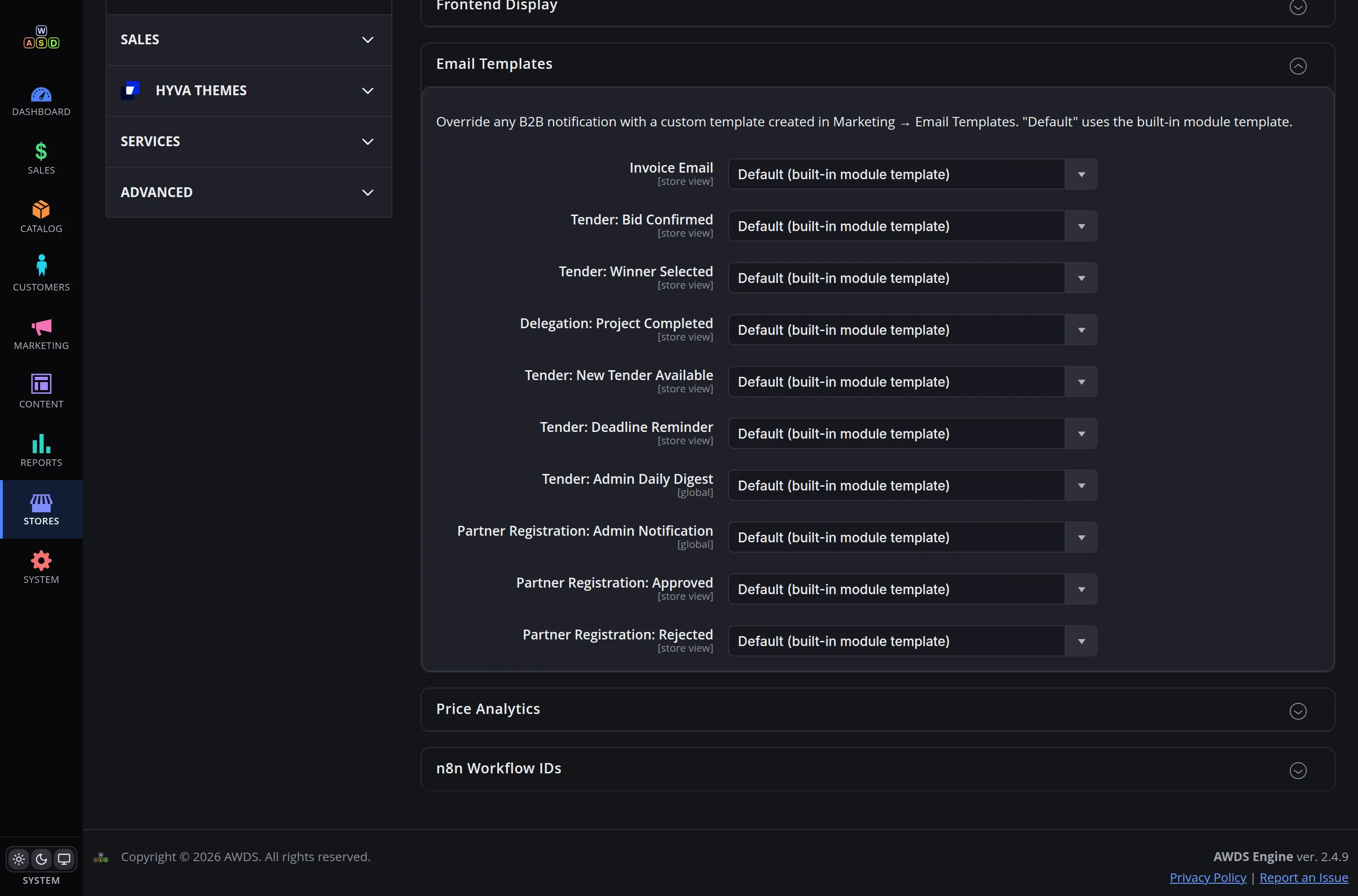
Rating weights, bid limits, auto-tender thresholds, benefit texts, all ten email templates, task schedules, invoice details — everything lives in the admin settings. Changed in a minute, no releases, no code.
One portal instead of chats, spreadsheets and phone calls
For partners
A clear dashboard, a fair rating, tenders that match their level and an email at every step. Working with you becomes easy.
For you
Competition for your orders, real-time statuses, reports without Excel and a network that grows without headcount.
For the business
Every deal comes with a history, an amount and an owner. Transparency you can see in reports — and feel in the margin.
Want a portal for your network — with your brand and your rules?
We'll show you the live system, discuss your process, and give you a timeline and a price.
Discuss the project