An admin panel with your site’s name on it — in your team’s language, even on a phone
A typical store back office greets your team with someone else’s logo, labels in one language only, a cramped layout on a phone — and after every edit people go hunting for the changed page on the live site.
Here the panel is part of your site. The sign-in page and the panel carry your site’s name and mark, every employee works in their own language, the look is light, dark or follows the device, and one button leads from the edit screen straight to the live page.
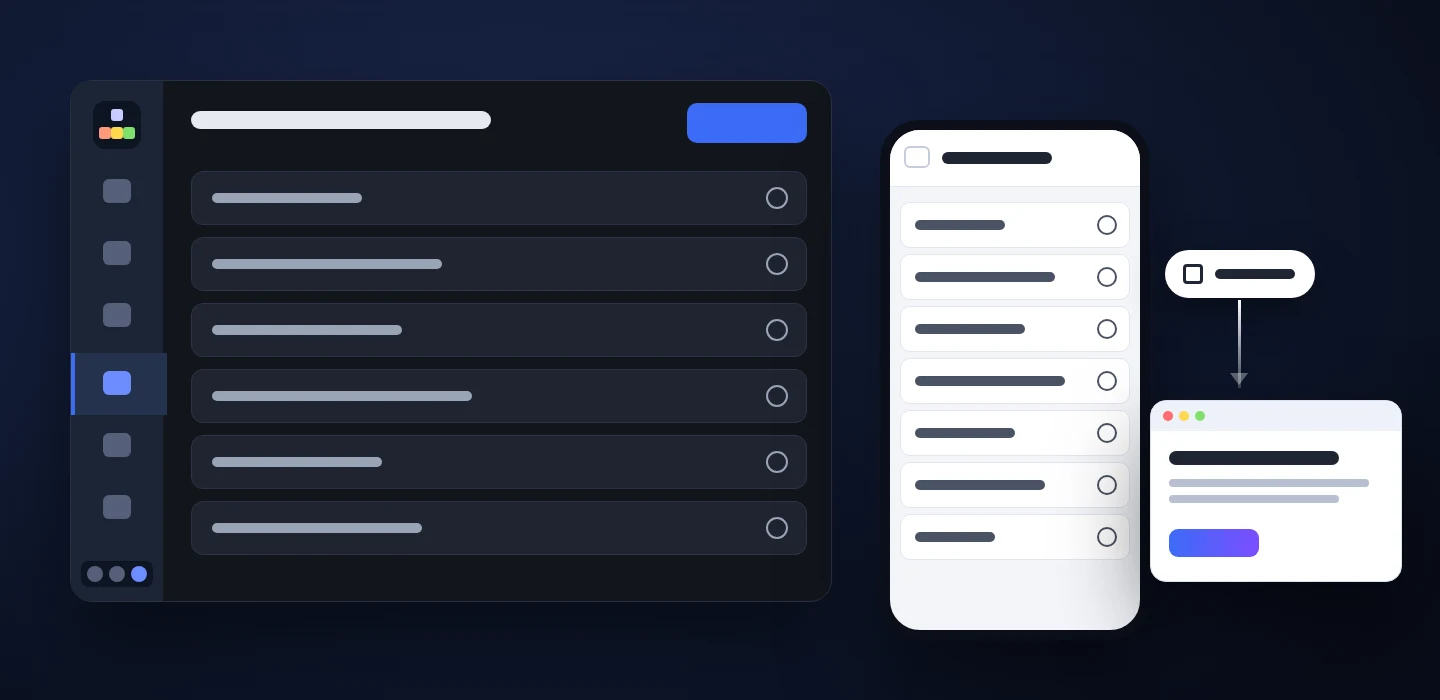
For teams that run the site every day, not once a quarter
Stores, studios and service companies where several people add products, publish articles and update pages.
Owner
The back office looks like part of your business: your name at sign-in and in every screen, not the logo of the software it runs on.
Content manager
Edits a page and checks the result with one click — on the right language version of the site, without copying addresses.
Manager on the go
Opens the panel on a phone: the menu hides behind a button, forms stack into one column, the dark theme is easy on the eyes in the evening.
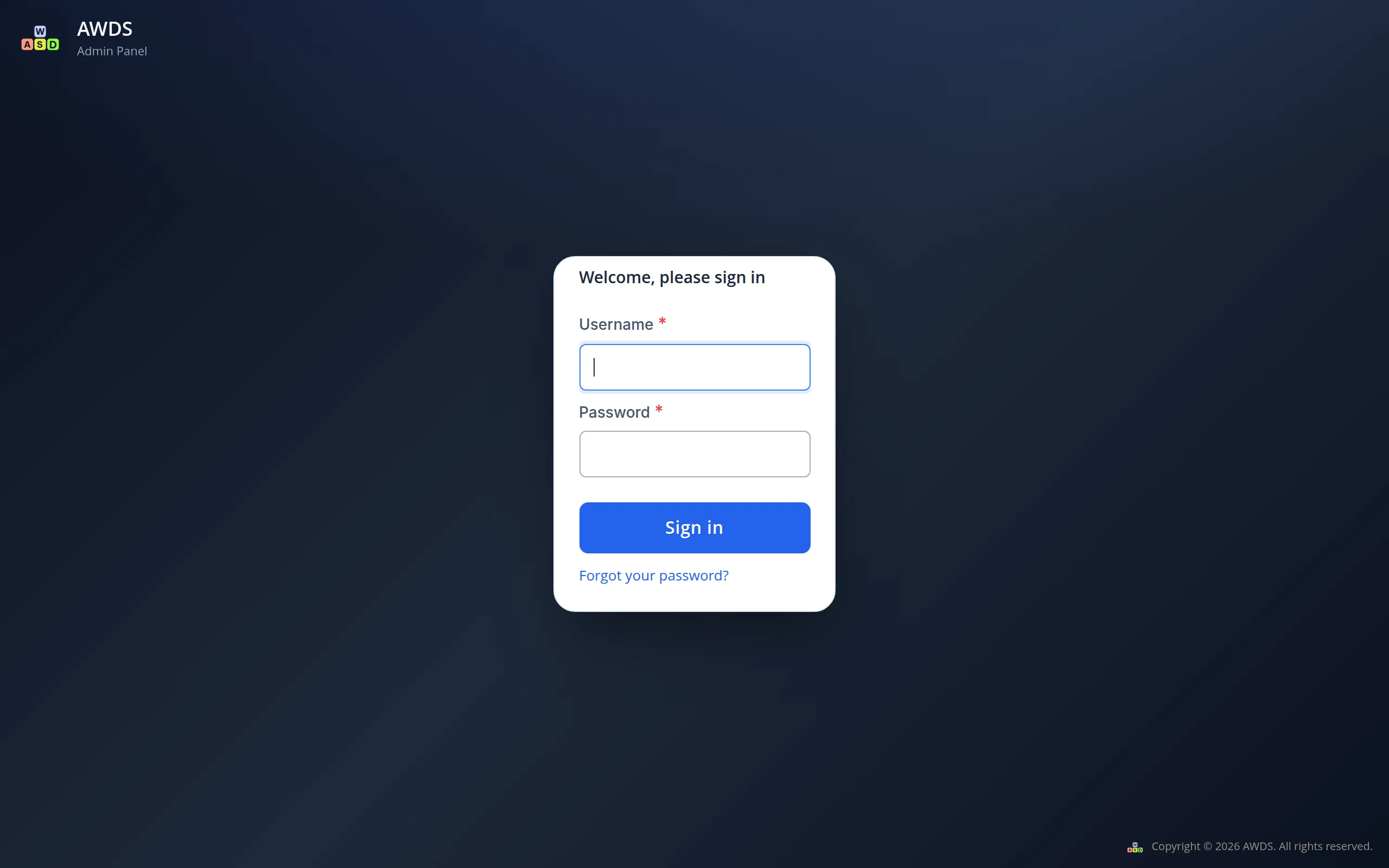
The sign-in page and the panel carry your site’s name and mark
The name comes from the settings of your store, and the mark is the square logo your site already shows to search engines. If the panel should be called differently from the store, a separate name is one field in the settings. The same name stands in the footer of every screen.
Menus, forms and buttons in the language of the person working
Each employee picks the interface language in their own profile — one person works in English, another in Russian, in the same panel at the same time. The texts of your pages and products stay exactly as they were written.
One button from the edit screen to the same page on the site
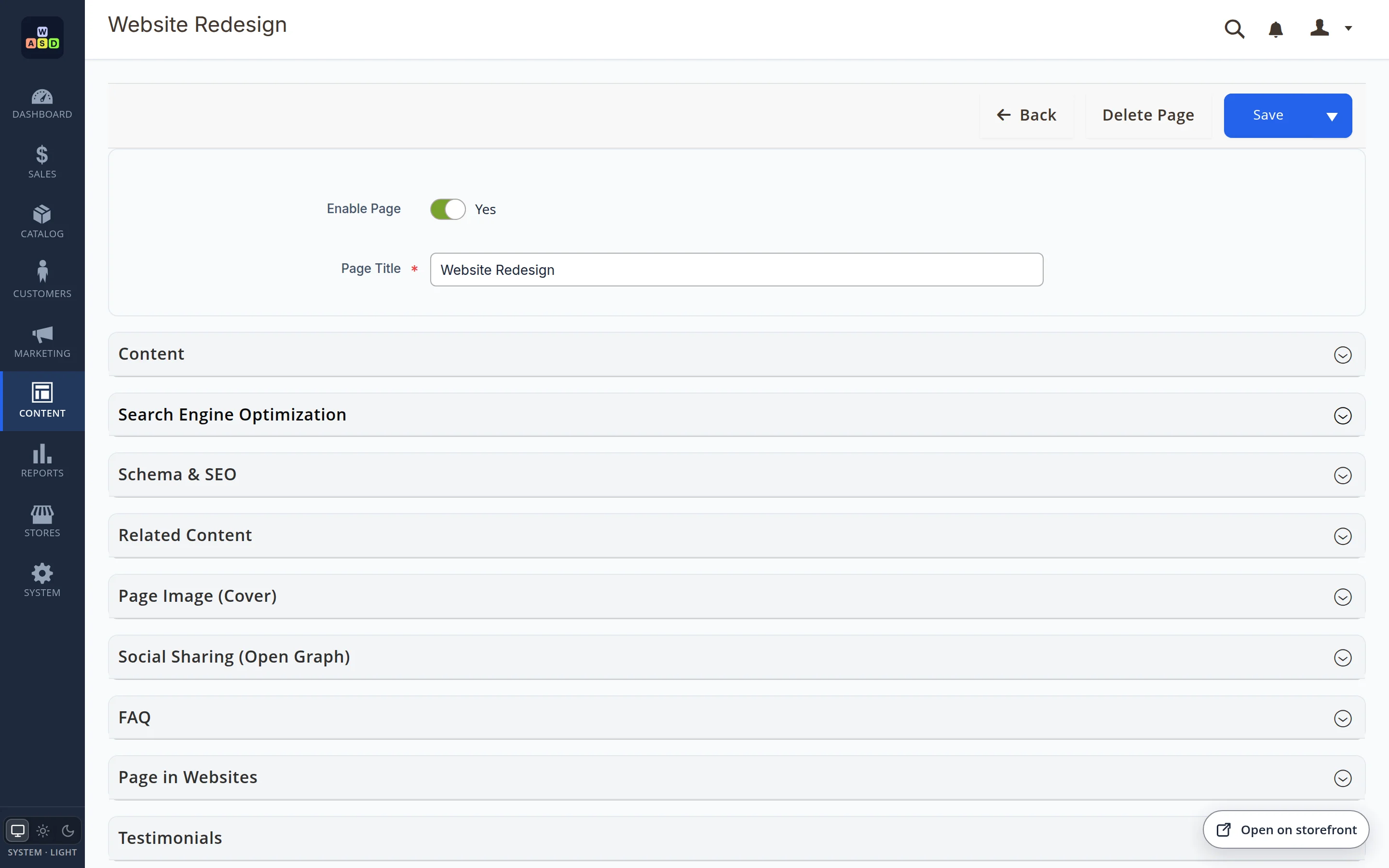
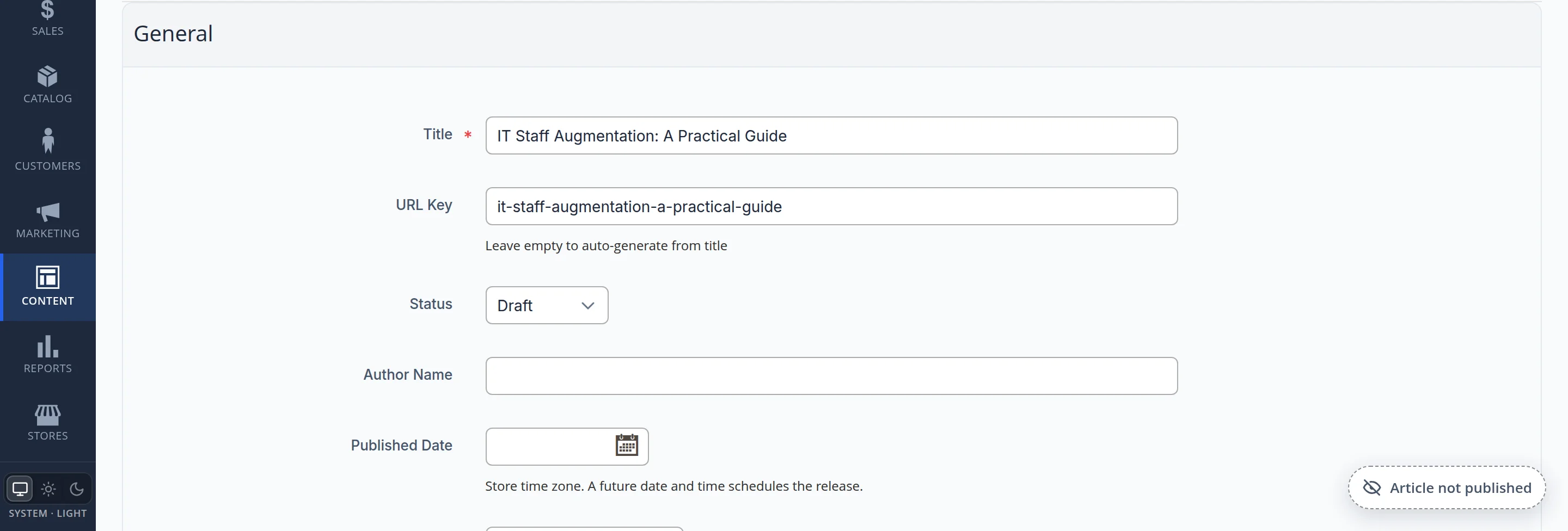
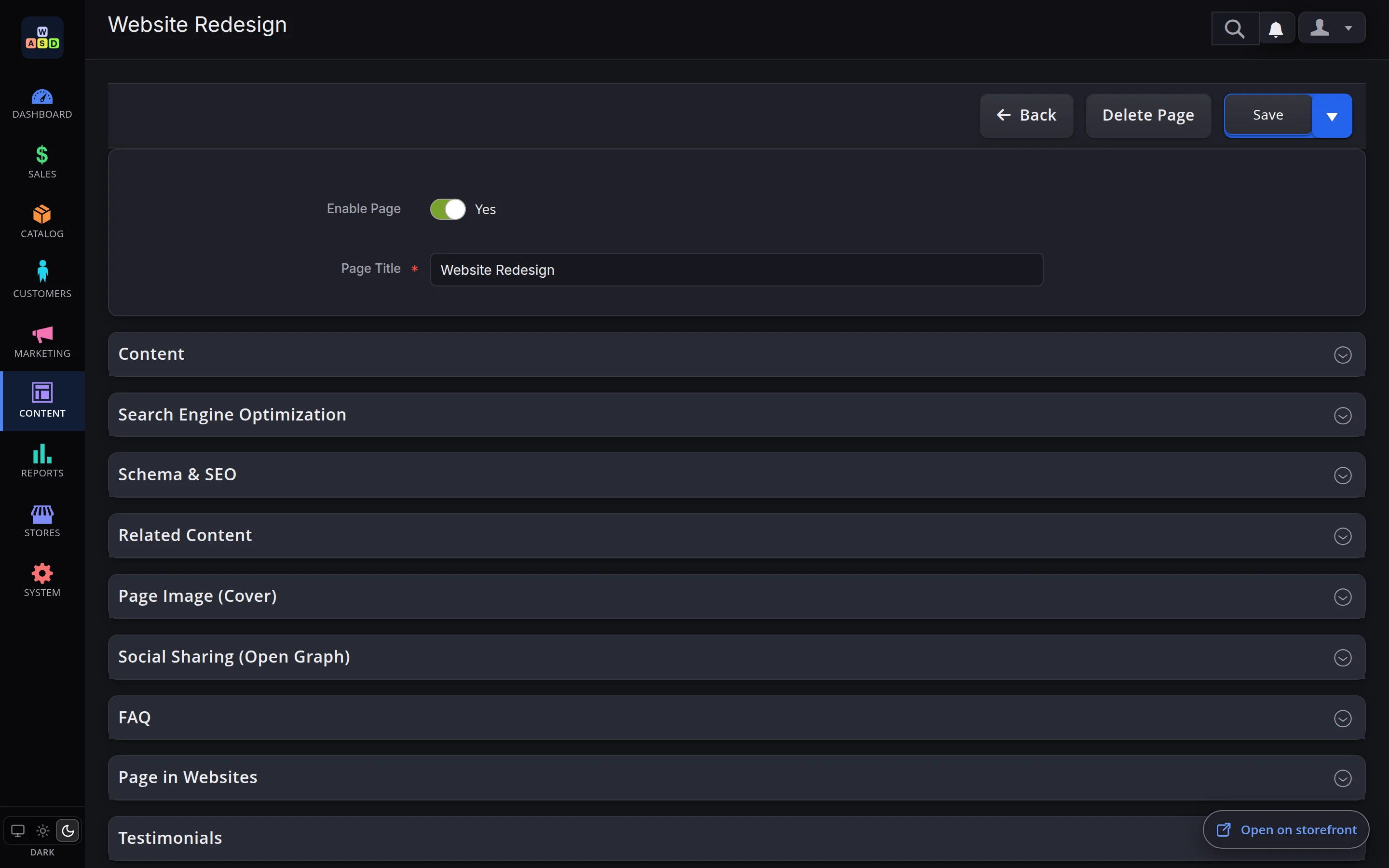
The Open on storefront button waits in the corner of the edit screen of a page, a product or an article. When the item exists in several language versions, the button asks which one to open; when you edit one version, it opens that version straight away. If the item is not on the site yet — for example, an article is still a draft — the button shows the reason instead of leading to an empty page.
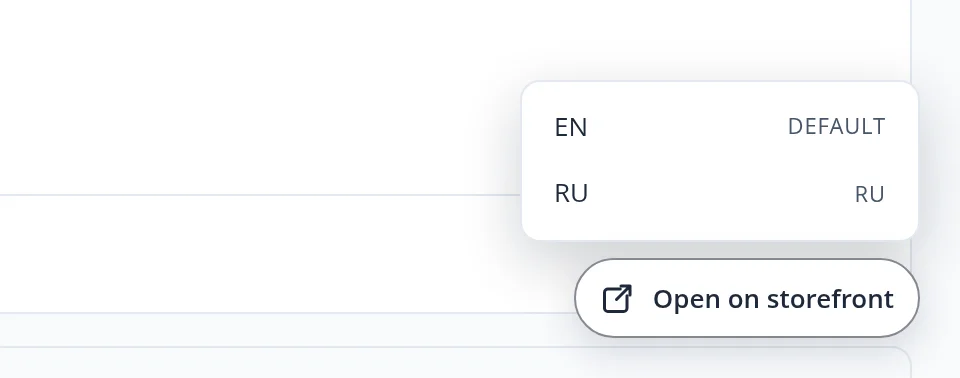
- Several language versions — the button asks which one to open
- One version in edit — the button opens exactly that version
- Not on the site yet — the button names the reason instead of leading to an empty page
A dark theme for the panel — or the same look as the device
The switch sits at the bottom of the menu: light, dark or the same as the computer or phone. The choice is remembered in the browser and does not affect how visitors see the site.
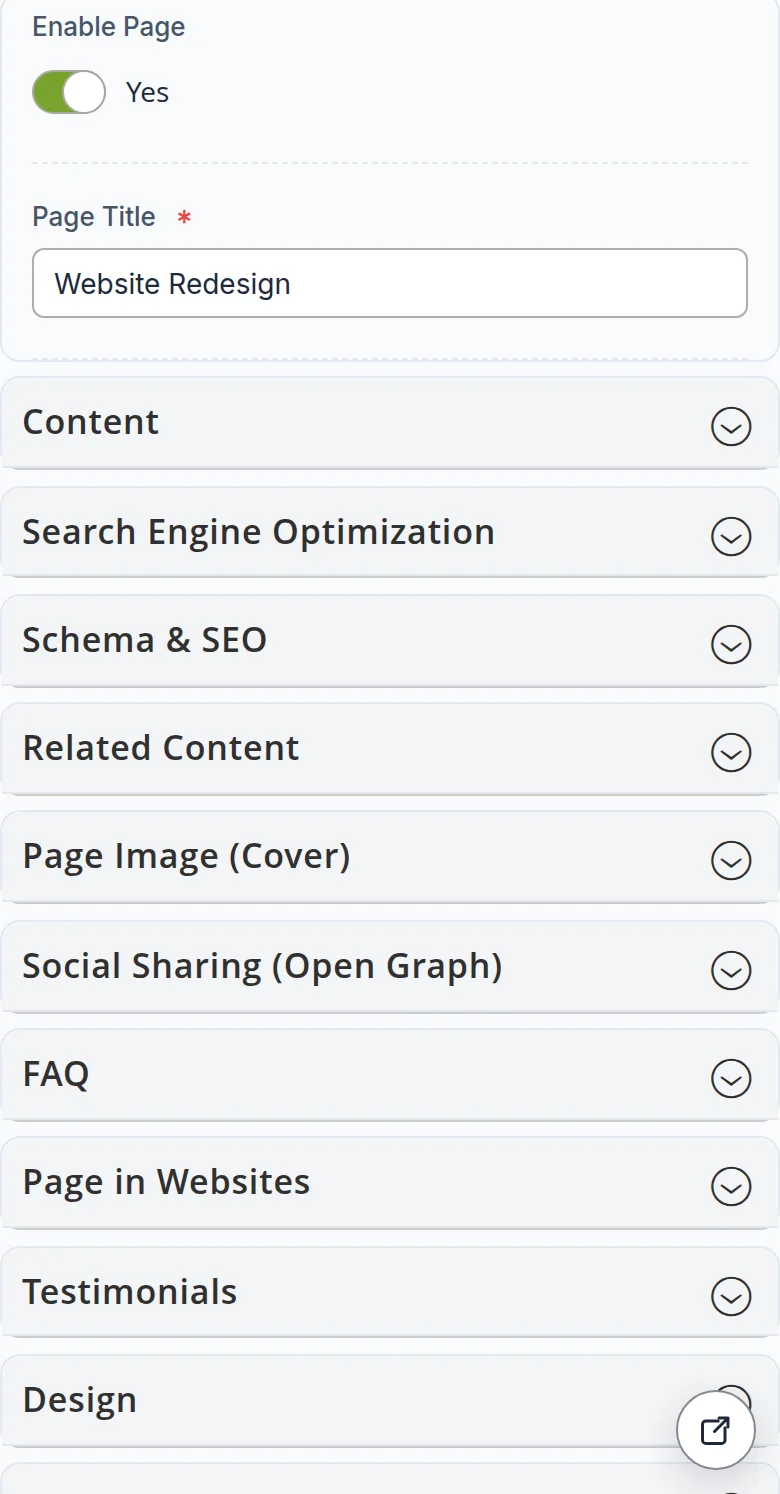
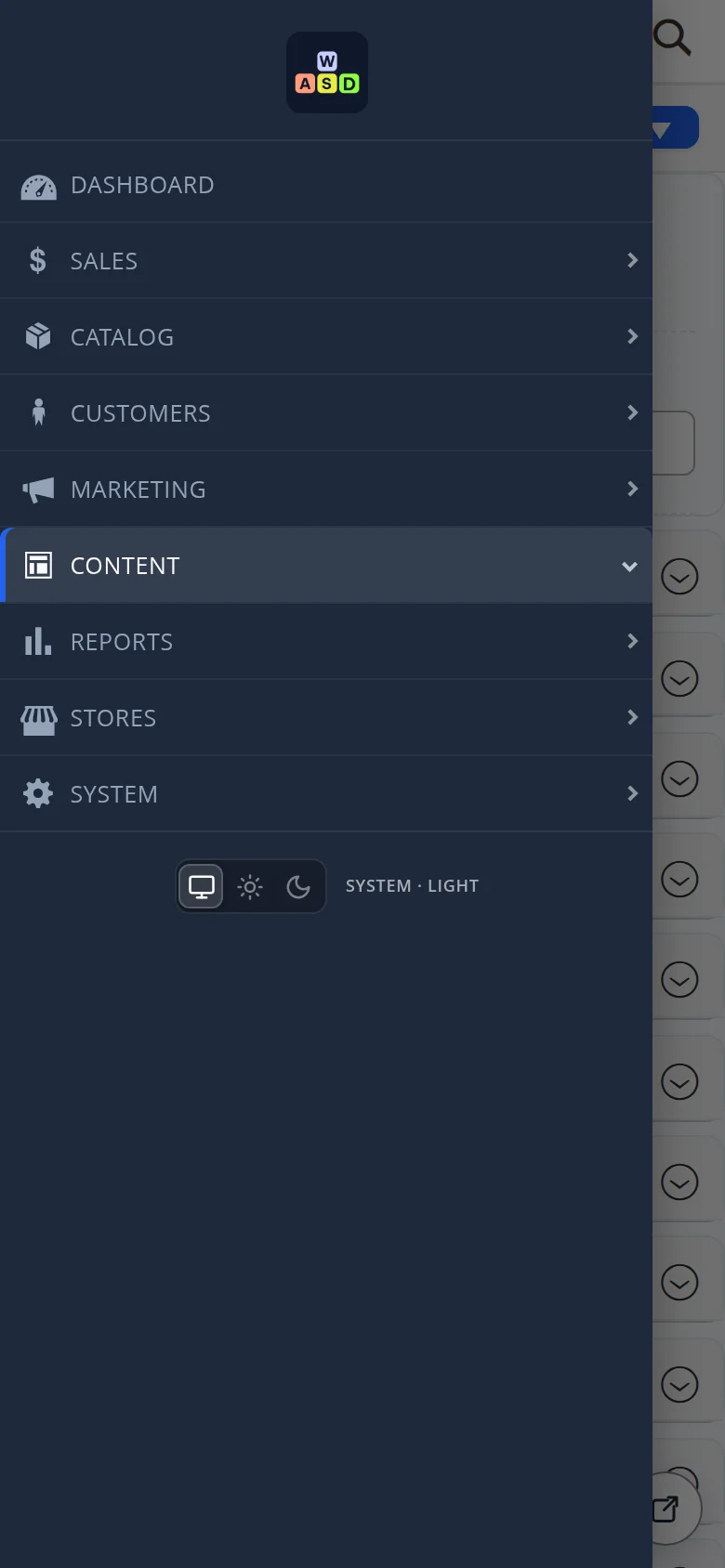
Urgent edits from a phone
On a narrow screen the menu hides behind a button in the header, the form sections stack into one column, and the storefront button turns into a compact round icon.
- Your name — at sign-in and in the footer, your mark at the top of the menu
- Your language — chosen by each employee in their profile
- One click to the site — for pages, products and articles, with the right language version
- Honest about drafts — a reason instead of a link to a page that does not exist
- Light, dark or automatic — remembered in the browser
We went through the panel as an ordinary employee
- We signed in with a test employee account, first with English as the interface language and then with Russian, and opened a page, a product and an article.
- We pressed Open on storefront on a product: from the English version it opened the English product page, from the Russian version — the Russian one. On a draft article the button showed the reason instead of a link.
- We switched the panel to the dark theme and to a phone-sized screen: the menu and the forms kept working. Nothing was saved — the site stayed as it was.
A back office your team is comfortable in
We will build your site with a panel that carries your name, speaks your team’s languages and works on a phone — and show your people how to use it.
Another case: your brand colours and fonts across the whole site →
