One product photo becomes a marketplace card, a studio shot and a video
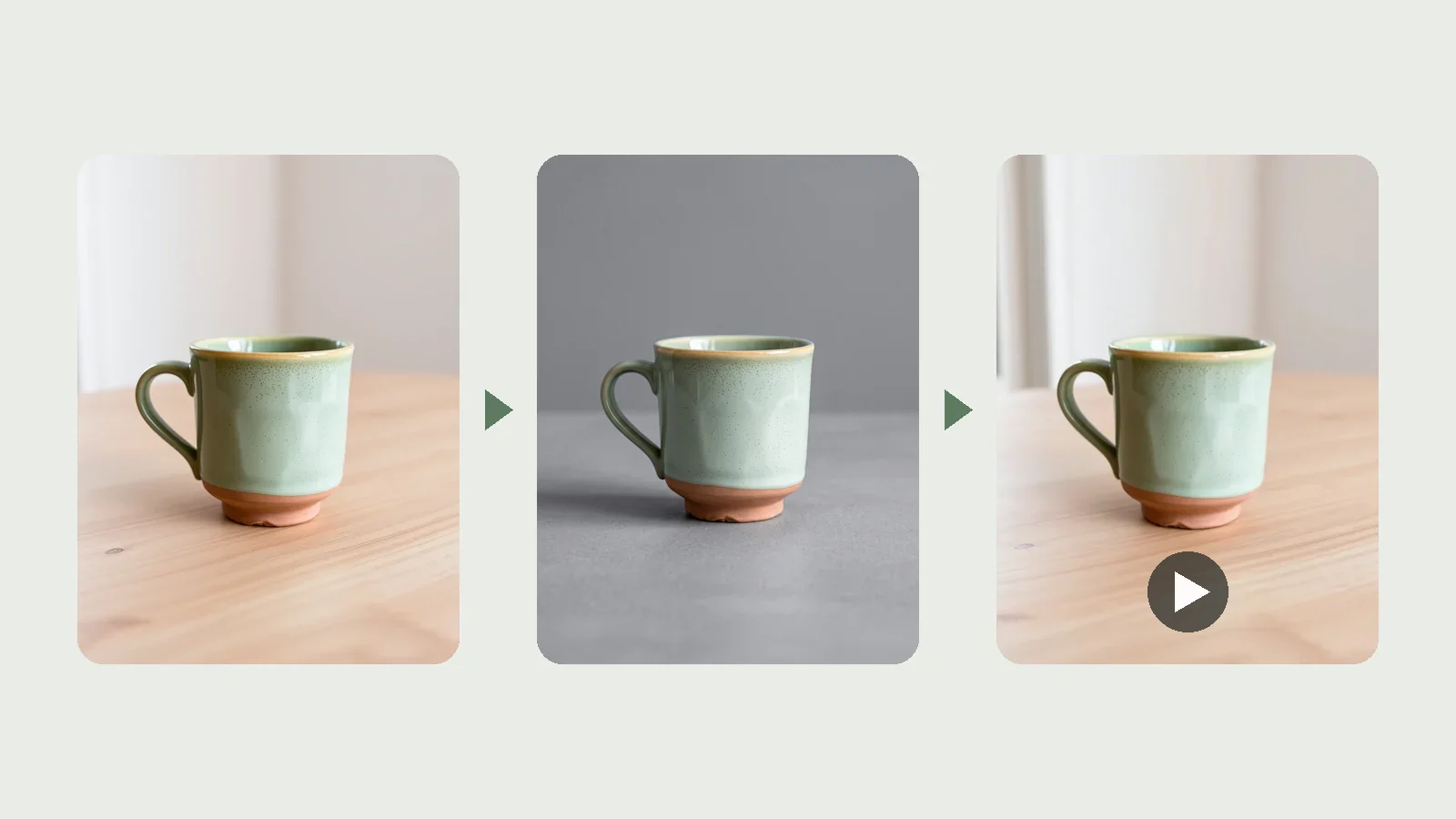
A product sells on a marketplace when it has a card with its benefits, a clean catalog shot and a short video. That usually means a photographer, a designer and an editor — and a week of waiting.
Here it all happens on the product page in your site's admin panel. Take a photo the product already has, choose what you want, and press one button. Finished work lands in the product's media pool, and images go from there to the product gallery, a marketplace or social media in one click.
For teams with more products than time to present them
A marketplace greets the shopper with a picture. While a product has one amateur photo, it loses to its neighbours in the results.
Marketplace seller
Launches a new item with a card and a video the same day, not after a shoot and a layout round.
Small workshop
Makes products by hand and shoots them on a phone. Gets a studio shot and a card without a studio or a designer.
Content manager
Prepares dozens of items in one window: photos, card text and distribution to channels — right on the product page.
The product already has a photo — the studio recognises it
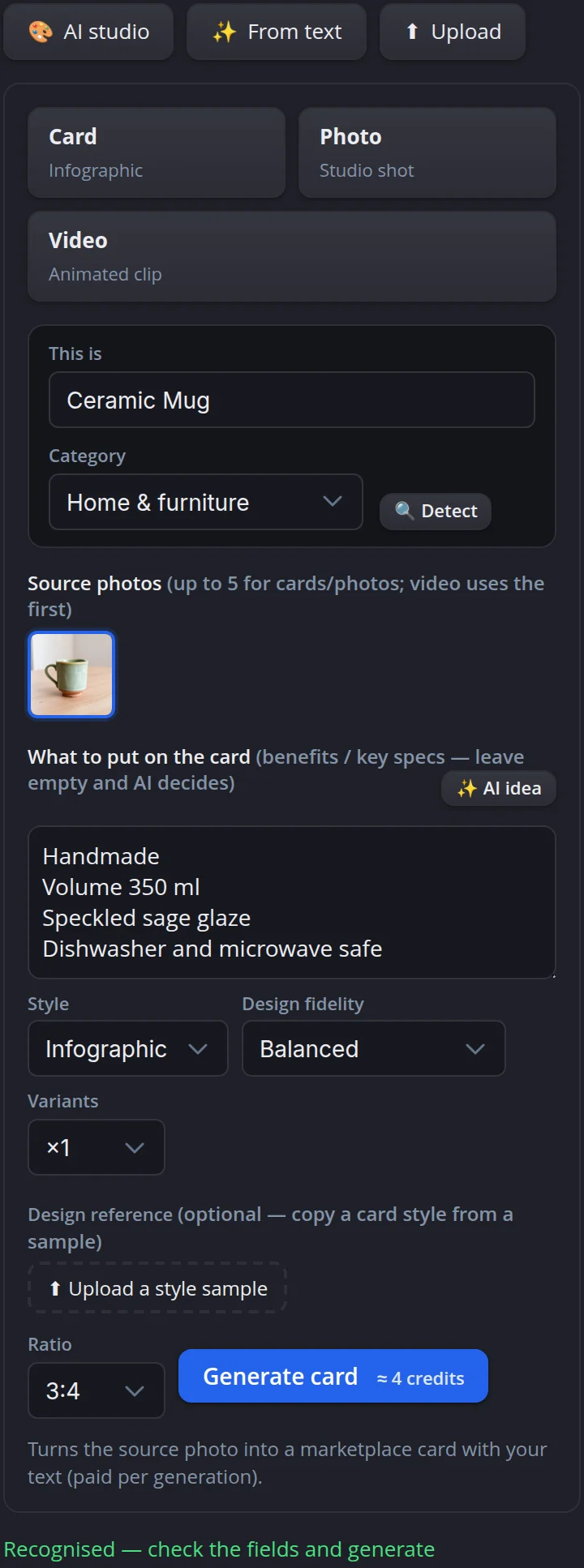
The studio opens in the Media tab of the product page. Source photos come from the product gallery. The studio recognises what is in the picture and which category the product belongs to, and the AI idea button writes card lines from the product's own data — volume, material, care.
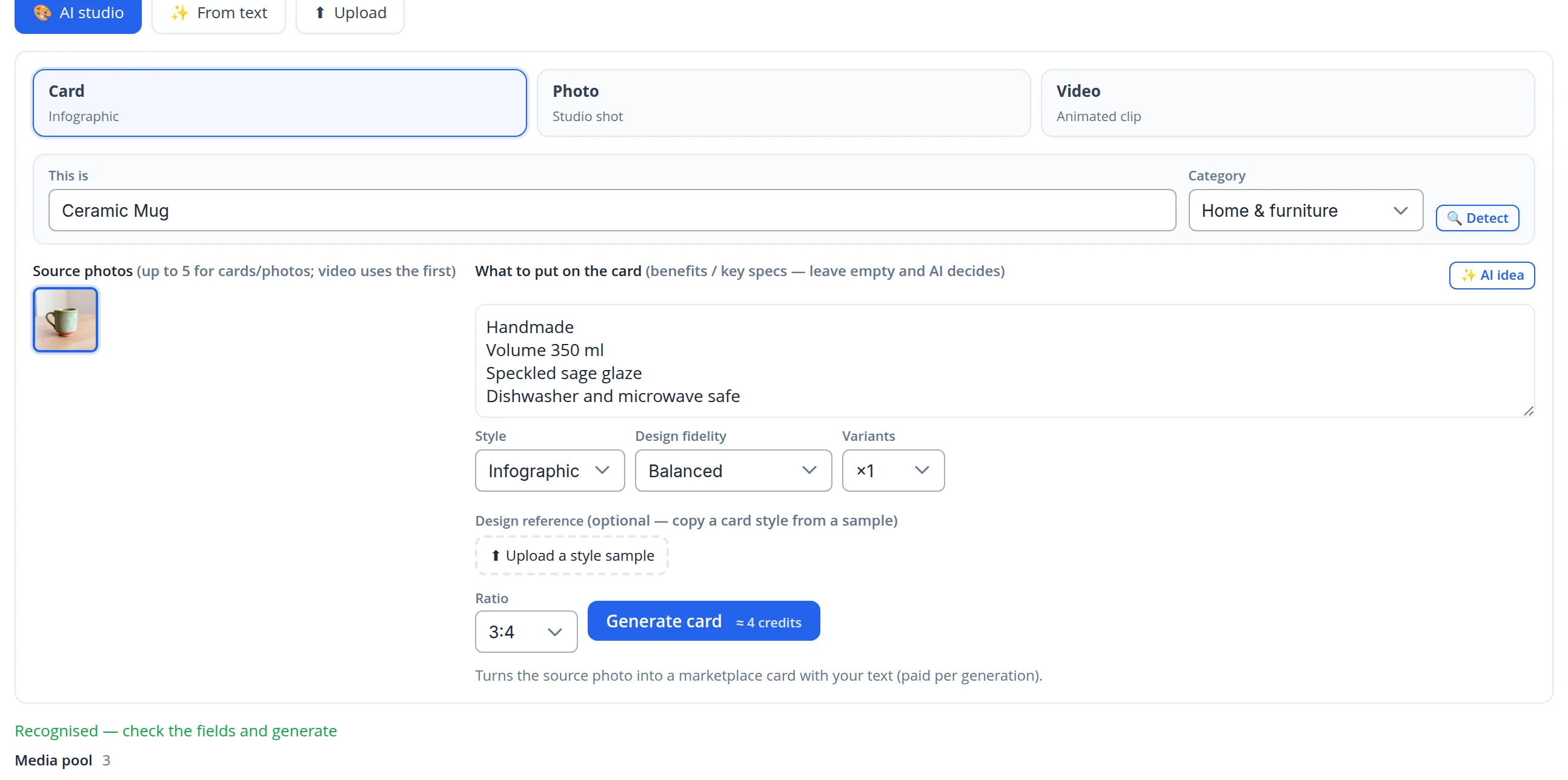
- Card text comes from product data. The lines are taken from the description and attributes, so the picture will not show numbers the product does not have. Everything can be edited before generating.
- Price on the button. Next to Generate card you see how many credits will be spent, and variants default to one.
A marketplace card: photo, benefits and icons
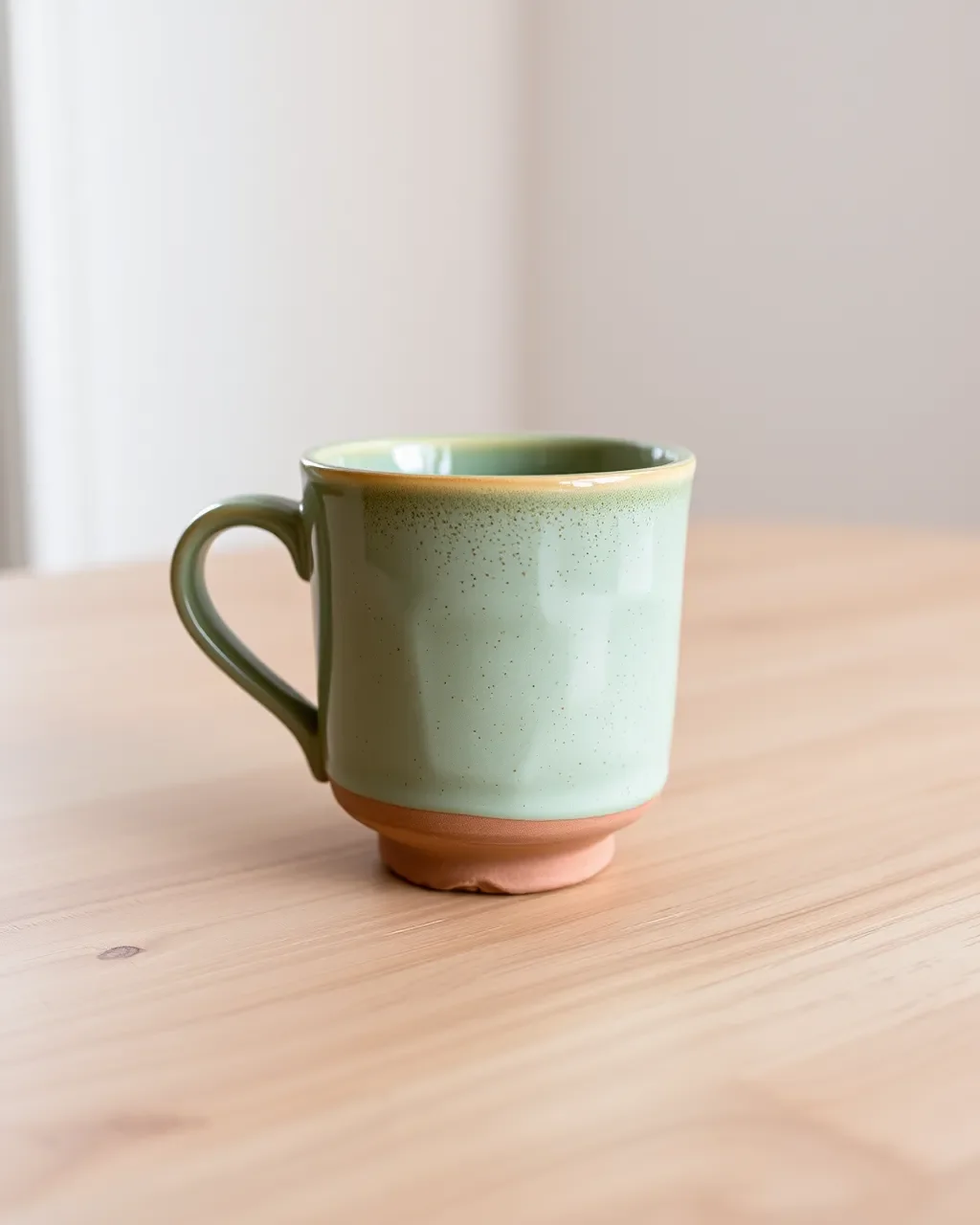
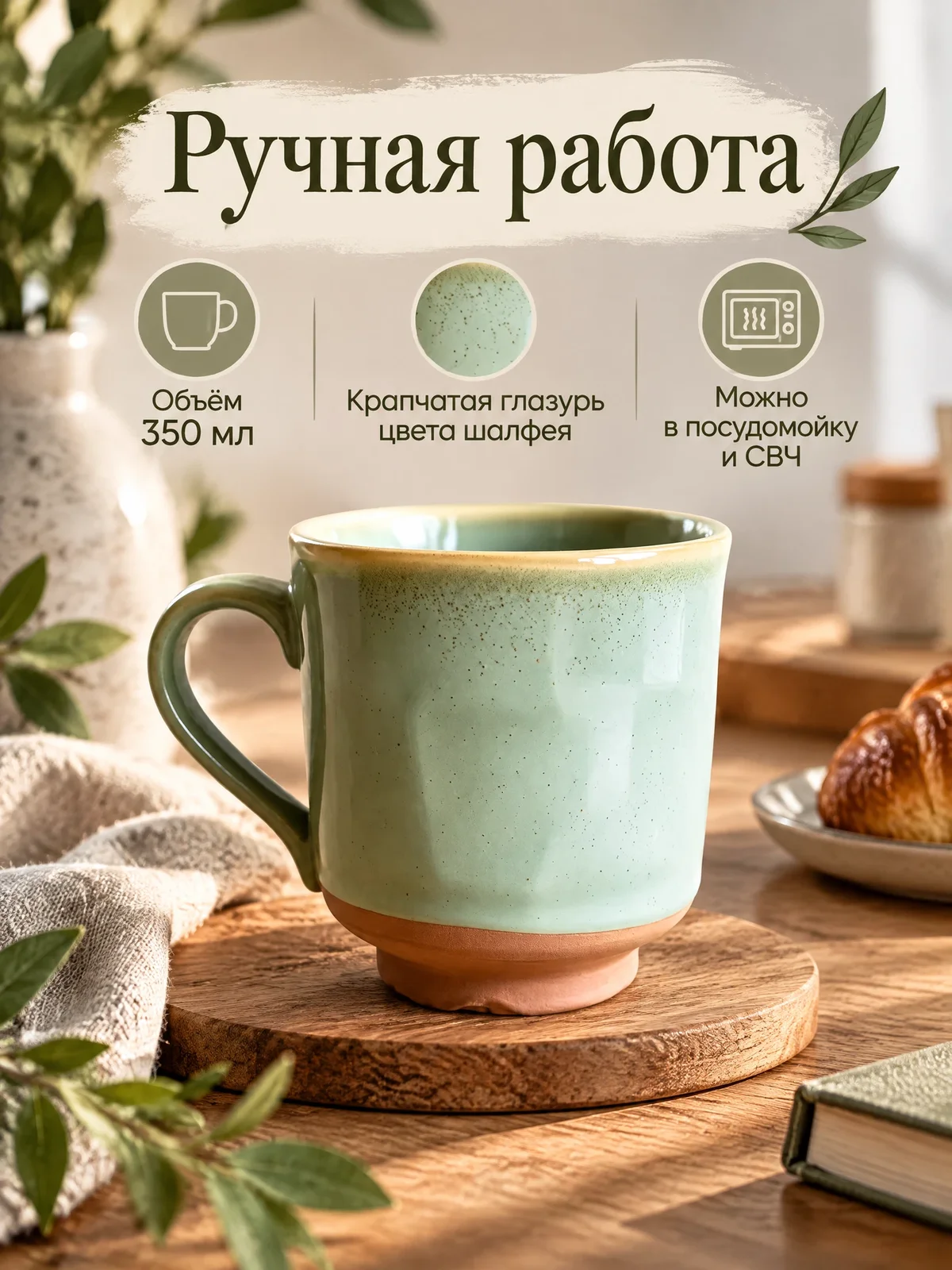
An amateur shot on a table became a card in a styled interior: a headline, three benefits with icons and the mug in close-up. Every caption is exactly the line we sent, with no promises added. We generated this card from the Russian storefront, so its text is in Russian: the studio writes card text in the language of the storefront you work in.
Before: the product's source photo.
After: the card, in 42 seconds.
A studio shot without a studio
In Photo mode you pick a scene — in an interior, with a person for scale, a close-up or a catalog shot on a plain background. We chose the catalog: the same product, the same shape and glaze, with the background and light of a studio shoot.
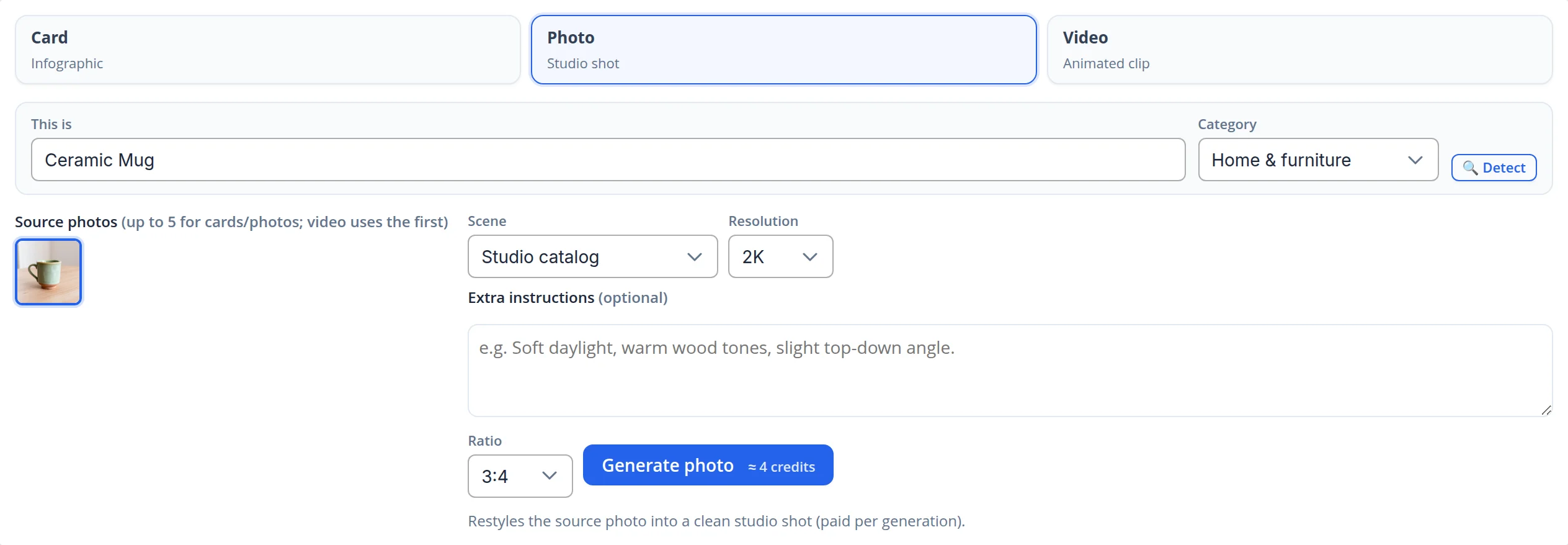
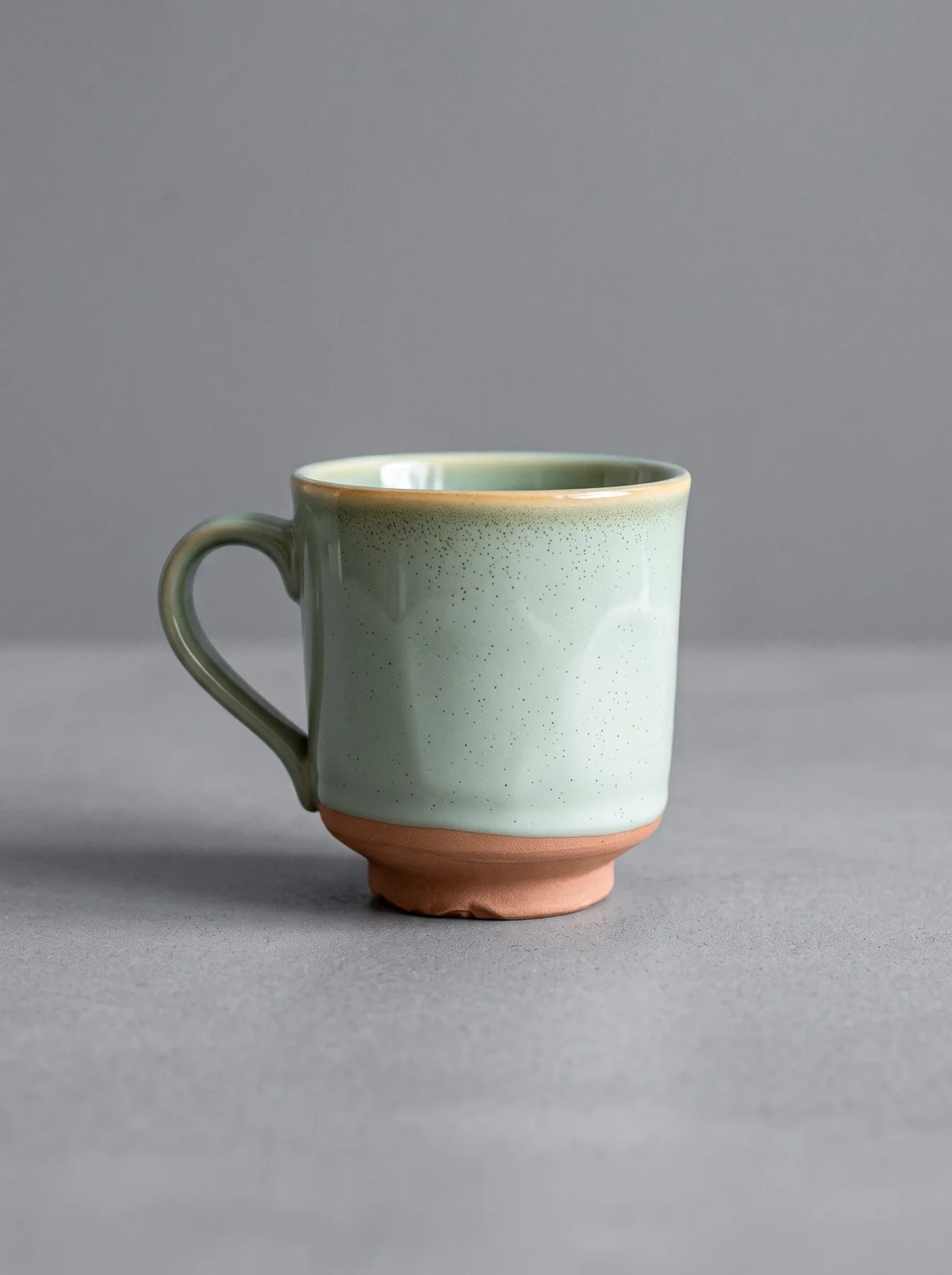
Before: the source photo.
After: a catalog shot in 49 seconds.
A short video from the same photo
In Video mode the studio animates one photo. You can write the motion yourself or ask for a suggestion — the studio looks at the photo and proposes how to show the product. The 5-second clip in our run was ready in two minutes.
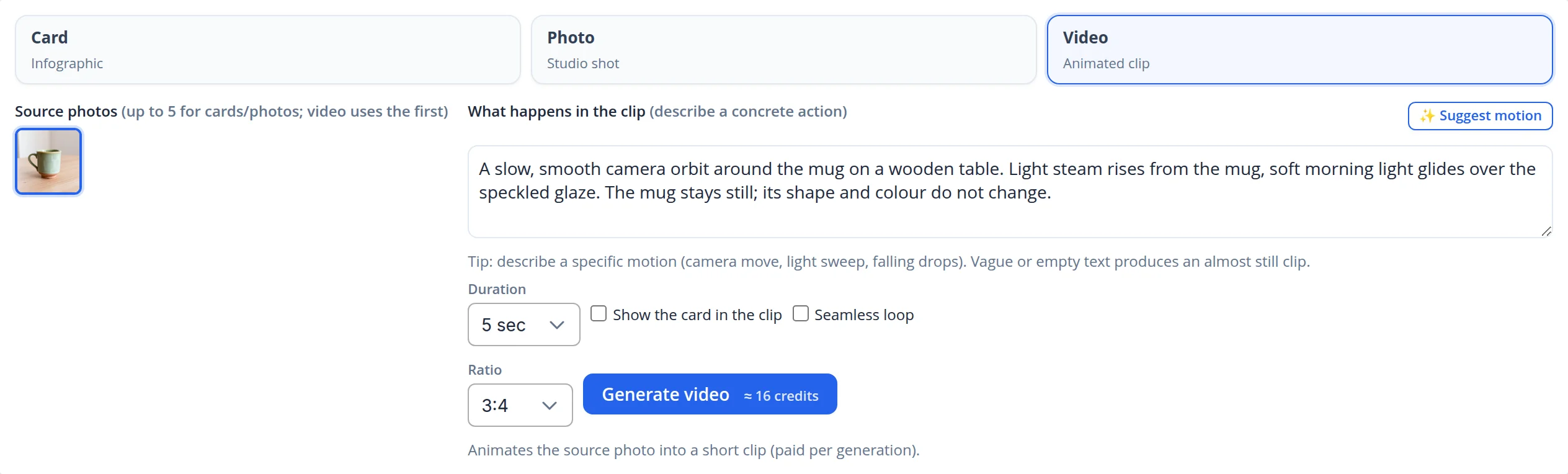
The clip made from the source photo. The camera glides around the mug; shape and glaze stay the same. The studio did not draw the steam from the script, so simple, concrete motion works best.
Everything in the product's media pool, distributed in one click
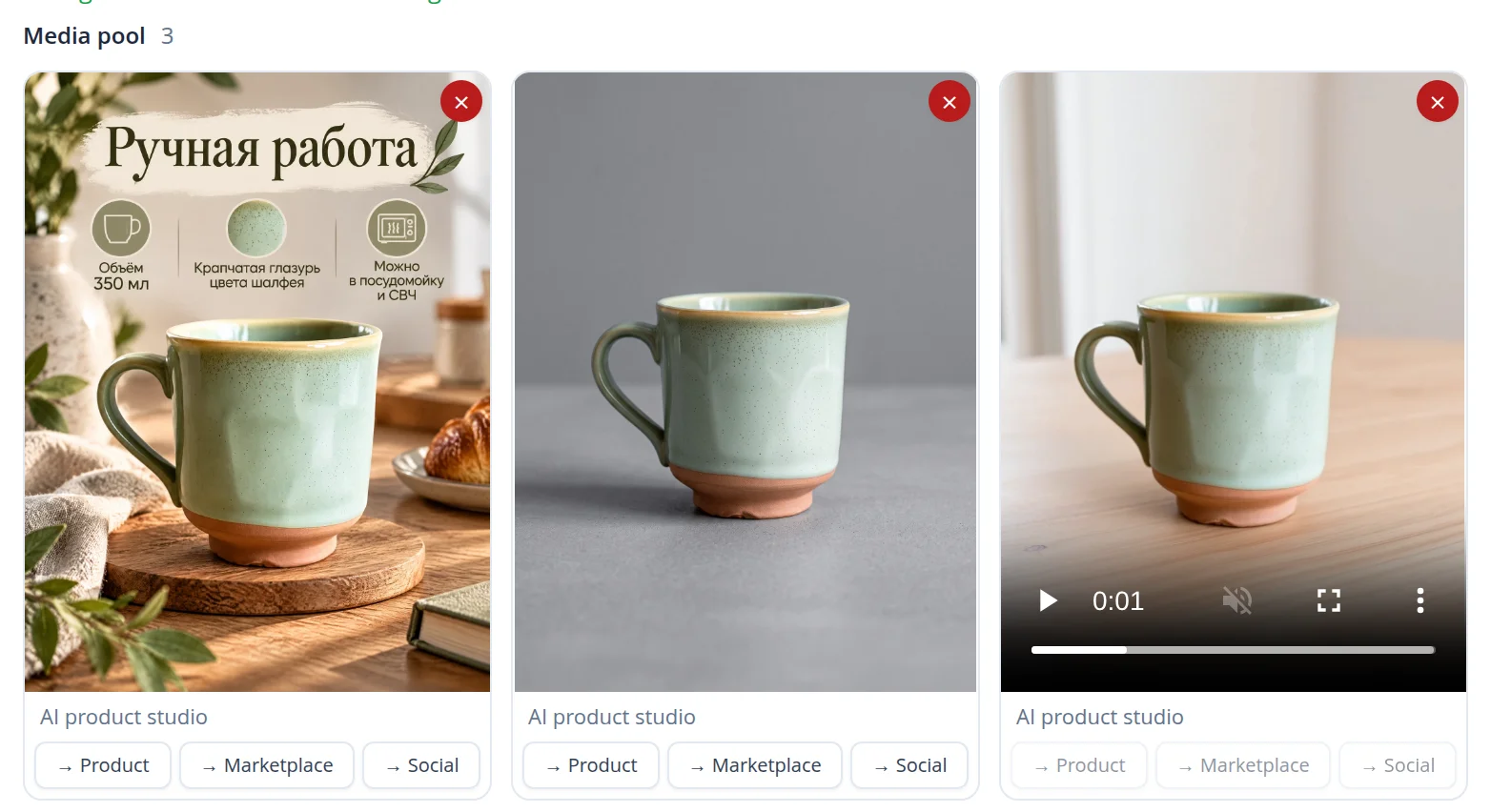
Each studio result lands in the product's media pool with a label showing where it came from. Under an image there are three buttons: Product adds it to the product gallery on the site, Marketplace adds it to the photos for marketplaces, Social adds it to posts. Clips are not distributed by buttons yet — they stay in the product's media pool.
You can start a generation from your phone
On a narrow screen the modes, fields and media pool line up in one column. The same in the panel's dark theme.
What we checked ourselves
For this case we created a demo product on our own site — a ceramic mug — and pressed each studio button once: one card, one photo, one video. The mug's source photo was also made by a neural network, so the case contains no one else's photos.
- We checked the card captions against the product data: the picture carries exactly the four lines we sent, with no invented specs.
- The spend matched the price on the buttons: 4 credits for the card, 4 for the photo, 16 for the 5-second video.
- All three results appeared in the product's media pool; the card and the photo have buttons to send them to the gallery, a marketplace and social media.
- While shooting the case we found and fixed two things. The card text field showed three lines while AI idea writes up to six, so part of the text was hidden behind scrolling; now the field grows with the text. On a phone, the label above the source photos ran off the edge of the screen; now it wraps.
Present products in minutes, not in a week
We build stores where cards, studio shots and videos for every product are made on its own page and go straight to the site, marketplaces and social media.
